FeaturesCheck-ins and review
Check-ins
Clients answer your questions on their phone when they're due. You see everything since their last check-in on one screen, and reply.
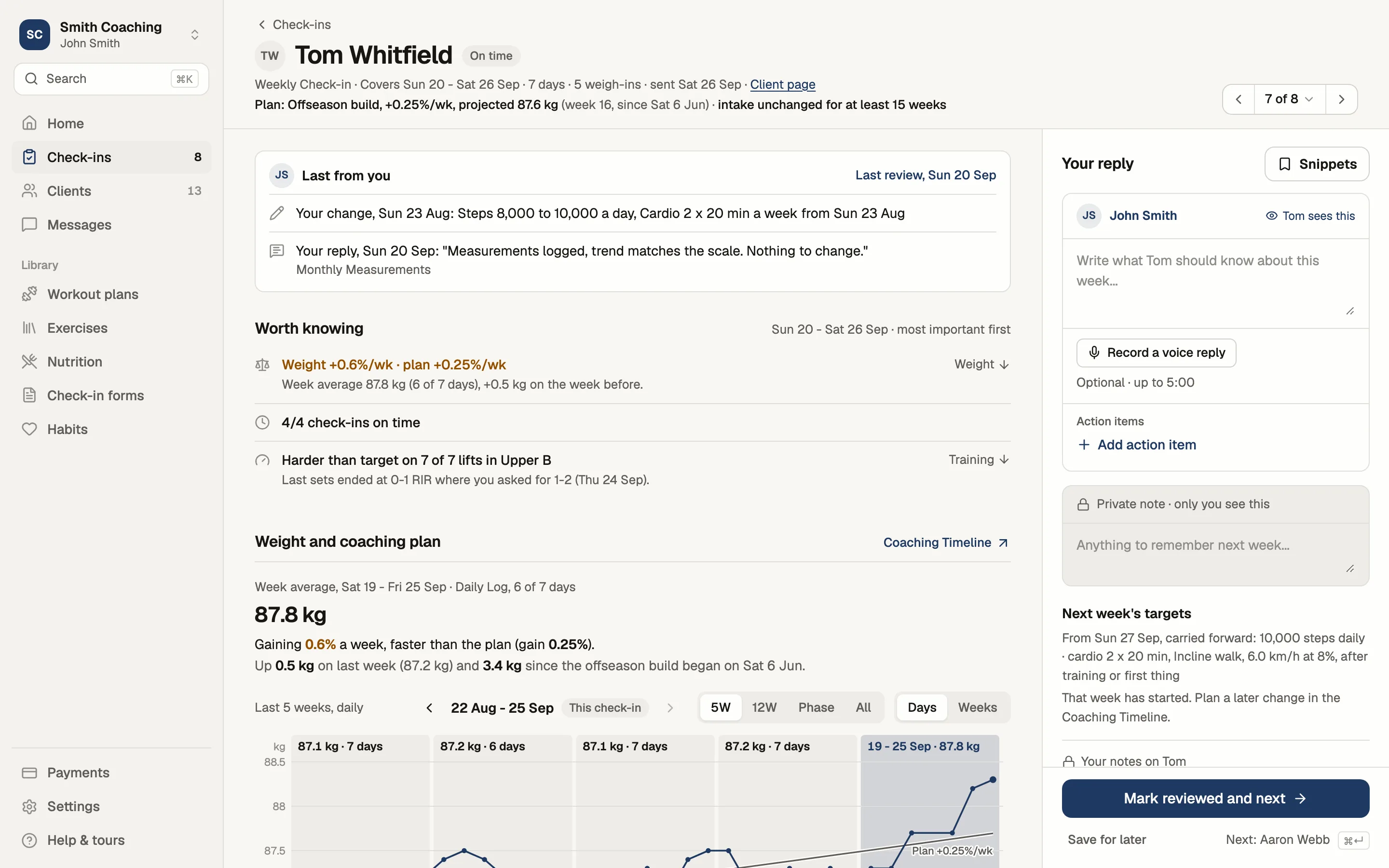

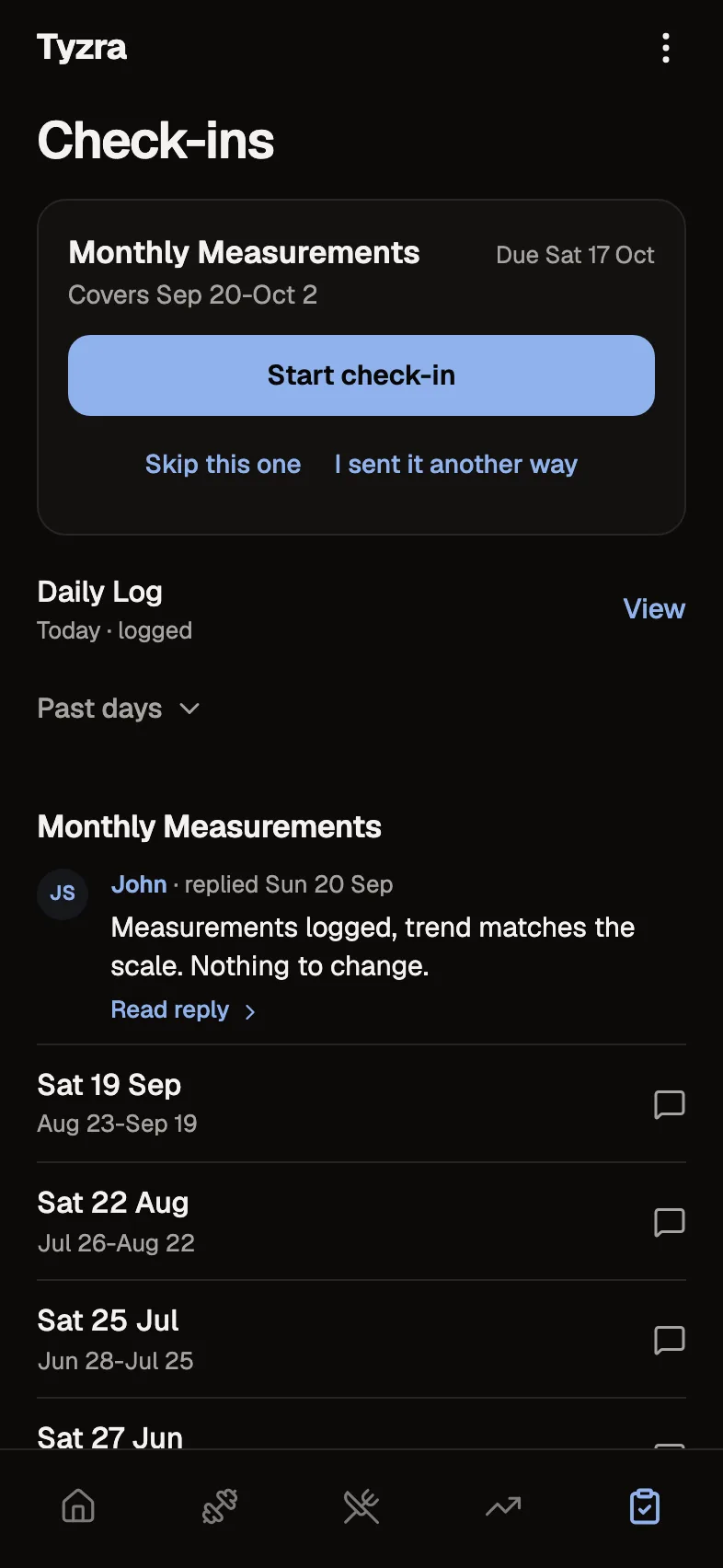
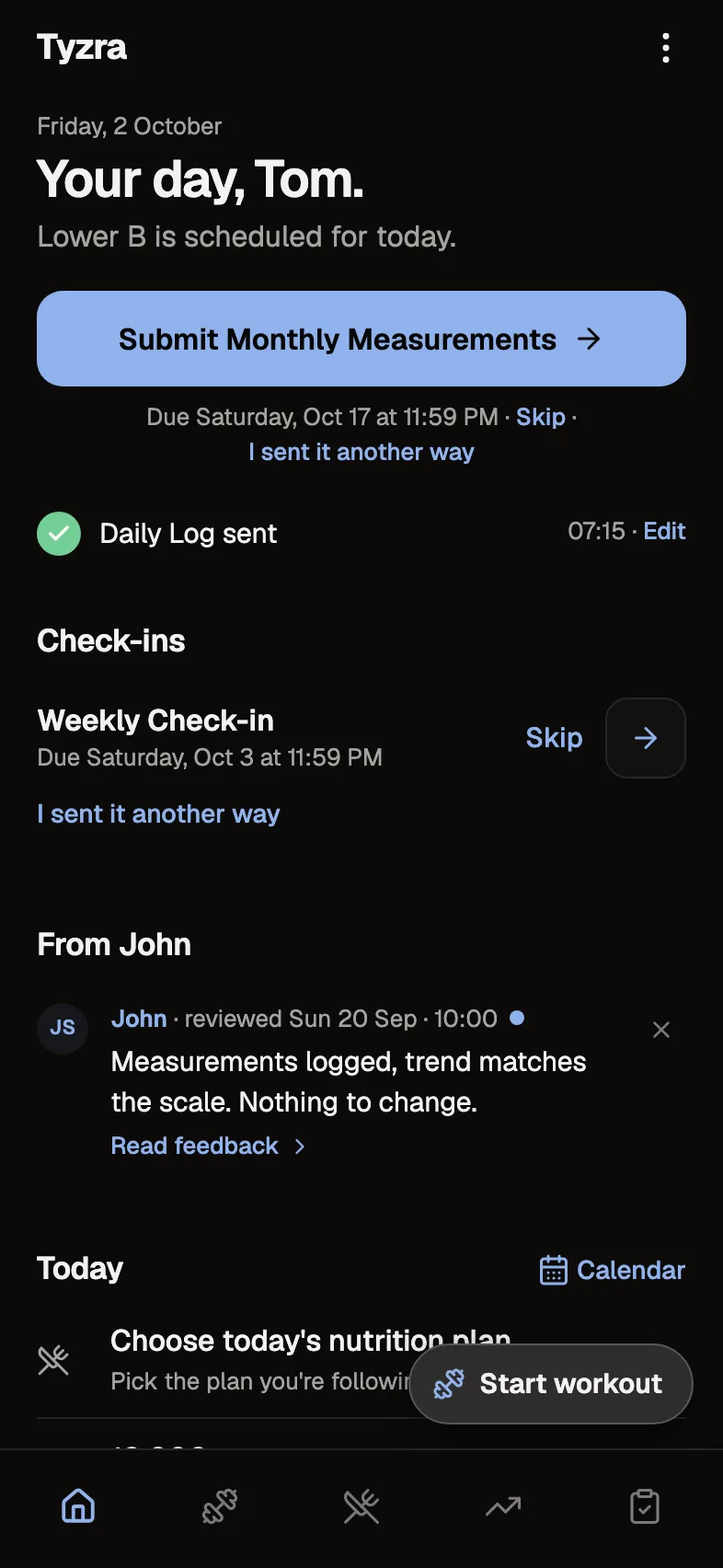
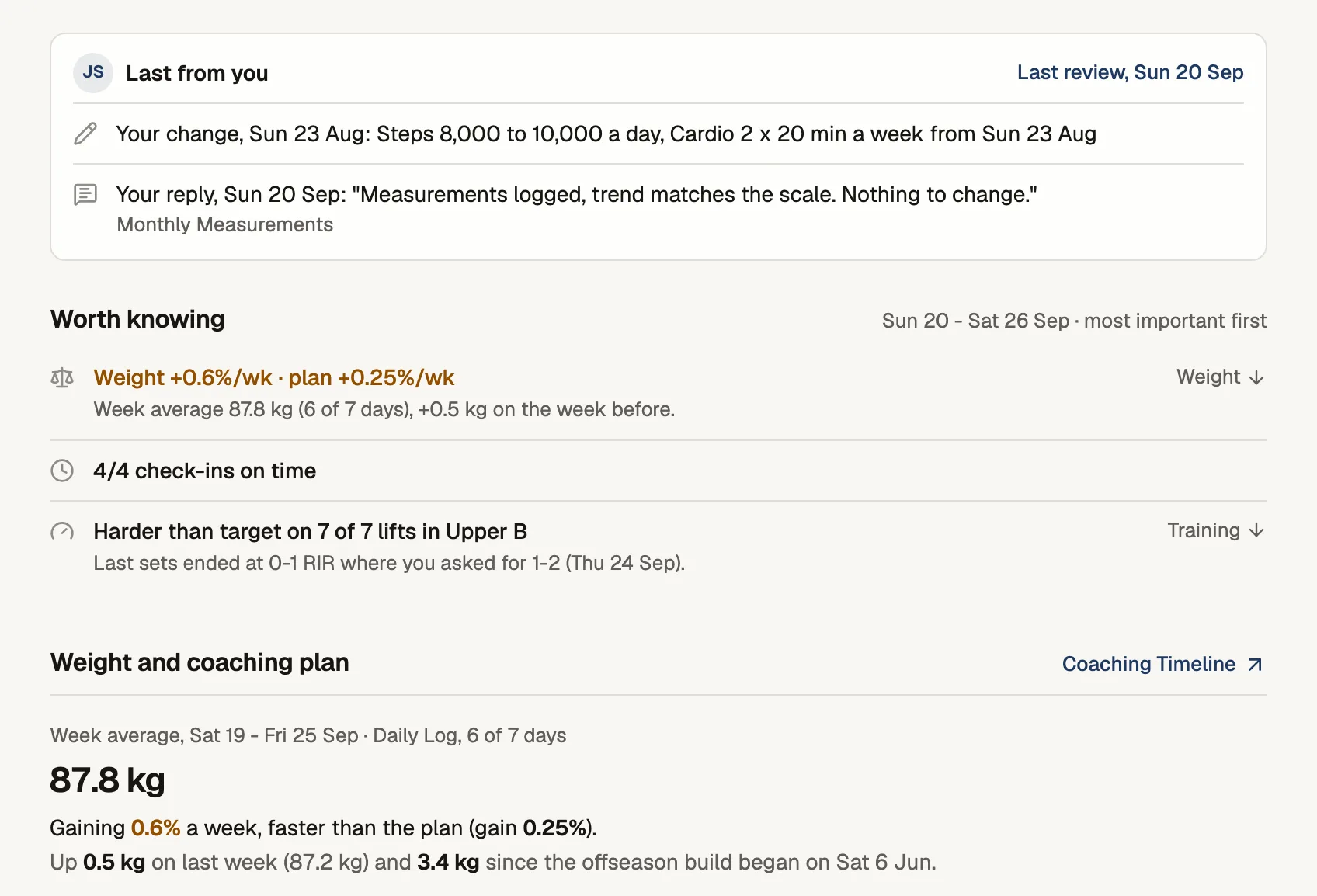
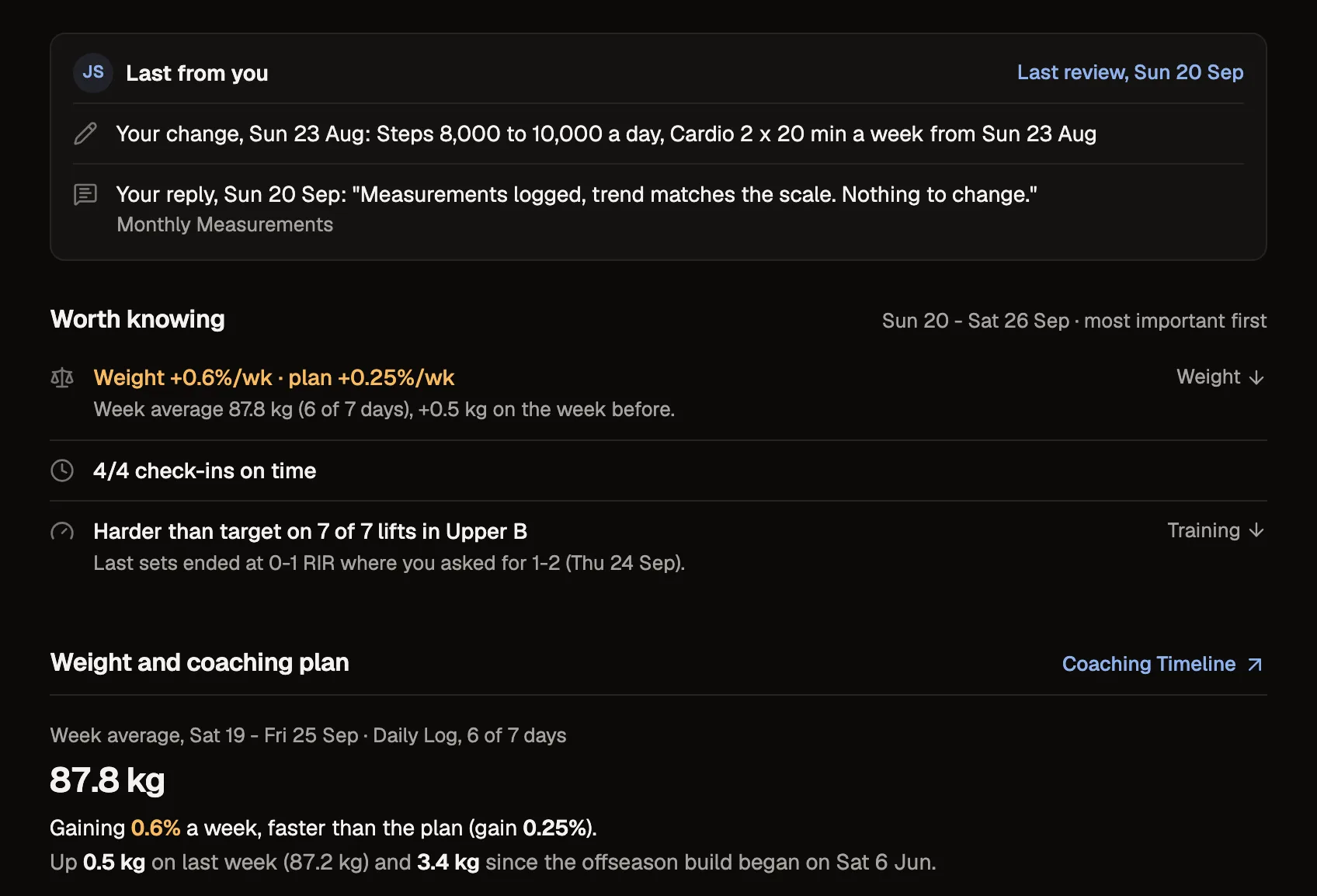
Tom's check-in, as you review it on your phone
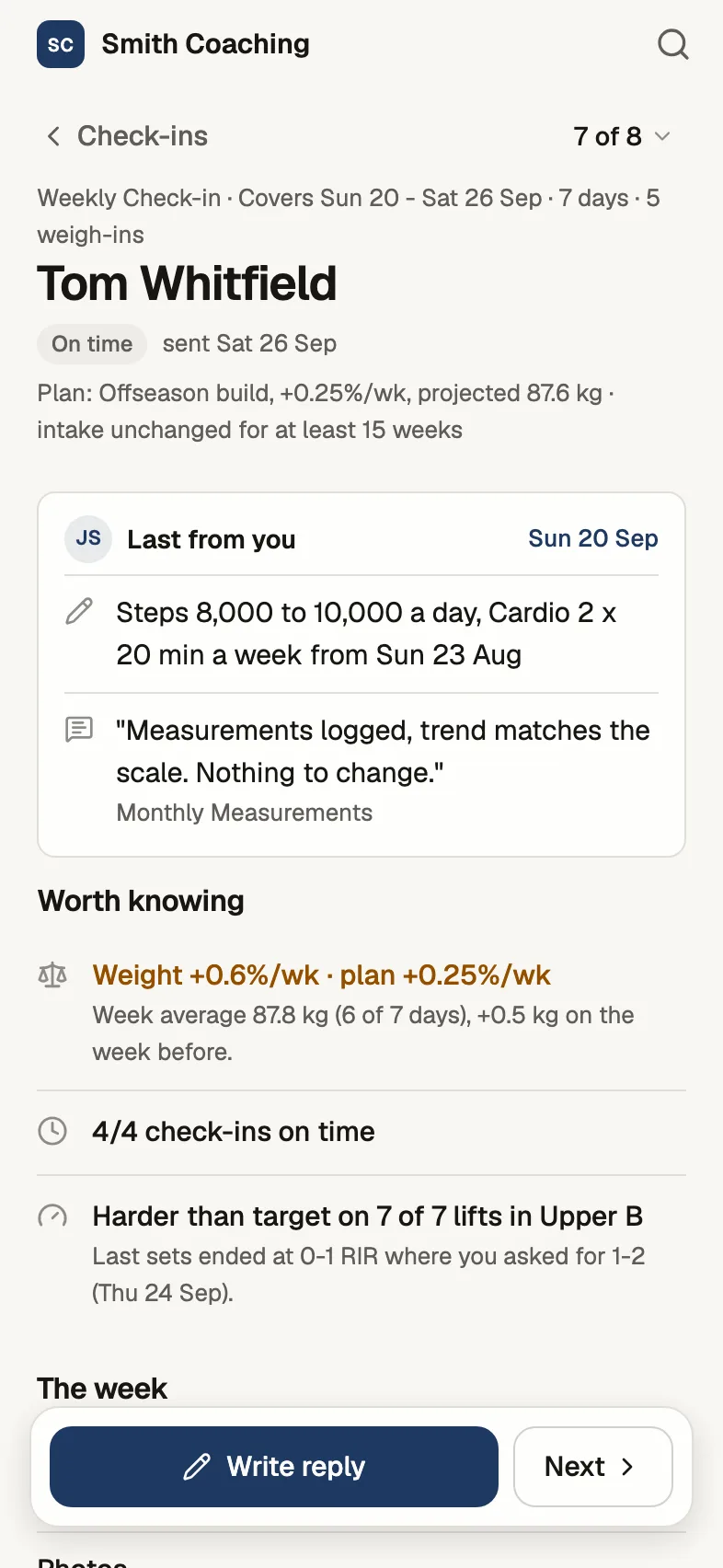
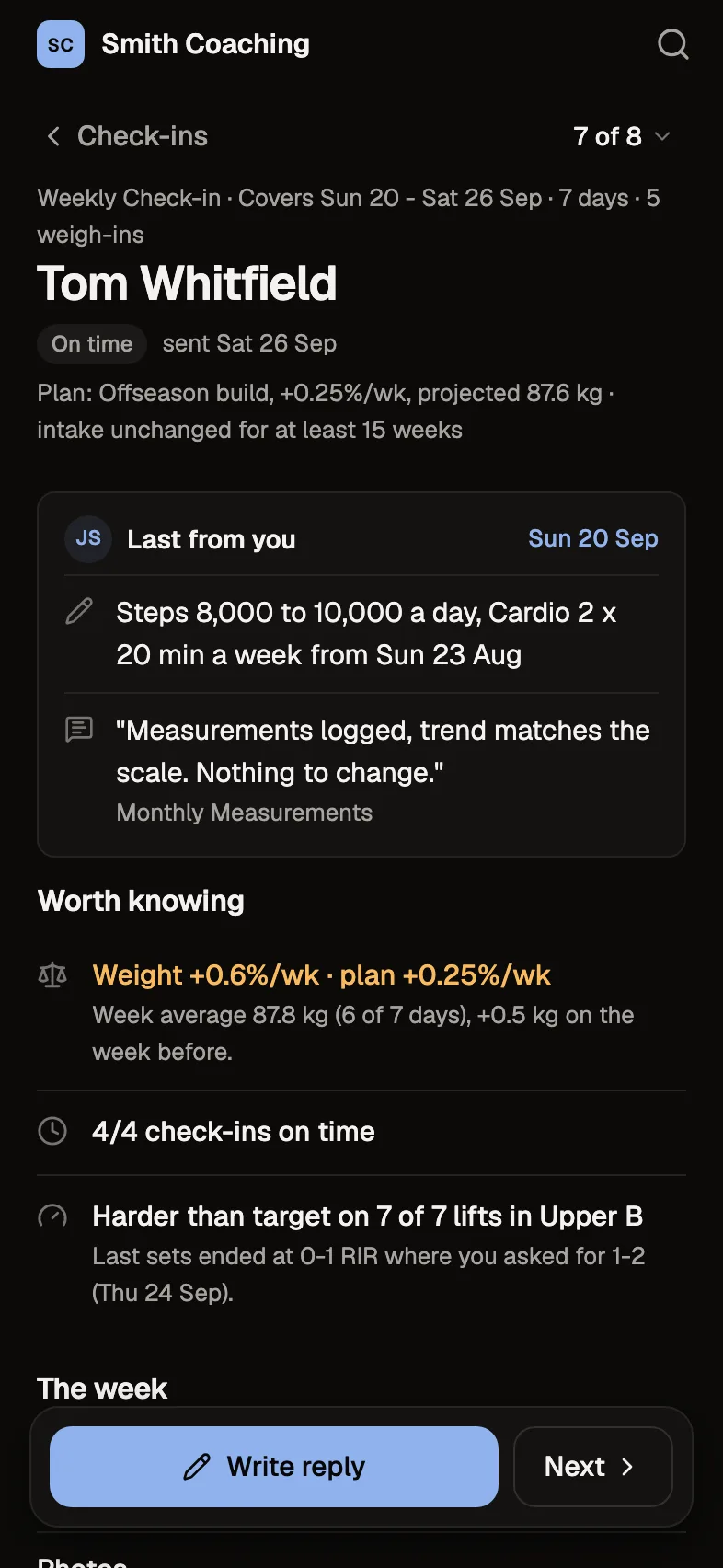
Where a check-in shows up
- 1It's due
The form sits on their Home on the day you set, with Skip and "I sent it another way" beside it.
- 2It waits for you
Check-ins wait oldest first, with what's worth knowing about each one.
- 3You read the week
Whatever you track, for the days the check-in covers.
- 4They read your reply
Your words lead their Home, with your name, until they've read them.
Your questions, as a form
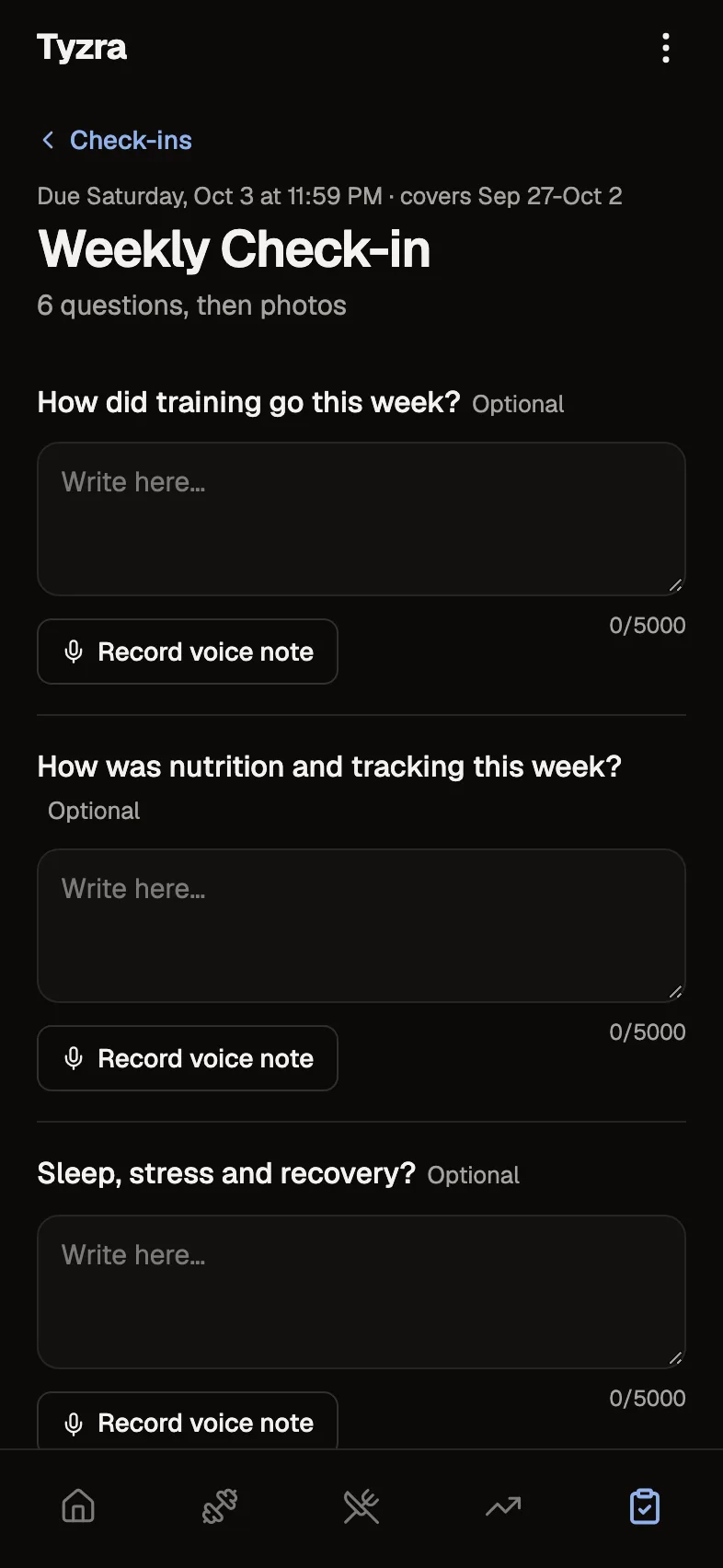
Up to 50 questions, six answer types (text, number with units, scales, duration, yes/no and multiple choice) and follow-ups that only appear when they apply. Choose the photo poses each form asks for.
When it's due, and when it's late
Daily forms, or every 1 to 52 weeks, each client on their own day. You choose whether late check-ins are allowed. Clients can skip one or say they sent it another way, and you see which.
Reviewing a check-in
Each check-in opens with the days it covers, what's worth knowing, weight by week against the plan, daily entries since the last check-in, answers, training, nutrition and photos. Your reply stays in view the whole time.
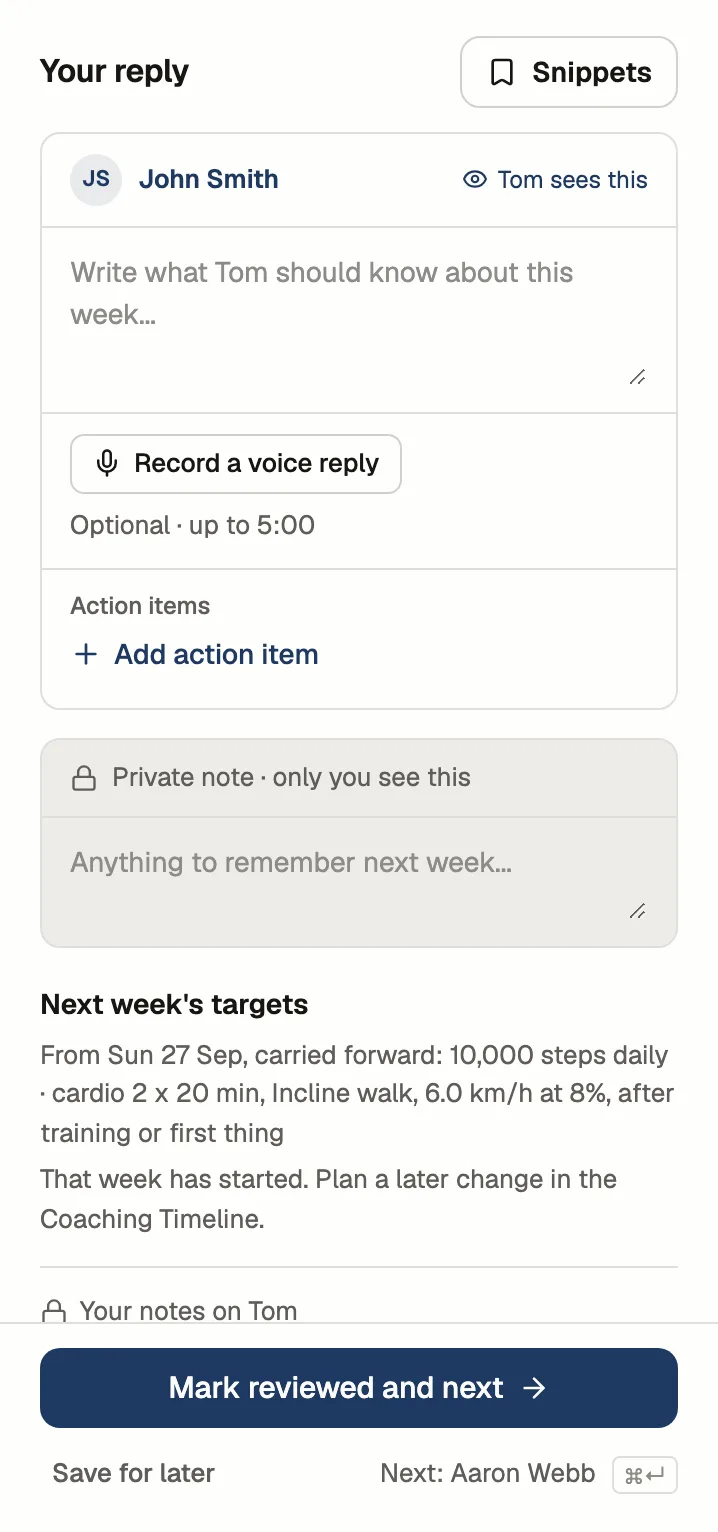
Your reply
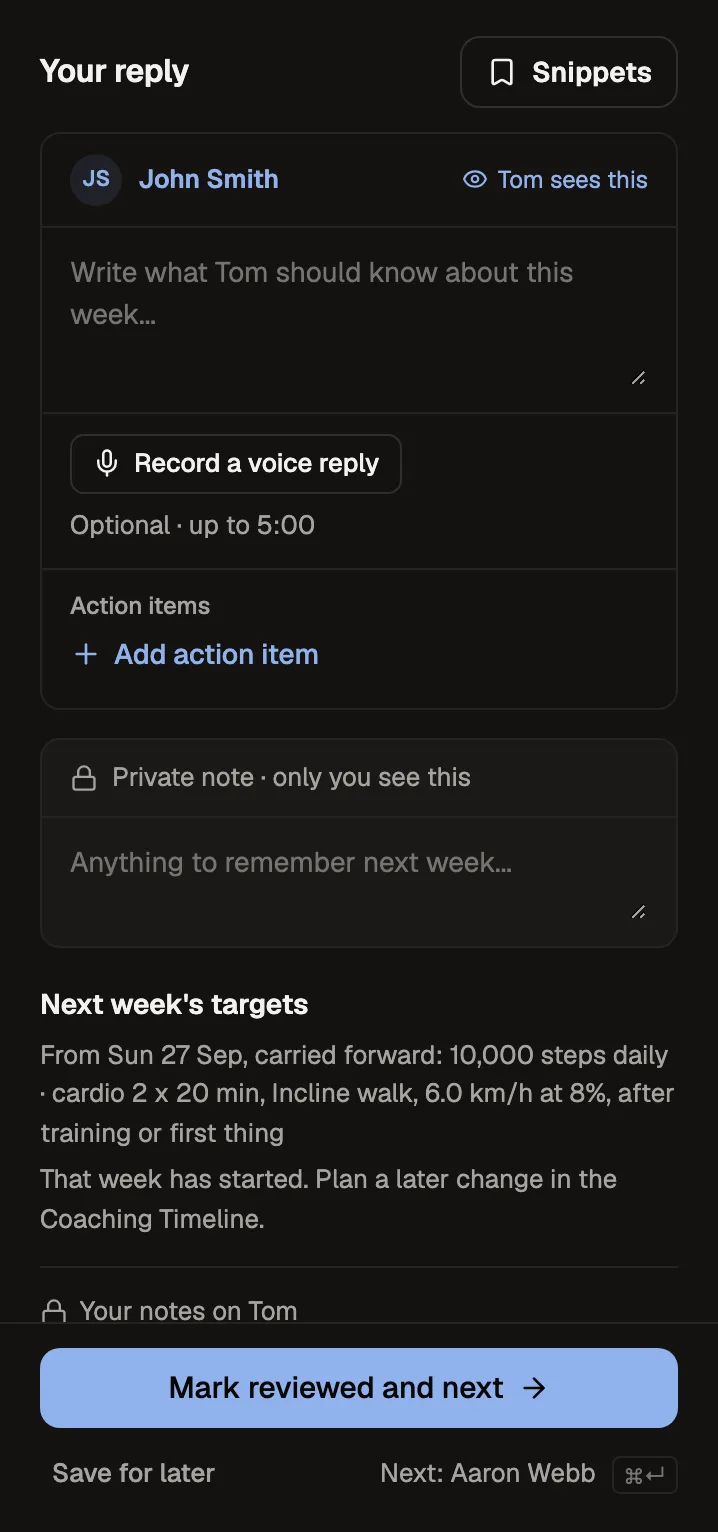
A reply, action items and an optional voice reply reach the client; a private note never does. Snippets drop in the things you say every week. "Mark reviewed and next" takes you to the next check-in, and your draft is kept if you step away.
The details
- Questions per form
- Up to 50, six answer types, with follow-ups that only show when they apply
- Schedules
- Daily, or every 1 to 52 weeks, per client and per form
- Photos
- Up to 20 a check-in, poses chosen per form
- Reminders
- An email on the due day, skipped if they've already sent it. Daily forms never send one
- Your review
- "Mark reviewed and next" behind a "2 of 8" stepper, drafts kept
- Reply
- Summary, action items, a voice reply up to 5 minutes, and a private note
- Snippets
- Up to 50 saved replies
- History
- Editing a form never rewrites past check-ins
Questions about check-ins
Can clients see my private notes?
No. Your reply, action items and voice reply reach the client once you mark the check-in reviewed. The private note never does.
What happens to old check-ins if I edit a form?
Nothing. Each check-in keeps the questions as they were when the client answered them.
What if a client sends their check-in on WhatsApp instead?
They can tap "I sent it another way" in the app, and it counts as sent. If it never arrived, you can mark it not received. The next check-in still covers the days since the last one they sent.
Do clients get reminded?
Yes, by email on the day a check-in is due, in their timezone, and not if they've already sent it. Daily forms never send reminder emails.
Try every feature free for 30 days.
No card and no client limit. After that, Free covers up to 2 clients.