Features
Every plan has every feature. Here's what each one does, and where you'll see it when you review a check-in.
Each check-in shows everything since the last one, with your reply next to it.
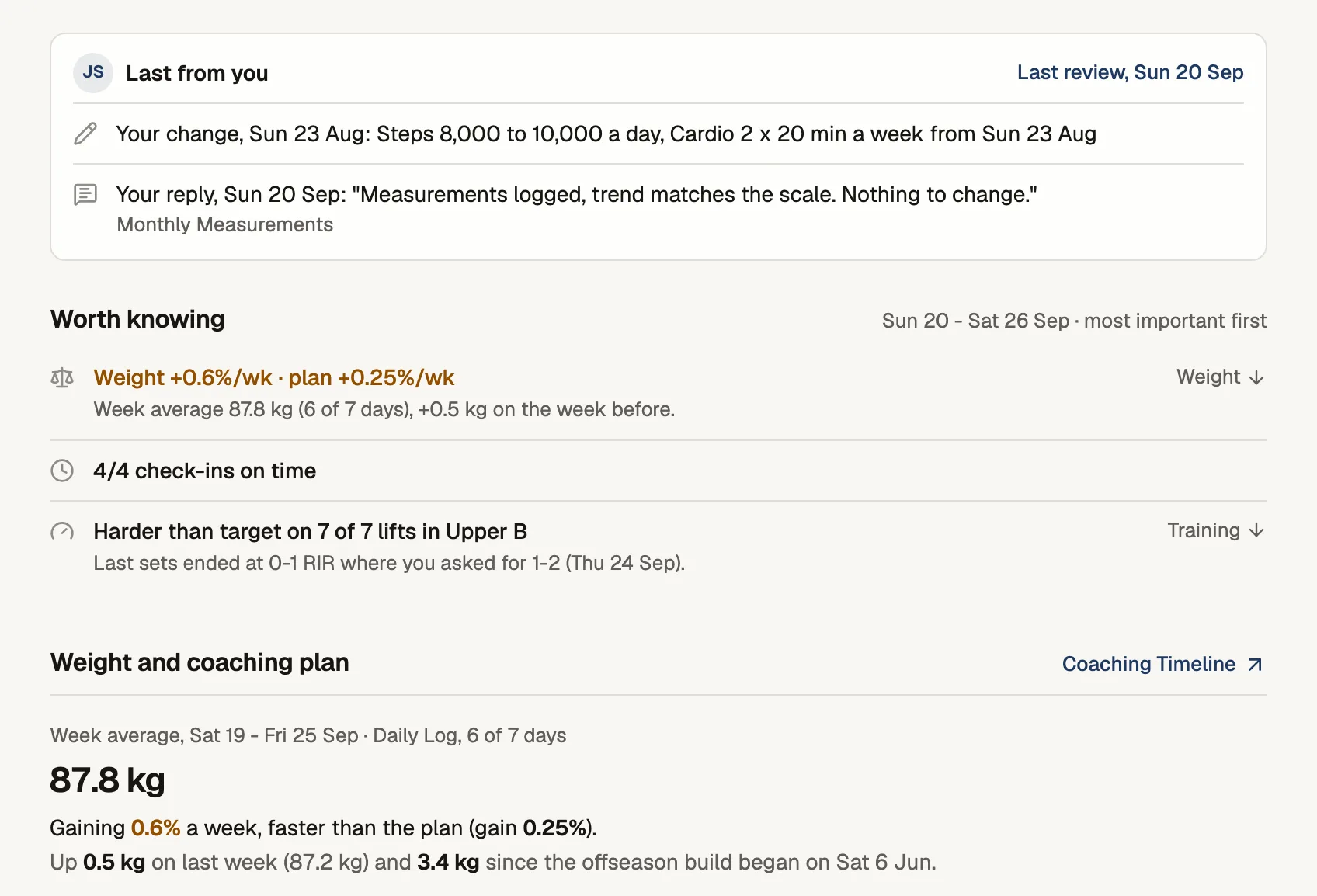
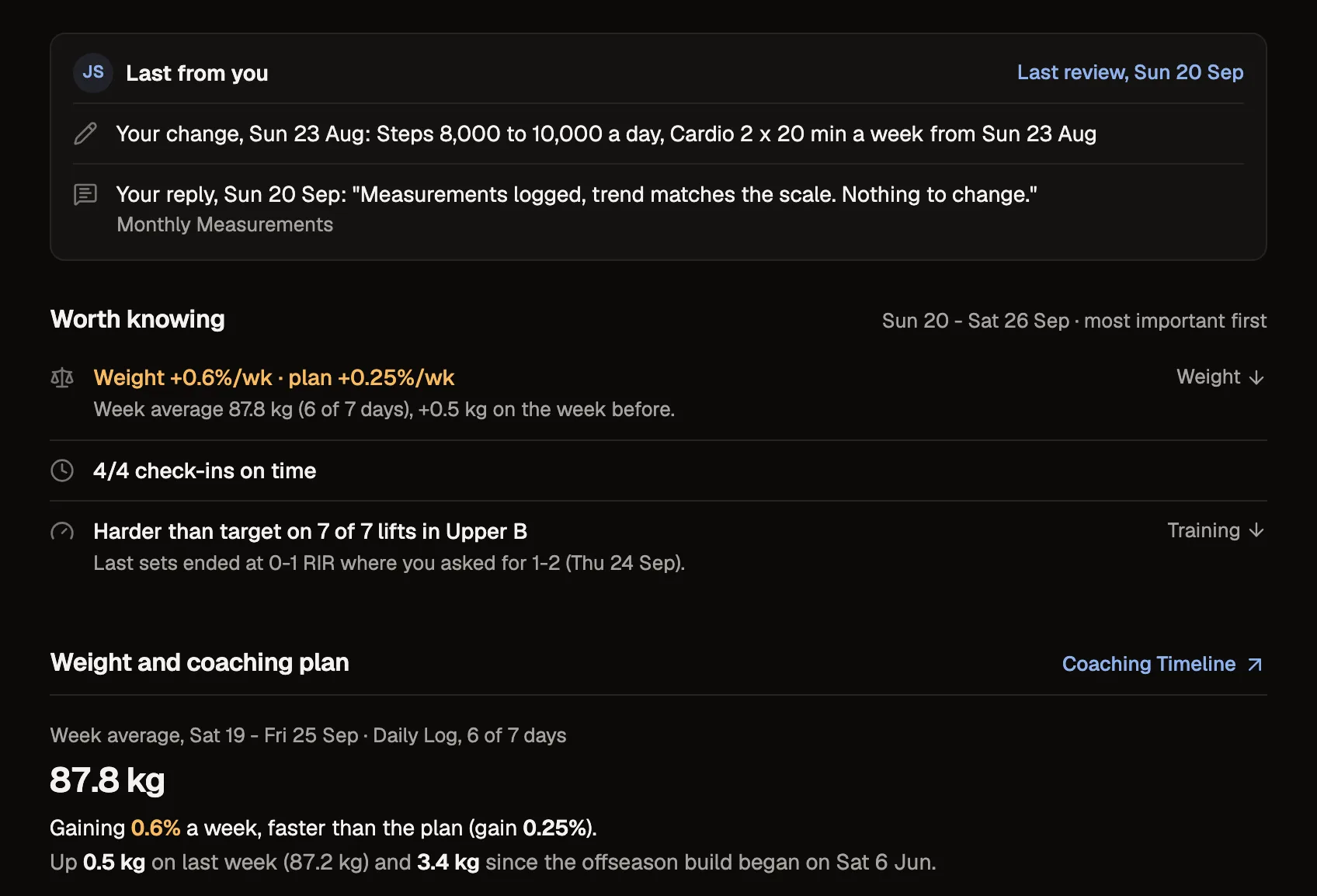
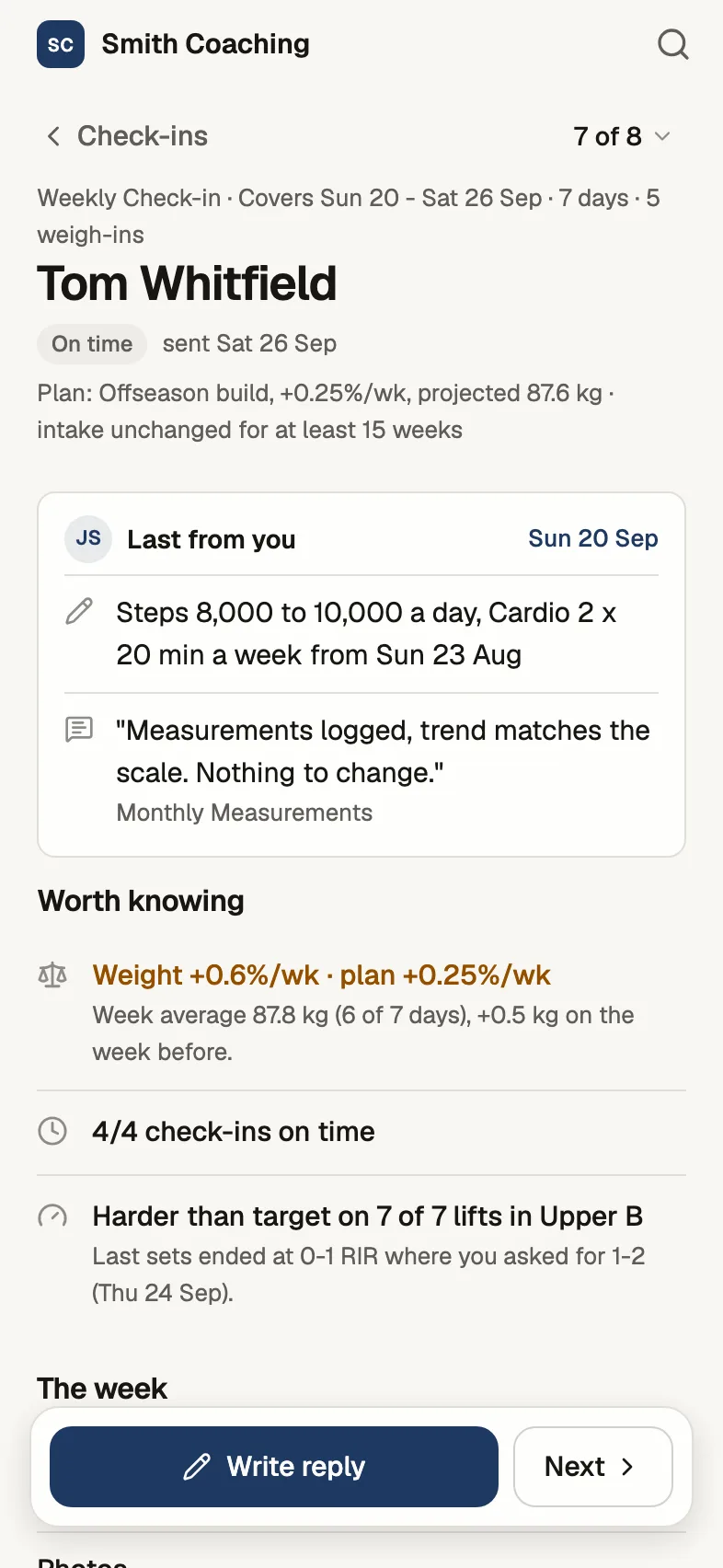
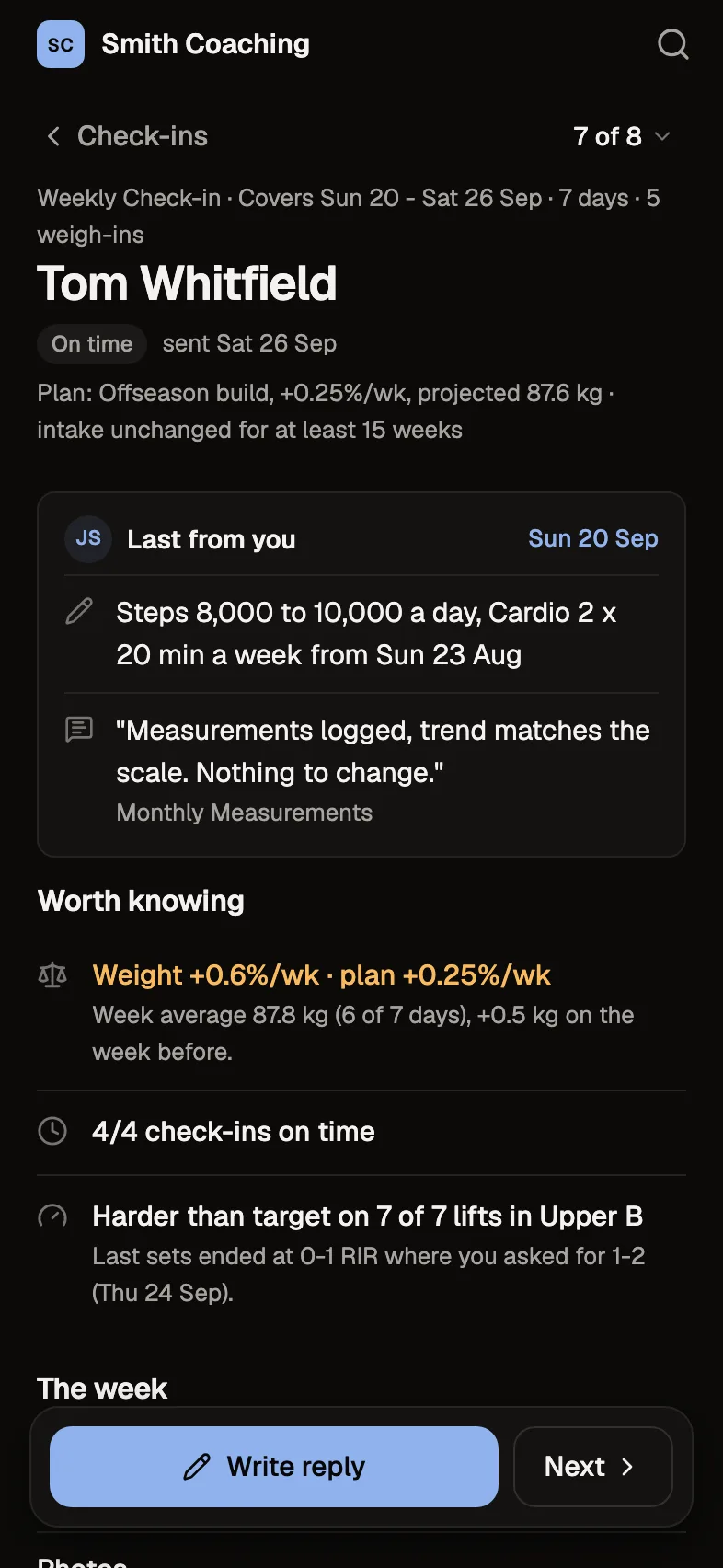
Your questions, and the photos and numbers you ask for, due when you set. Check-ins wait oldest first; each one opens with the days it covers, weight against the plan, training, food and answers on the left, and your reply on the right.
- Up to 50 questions a form, six answer types, follow-ups that only show when they apply
- Daily forms, or every 1 to 52 weeks, each on its own day
- "Mark reviewed and next" walks the list, and your draft is kept as you move
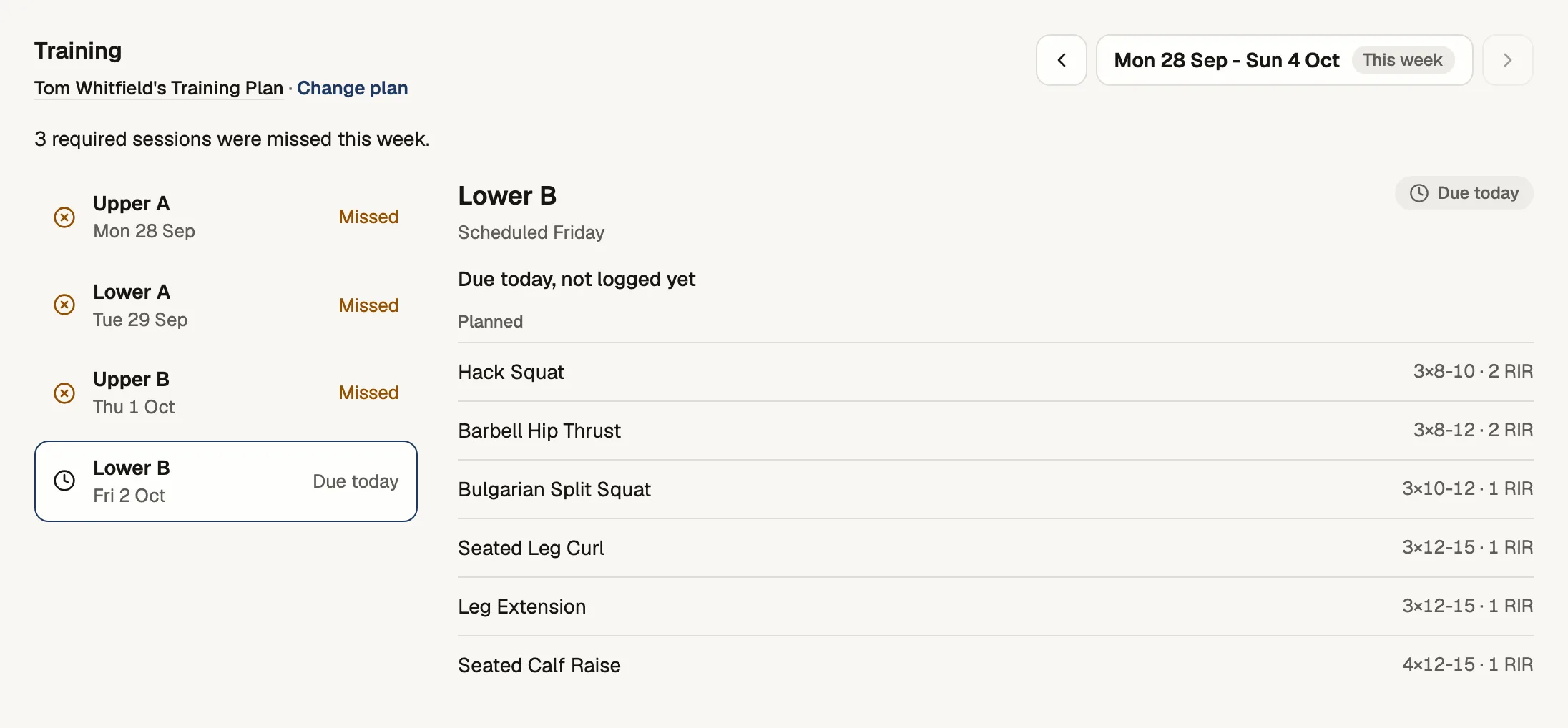
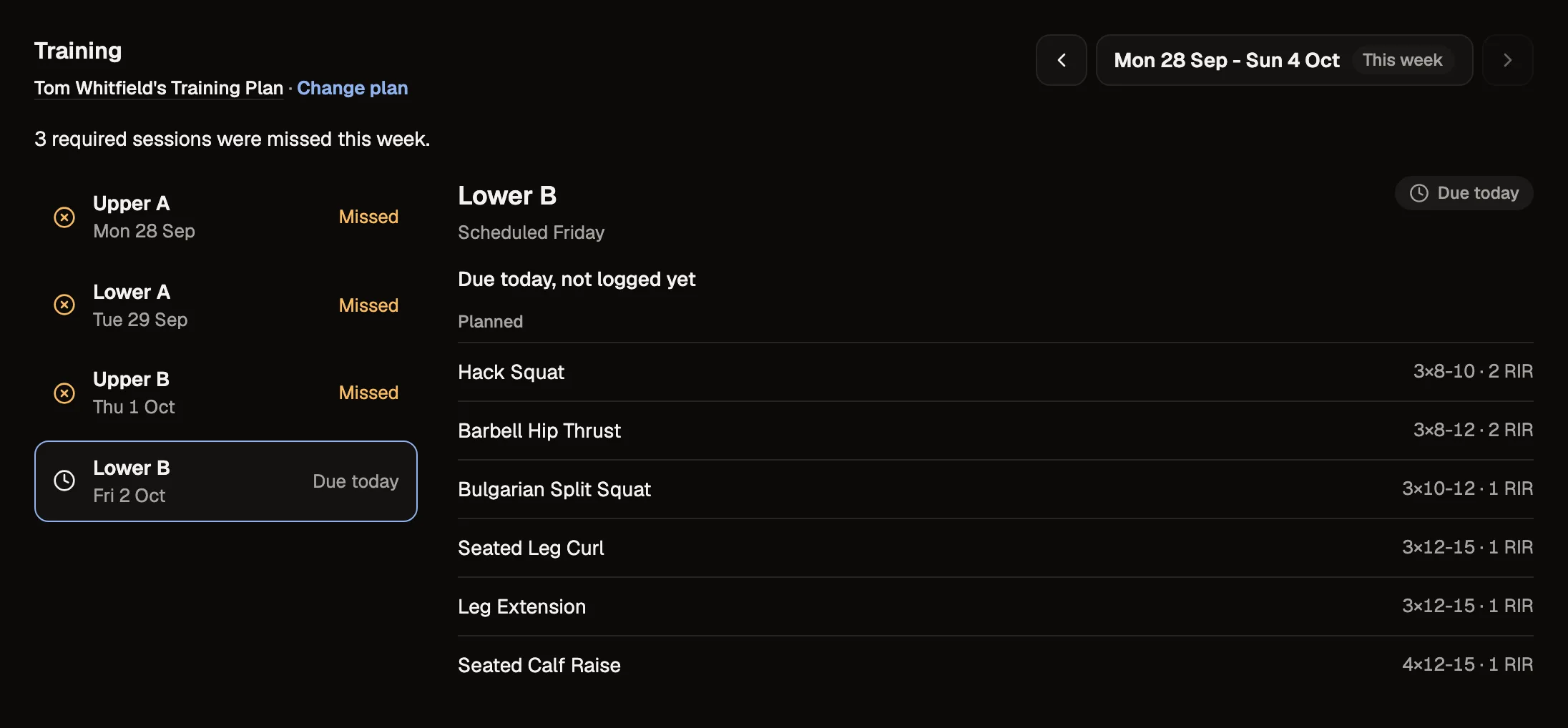
Build the program, and see what they lifted.
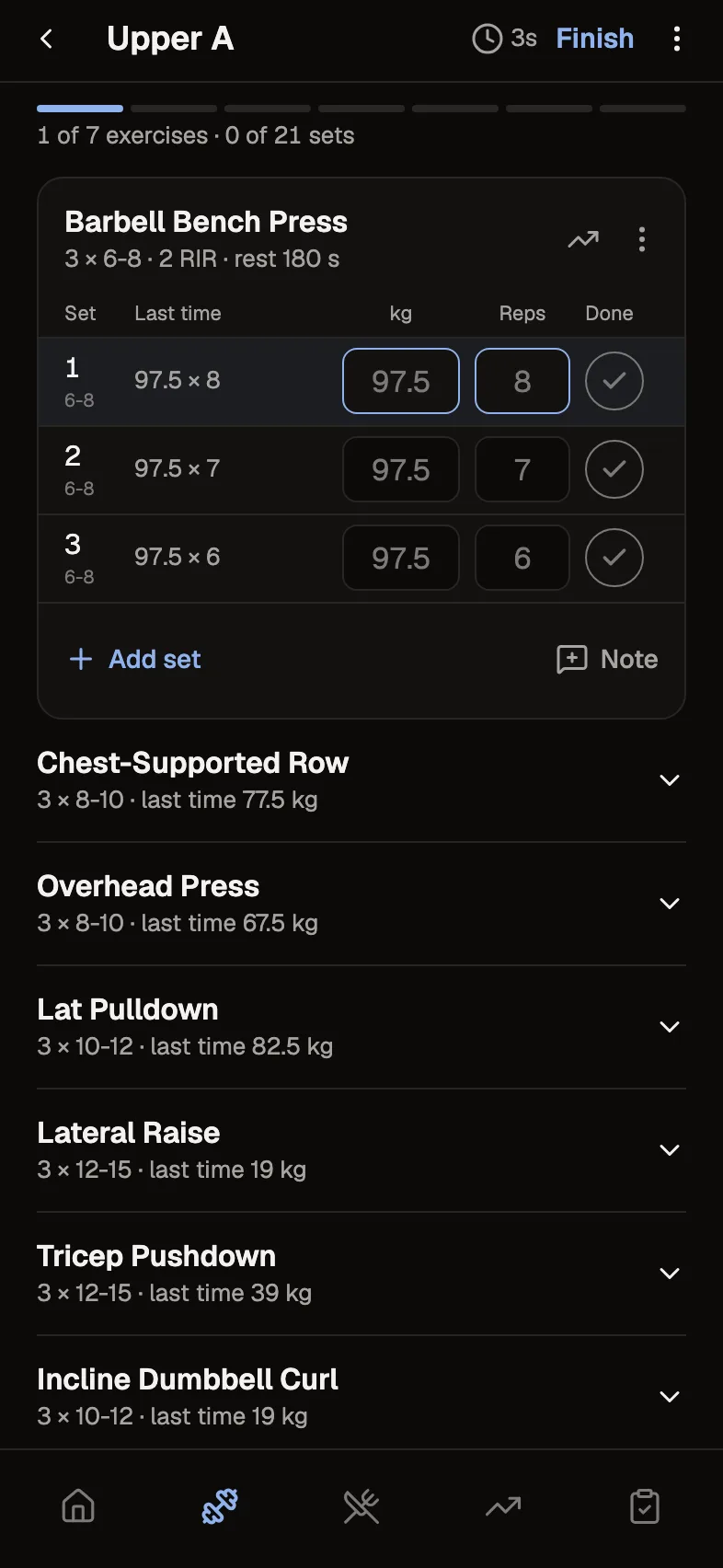
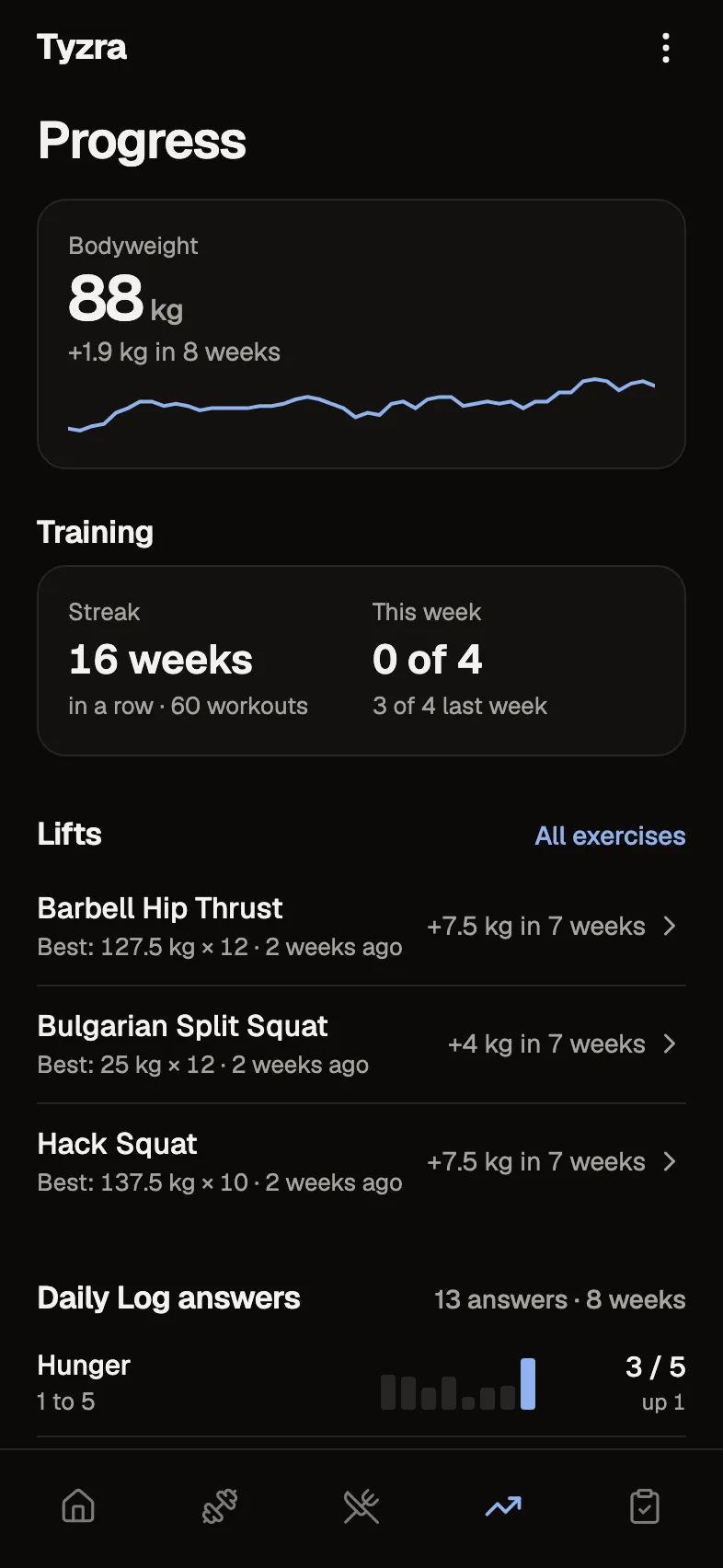
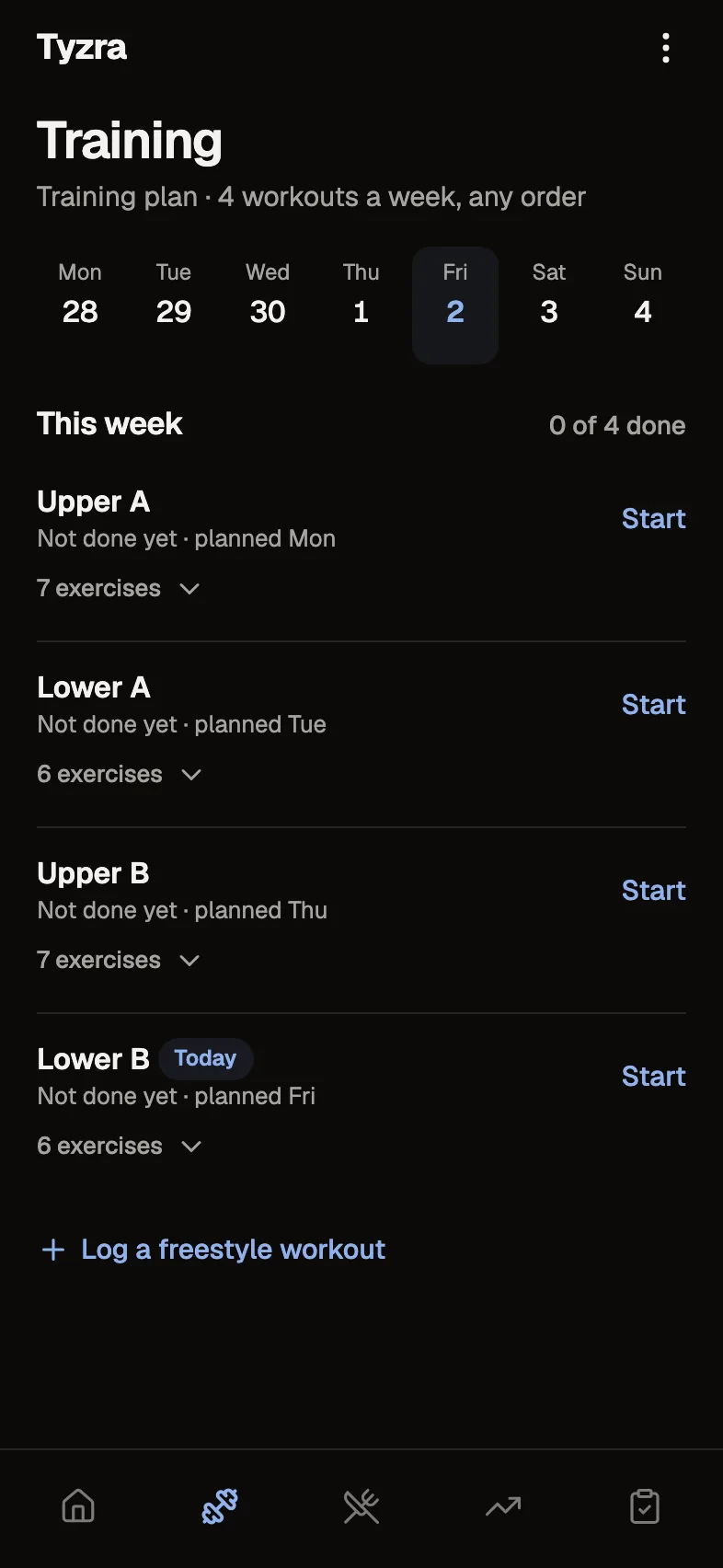
Supersets, RIR or RPE, tempo and rest, from your own exercise library. Clients see last time beside every set; you see the week's sessions against the plan, and which lifts ran harder than you asked.
- Your library with video demos, plus over 1,400 default exercises
- Clients can add an exercise or log a freestyle workout, and you see both
- A workout saves on the phone first, so a dropped signal loses nothing
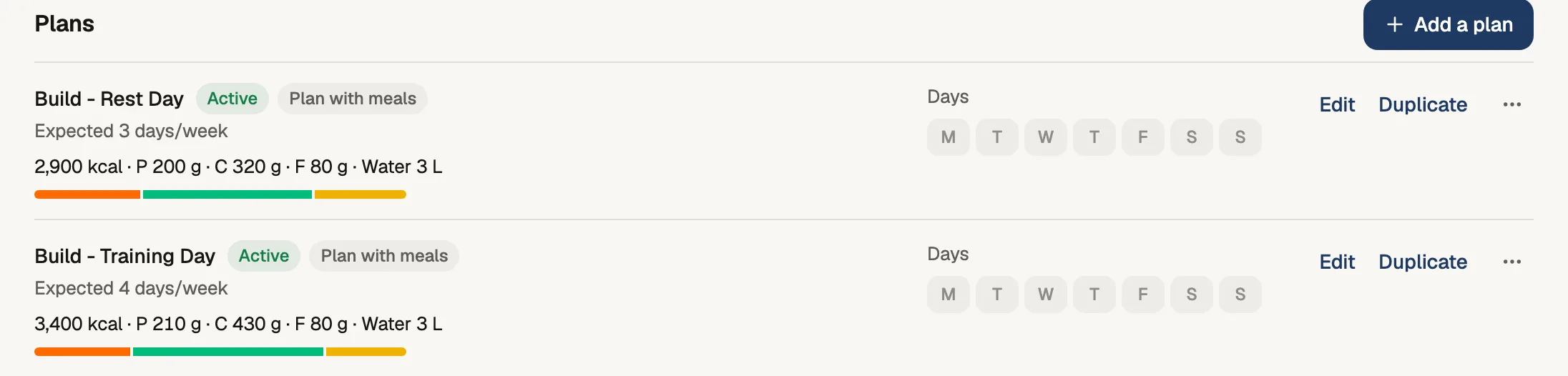
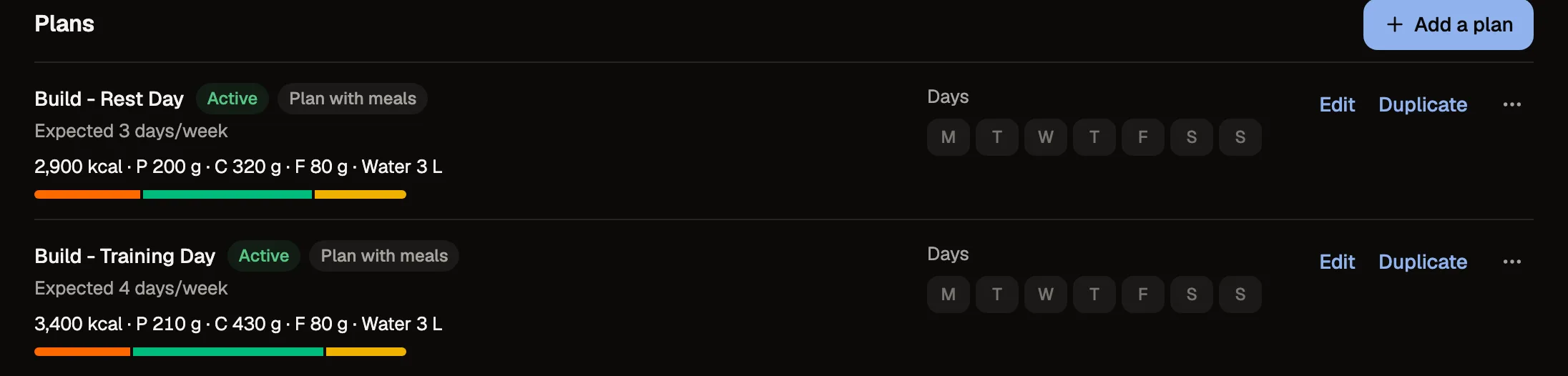
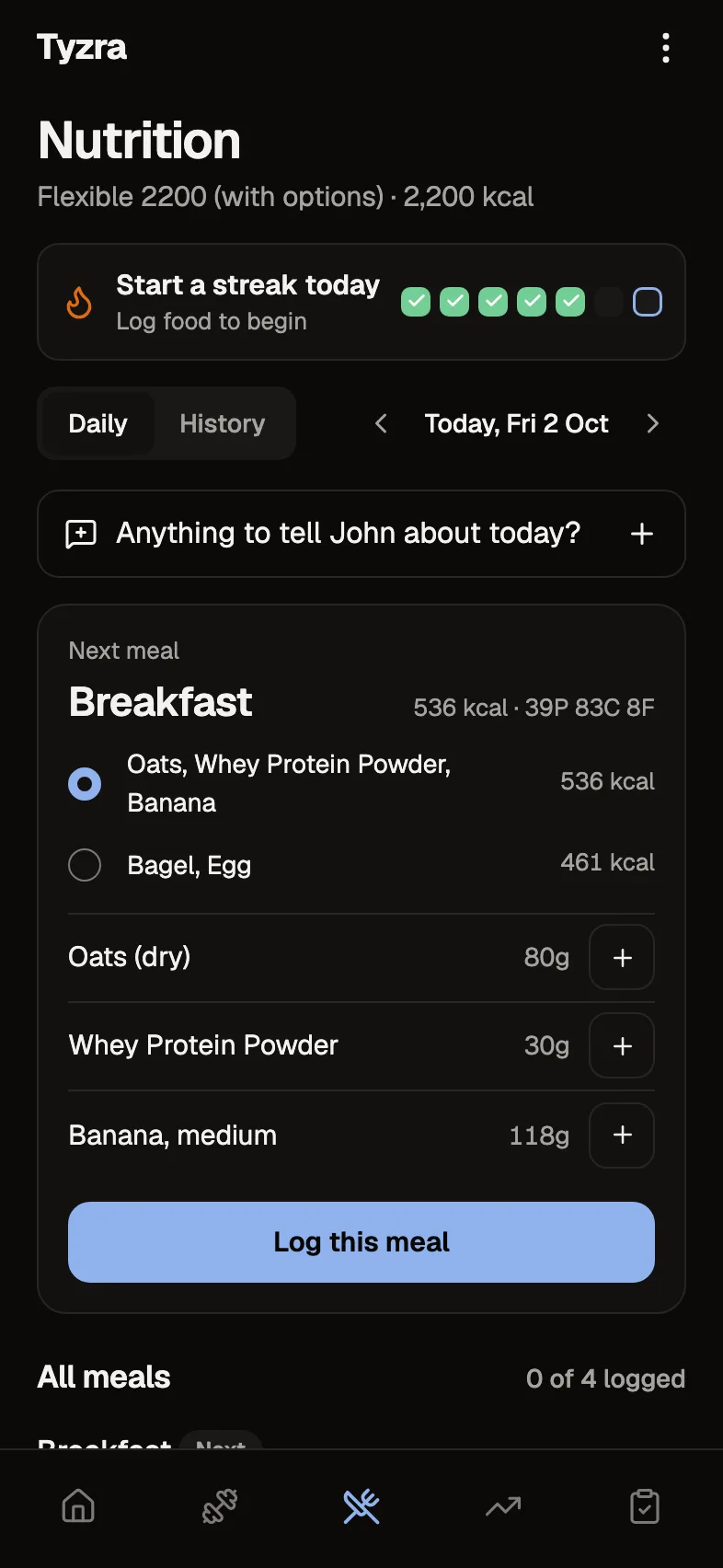
Meal plans, macro targets, or a plan they tick off.
Meal plans with options to choose from, targets that can differ by day, or tick-the-plan only. Depending on the setup, clients log food with UK search and barcodes, or tick off the meals in their plan; you see the period against the plan.
- Meal plans with options to swap between, and your own recipes
- Full food logging, targets only, or a plan they tick off
- A shopping list from the plan on the client's phone
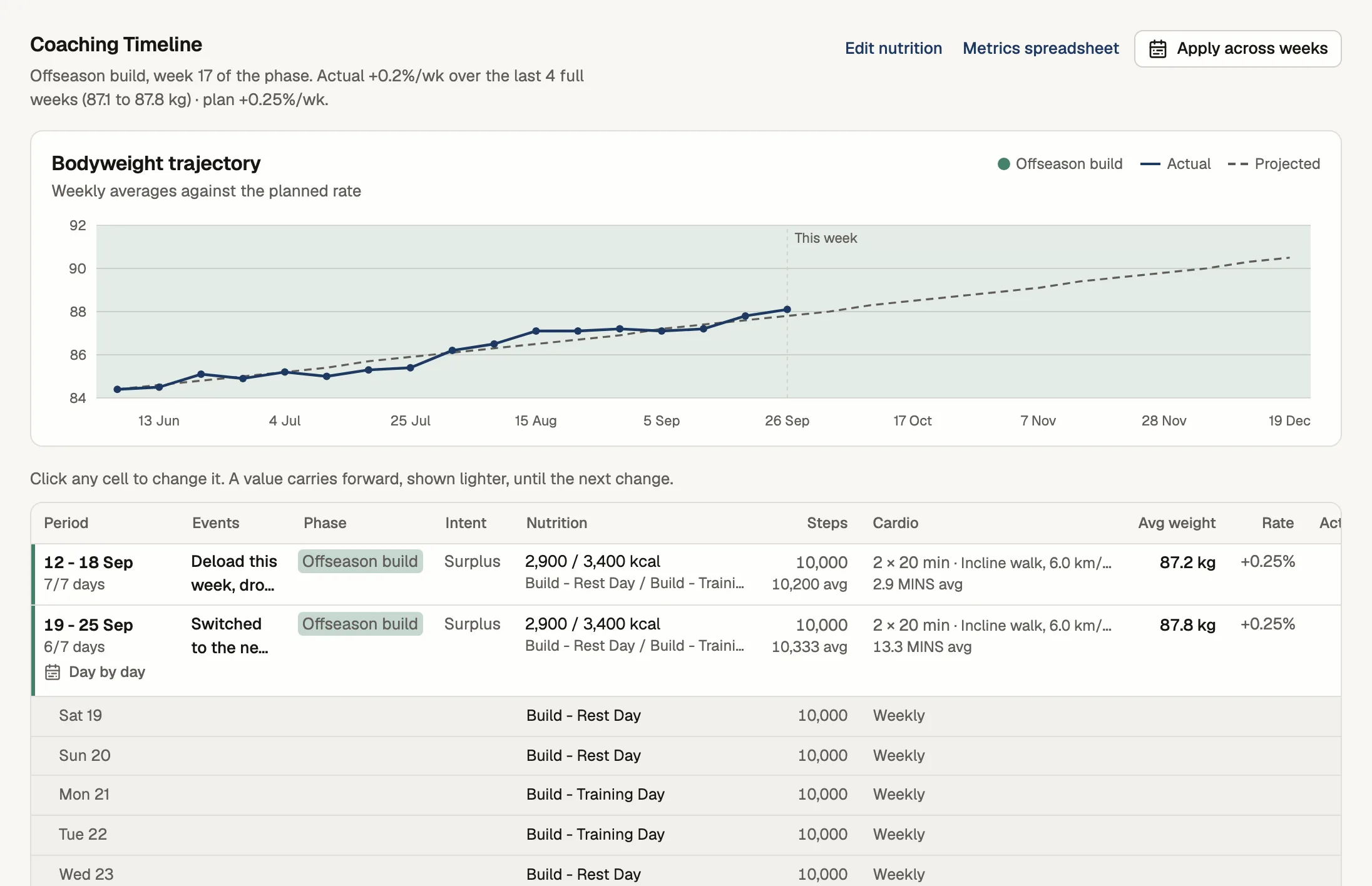
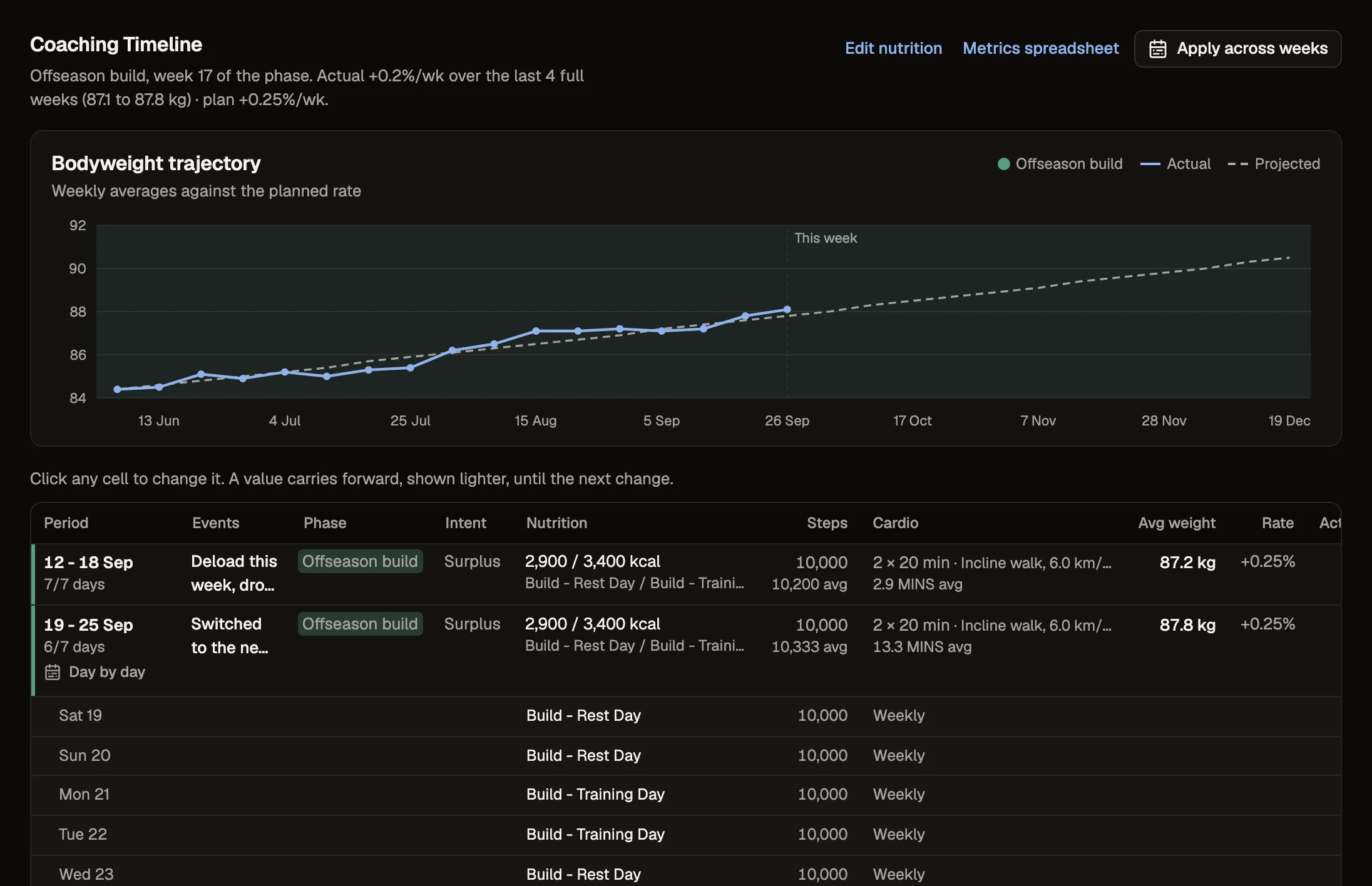
See where their weight is against where you planned it.
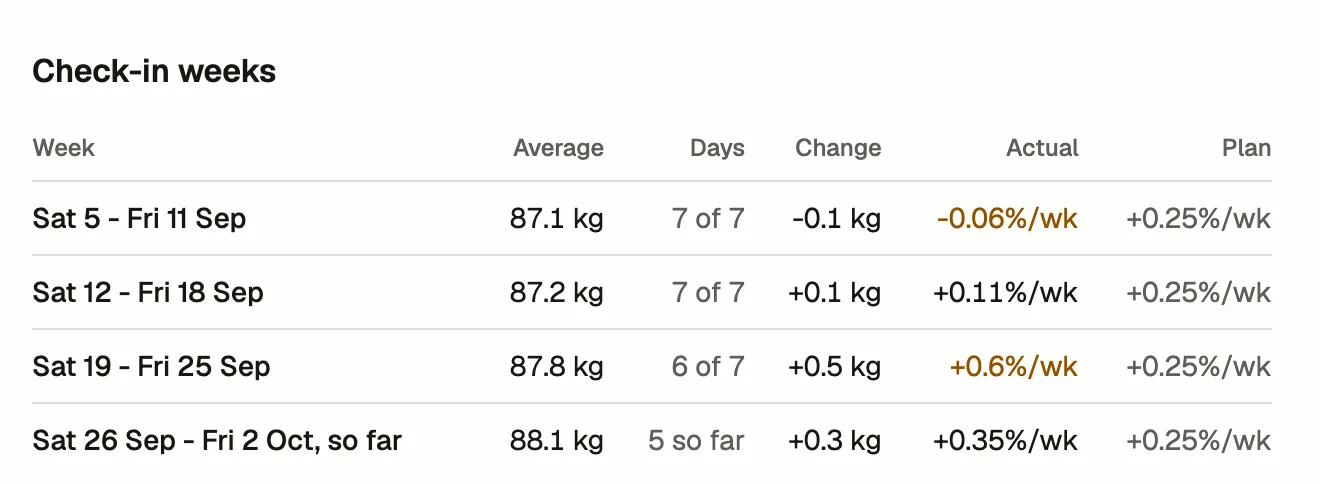
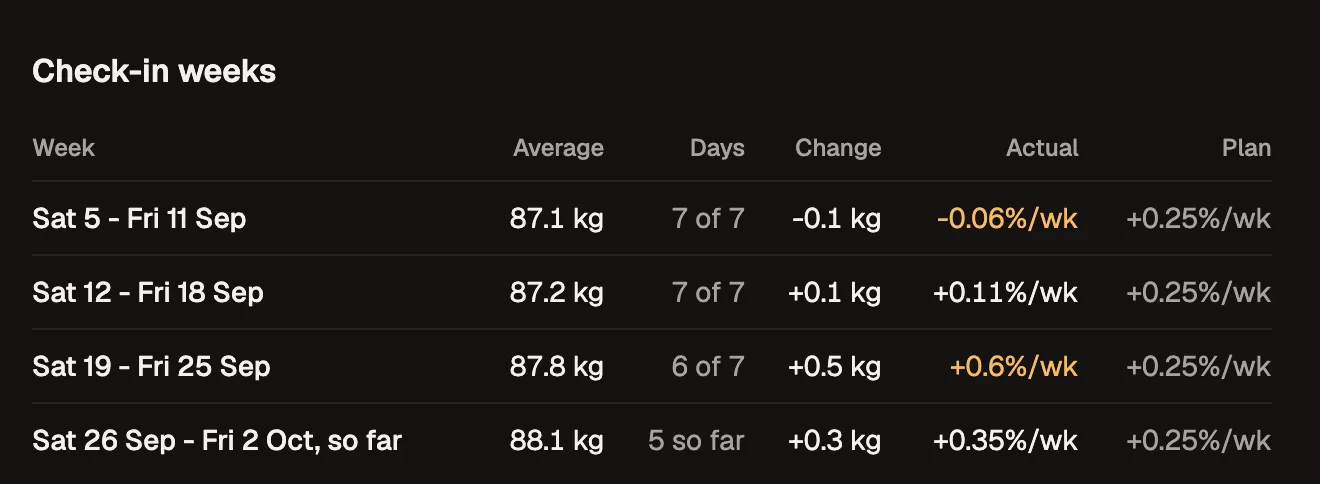
Set a phase and a weekly rate. The Timeline averages their weigh-ins by check-in week, projects your rate forward, and keeps calories, steps and cardio per week in rows you can change.
- Actual %/wk next to the rate you planned
- Phases, coaching notes and each week's nutrition in one grid
- Past weigh-ins can come in from your spreadsheet
Compare photos with the last check-in and four weeks ago.
Choose the poses each form asks for. In the review, this check-in's photos sit beside the last one and four weeks ago, with the weight gap written underneath.
- Up to 20 photos a check-in, poses you choose per form
- Stored privately, shown through short-lived links
- Bring old photos in from your workbook or camera roll
An app with your name on it, added from a link.
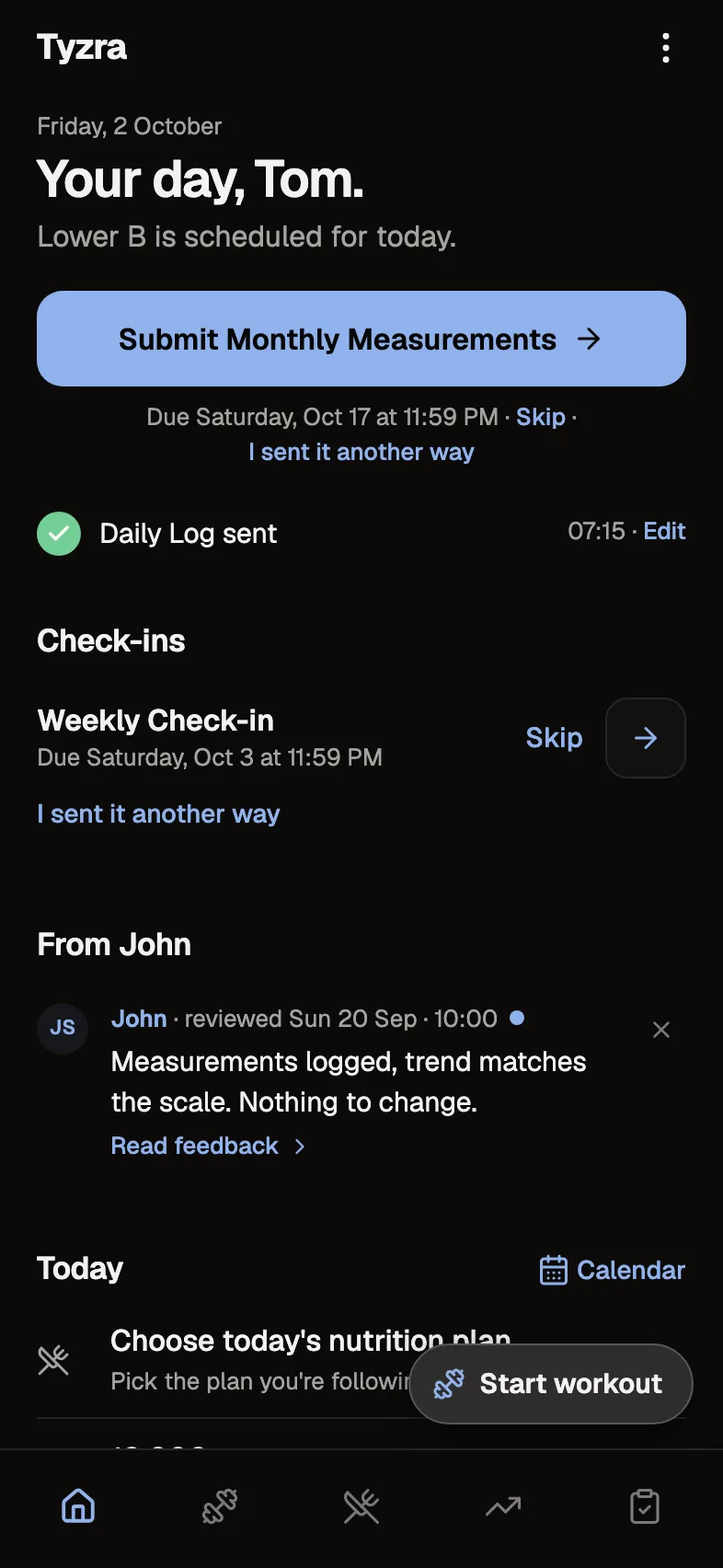
Clients open your invite and add the app to their home screen with your logo. Home shows today from whatever you've set them up with: the check-in that's due, their session, the next meal, your latest reply.
- iPhone and Android, nothing to find in an app store
- Your words carry your name, never "your coach"
- Workouts keep logging without signal and sync afterwards
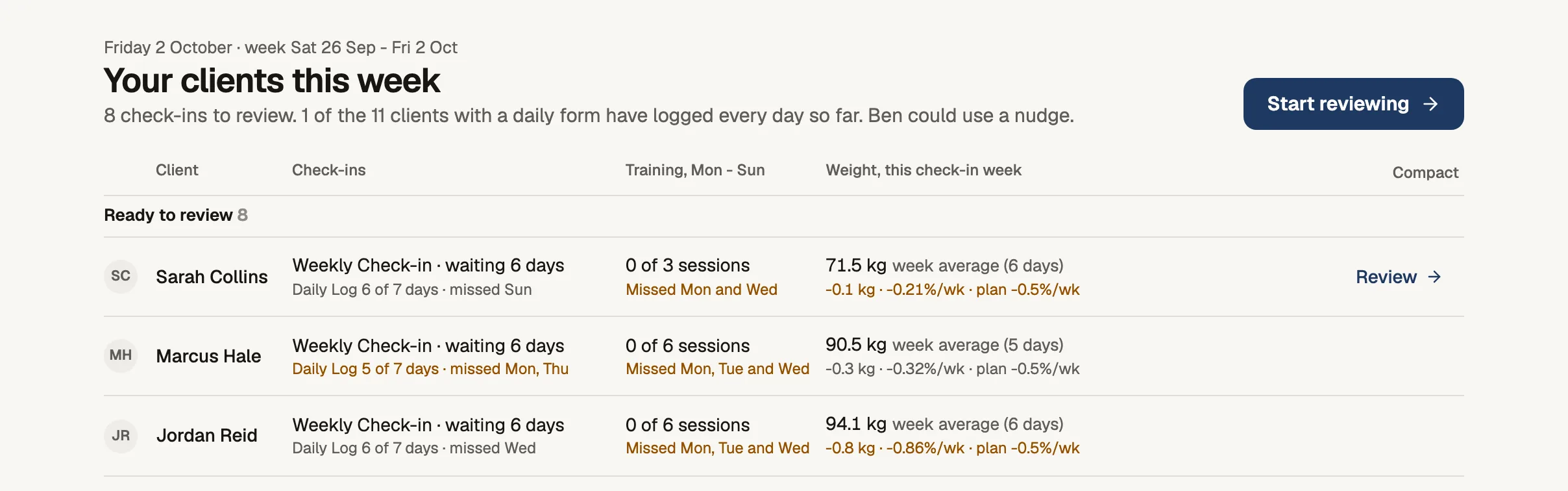
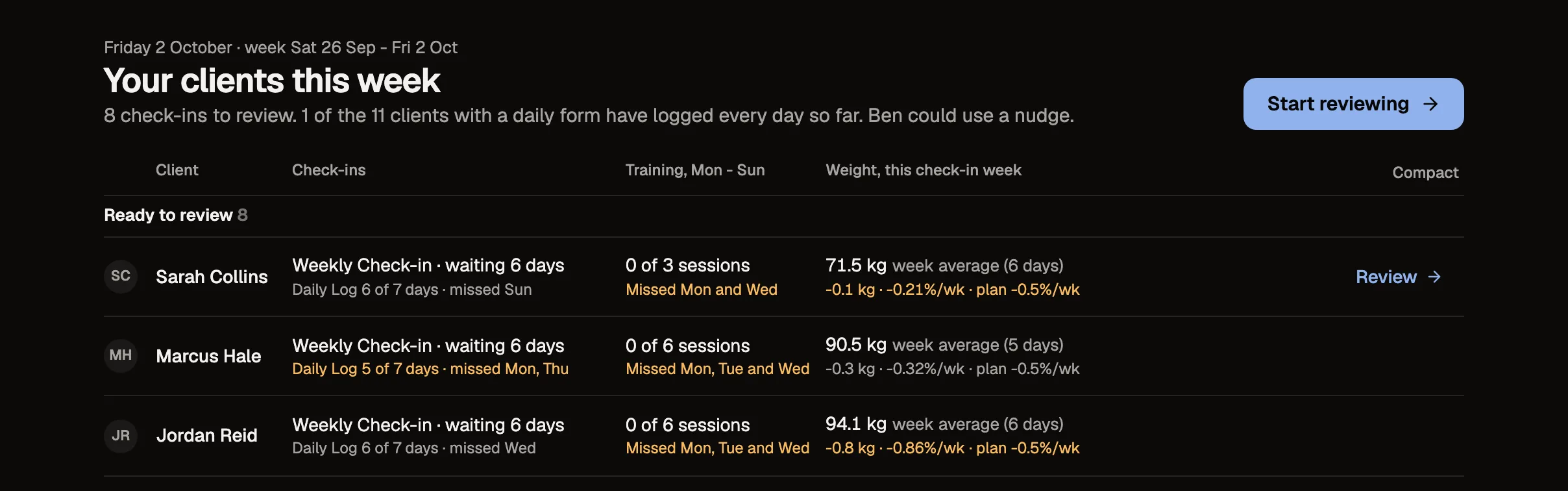
See who needs you this week when you log in.
Home groups every client into Ready to review, Needs a nudge, Not set up and On track, with their forms, training and weight for the week. One button starts the reviews.
- Each client's own forms by name, daily forms counted in days
- An email when each check-in arrives, linking to its review
- Search clients and plans from anywhere
Habits
Daily or weekly habits, ticked off from their phone.
Daily or a few times a week, ticked from the client's Home. You see the week's ticks next to the rest of their week.
Intake forms
Their history, goals and signed agreements before they start.
New clients answer your intake form before they reach the app: history, goals, injuries, and signed agreements with your documents linked.
Try every feature free for 30 days.
No card and no client limit. After that, Free covers up to 2 clients.