FeaturesIntake forms
Intake forms
Ask new clients your intake questions before their first week, with signed agreements and your documents linked. Skip it for clients you already know.
Where intake shows up
- 1You write the form
Your questions, sections and any agreements to sign.
- 2They accept your invite
The intake comes first, unless you skipped it for them.
- 3You read their answers
Answers stay on the client's page.
- 4Their first week starts
Their forms and plans are waiting in the app.
One form before they start
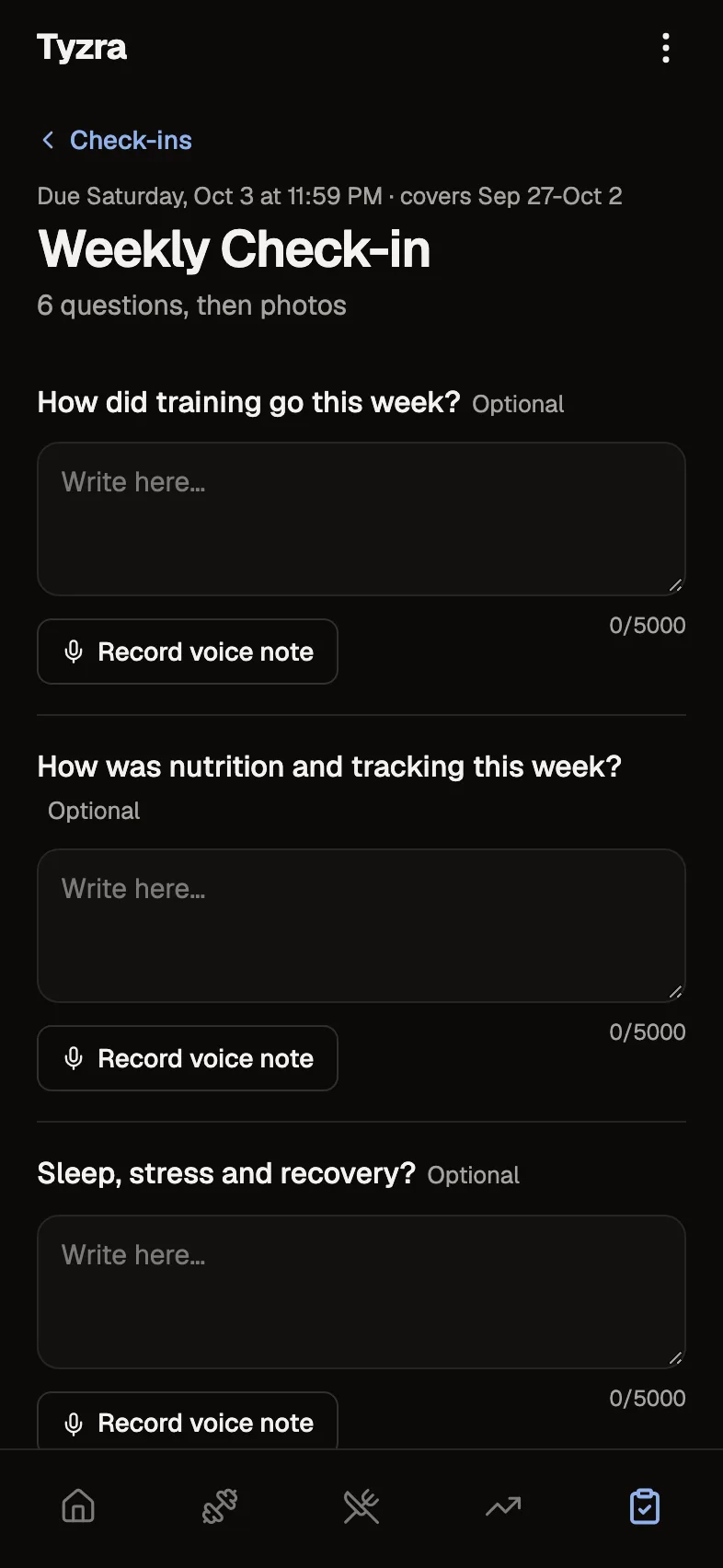
Up to 50 questions with ten answer types (short and long text, number, scale, yes/no, multiple choice, email, phone, date and a typed signature) plus section headings. Follow-ups only show when they apply.
Agreements, signed
A signature question can link to your terms or coaching agreement, so the client reads and signs in one place.
Ask, or skip
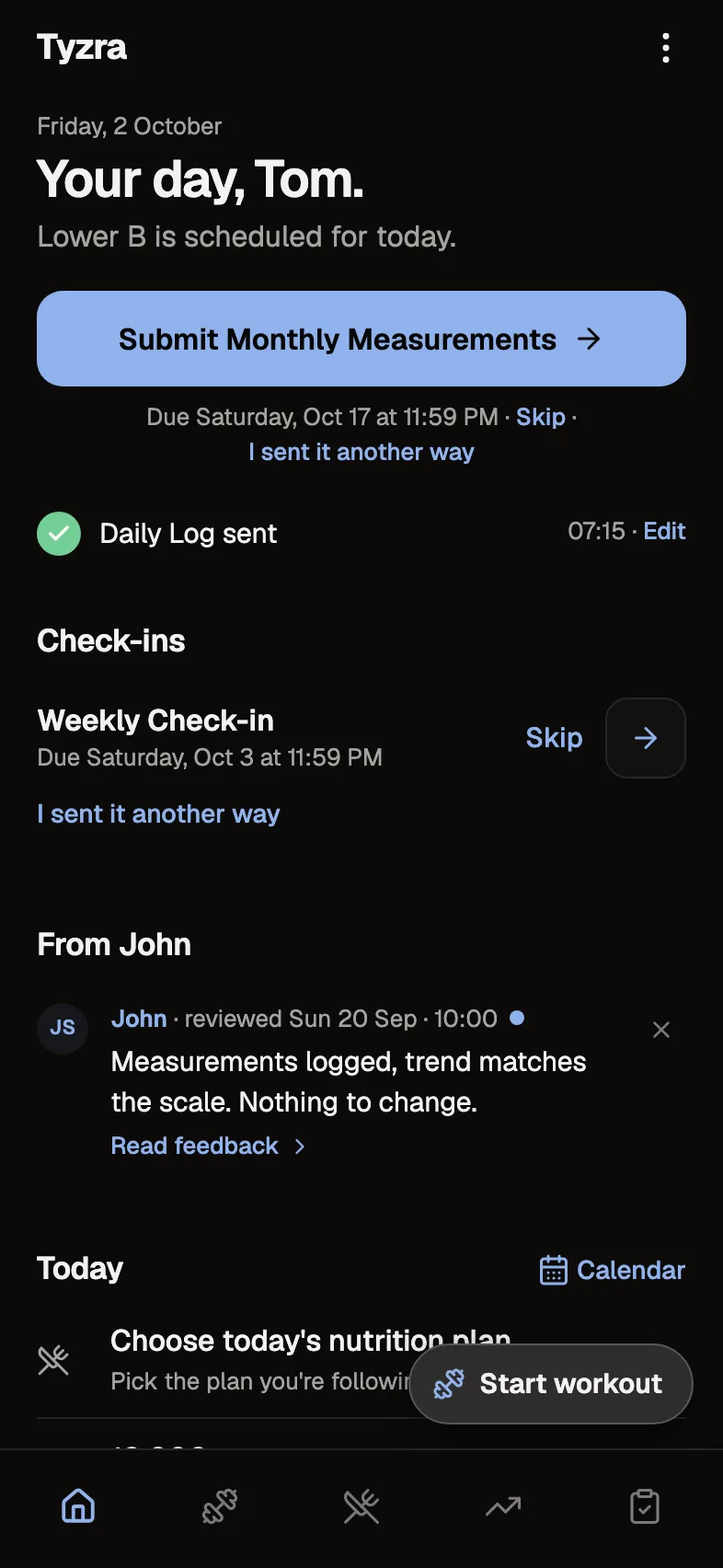
New clients see your intake before the rest of the app. Turn it off for new clients in Settings, or skip it for one client you already know.
The details
- Questions
- Up to 50, ten answer types plus section headings
- Agreements
- Typed signatures with a linked document
- When
- Before the rest of the app, or skipped per client
- History
- Each answer keeps the form as the client saw it
Questions about intake forms
Can I skip the intake for a client?
Yes. Skip it for a client you already know, or turn the intake off for new clients in Settings.
What happens if I edit my intake form later?
Answers already sent keep the form as the client saw it.
Can clients sign an agreement during intake?
Yes. Add a signature question and link your agreement, and the client signs by typing their name.
Where do I see their answers?
On the client's page, whenever you need them.
Try every feature free for 30 days.
No card and no client limit. After that, Free covers up to 2 clients.