Guides
How to set Tyzra up and use it day to day, plus a few pages to send your clients.
New to Tyzra? Start with these five.
Each one links to the page in Tyzra where you do it, so you can follow along in another tab.
- 1Getting started as a coach
From signup to your first client review: your account, the example client, the setup list and your week.
- 2Creating check-in forms
Build the questions your clients answer: answer types, follow-up questions, photos, and how editing a form protects your history.
- 3Building workout plans
Plans, sessions and exercises: prescriptions with RIR or RPE, exercise groups, weekly volume, your exercise library, and client plans.
- 4Inviting clients
How to add a client, what to set up before they join, the invite link and its expiry, and what the client sees.
- 5Reviewing check-ins
The Check-ins list, the review screen, your reply, voice replies, snippets and the optional keyboard shortcuts.
All guides
Getting started3
- Getting started as a coachFrom signup to your first client review: your account, the example client, the setup list and your week.
- Inviting clientsHow to add a client, what to set up before they join, the invite link and its expiry, and what the client sees.
- Importing client historyBring check-in metrics, workout history, photos, plans, and nutrition data into Tyzra from your existing spreadsheets.
Check-ins3
- Creating check-in formsBuild the questions your clients answer: answer types, follow-up questions, photos, and how editing a form protects your history.
- Scheduling check-insDue days and times per client, when a check-in opens, late sending, skipping and sending another way, and how reminders behave.
- Reviewing check-insThe Check-ins list, the review screen, your reply, voice replies, snippets and the optional keyboard shortcuts.
Nutrition2
- Nutrition targets and meal plansThe three nutrition setups, meal plans with options, targets for each day, recipes, custom foods and the supplements list.
- Food logging and barcode scanningHow clients log food: a built-in UK food database with supermarket products, barcode scanning, saved foods, and water tracking.
Progress and habits2
Payments2
Getting started3
- Getting started as a coachFrom signup to your first client review: your account, the example client, the setup list and your week.
- Inviting clientsHow to add a client, what to set up before they join, the invite link and its expiry, and what the client sees.
- Importing client historyBring check-in metrics, workout history, photos, plans, and nutrition data into Tyzra from your existing spreadsheets.
Check-ins3
- Creating check-in formsBuild the questions your clients answer: answer types, follow-up questions, photos, and how editing a form protects your history.
- Scheduling check-insDue days and times per client, when a check-in opens, late sending, skipping and sending another way, and how reminders behave.
- Reviewing check-insThe Check-ins list, the review screen, your reply, voice replies, snippets and the optional keyboard shortcuts.
All 14 guides
Nutrition2
- Nutrition targets and meal plansThe three nutrition setups, meal plans with options, targets for each day, recipes, custom foods and the supplements list.
- Food logging and barcode scanningHow clients log food: a built-in UK food database with supermarket products, barcode scanning, saved foods, and water tracking.
Progress and habits2
Payments2
For your clients
These are written for your clients. Copy the link and paste it into a message to a new client.
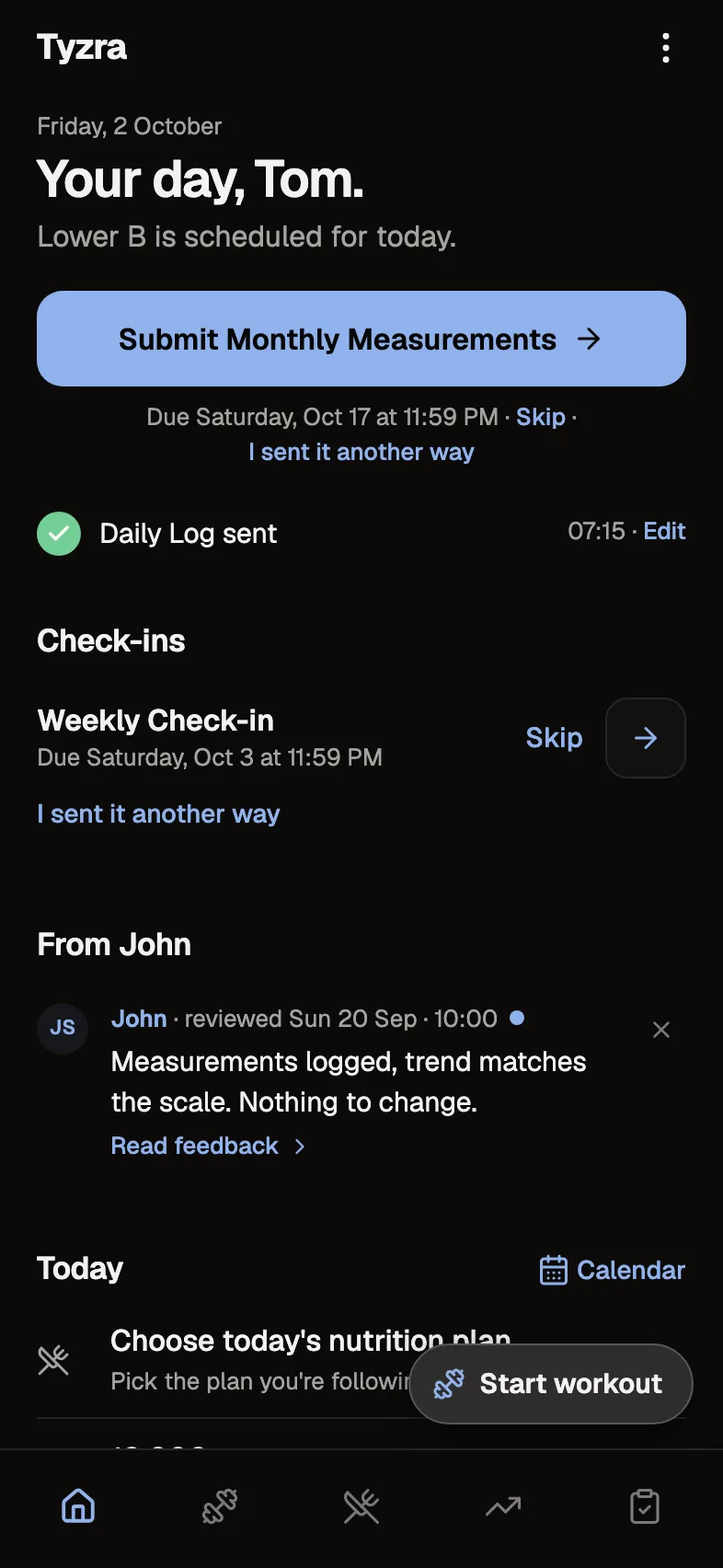
- Installing the client appHow to add the Tyzra app to your home screen on iPhone and Android, with your coach's logo as the icon.
- How clients log workoutsLogging a session on your phone: what your coach prescribed, last time, the rest timer, notes, adding exercises, and saves that survive a dead spot.
Can't find it?
Try the FAQ, or ask us. A person reads every message.