Moving your spreadsheet check-ins into Tyzra
Where your weekly tab, check-in questions, daily tracker and photo folders go in Tyzra, and how the import brings your clients' history with them.
In this post
A lot of coaches who move to Tyzra already have a system that works. Often it's a Google Sheet per client: a weekly tab with weight, calories and notes, sometimes a daily tracker, and photos in a folder or a WhatsApp chat. You don't need to change how you coach to bring it across. This post shows where each part goes.
Your weekly tab
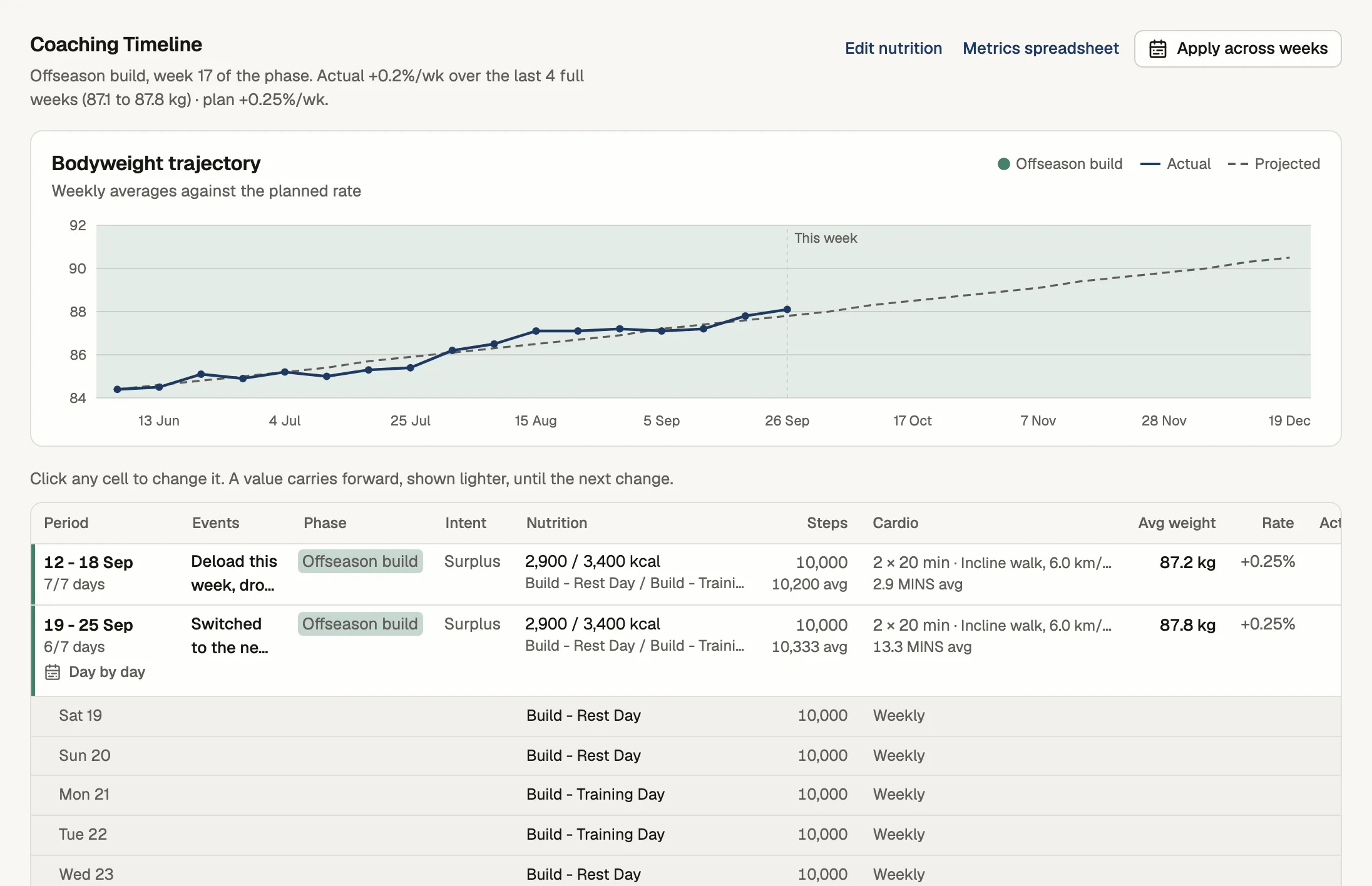
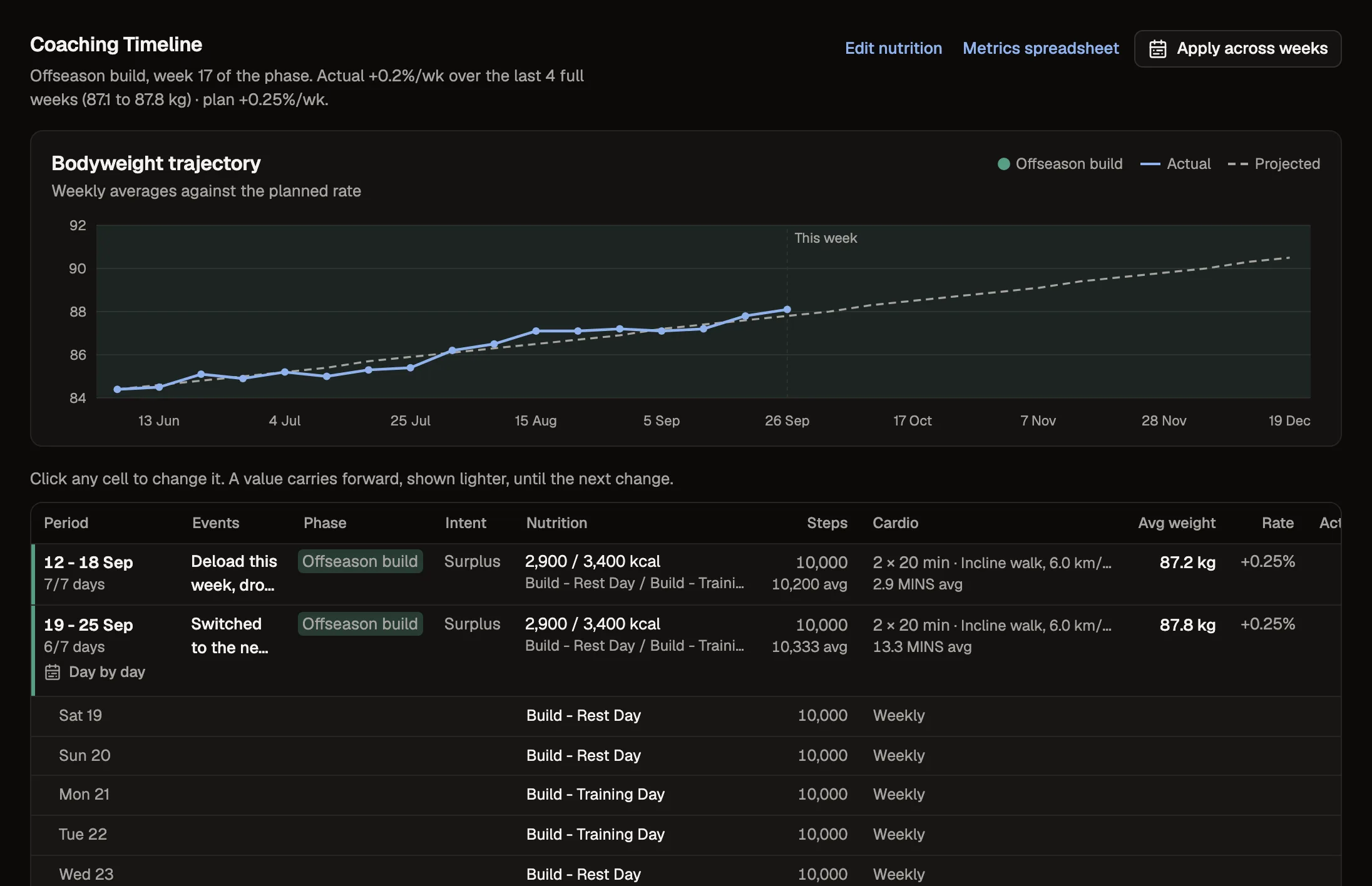
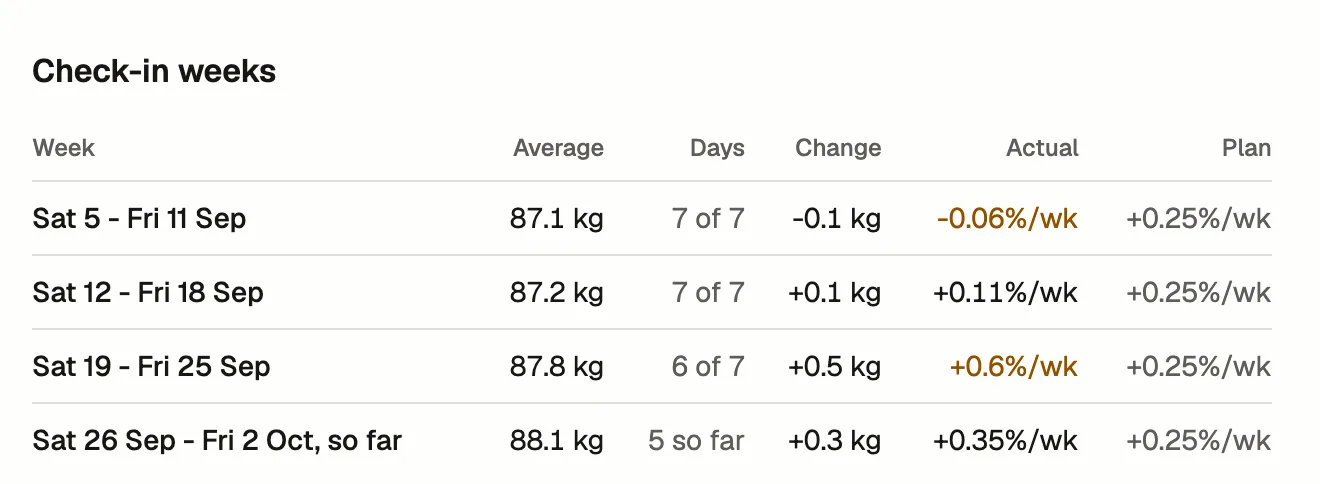
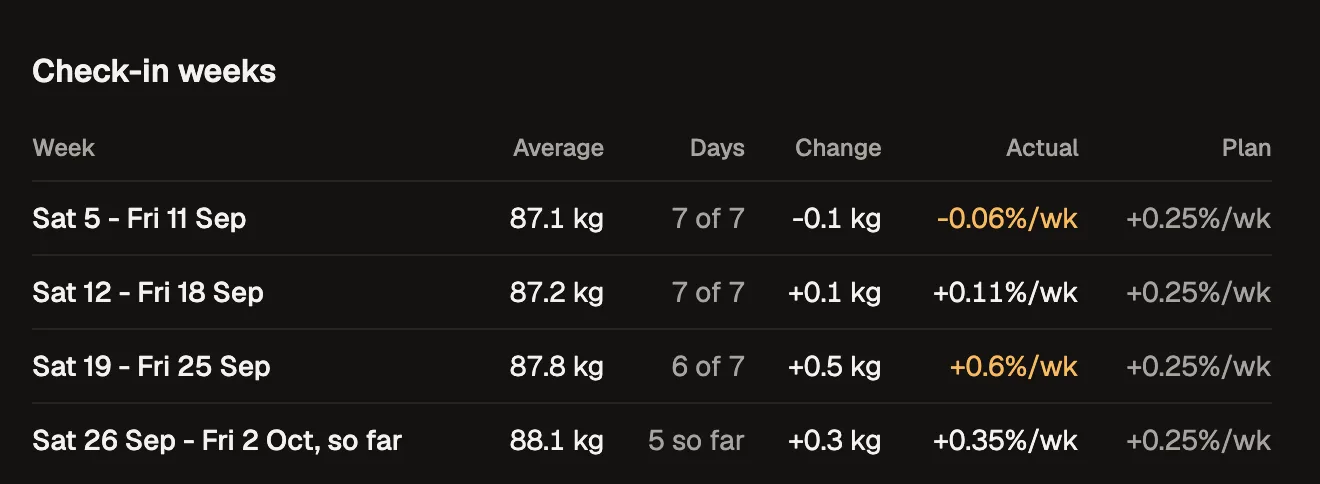
Your weekly tab lines up with the Coaching Timeline: one row per week, with the phase, calories and macros, steps, cardio and the week's average weight. When you import a client's past weigh-ins, the weight fills in for those weeks. Once your client is using the app, it fills itself in from their weigh-ins, and the line shows where they should be at the rate you set.
Your check-in questions
Whatever you ask each week, ask it the same way in a check-in form. A number keeps its unit, a scale keeps its range, and you choose the day it's due. Clients answer on their phone instead of in a message. When you import a client's past answers, the importer reads your column headers, so "Weight (kg)" comes in as a weight in kilograms and "Hunger (scale 1-5)" as a 1 to 5 scale.
Your daily tracker
If you keep a daily tracker, import it as its own daily form. When you review a weekly check-in, the daily entries since the last one sit with it, the way they'd sit above the weekly row in your sheet.
Your photos
Old photos come in with the import, from a folder or straight from the workbook they're in. New ones arrive with each check-in, and the review puts them next to the last check-in and the one from four weeks ago.
If you'd rather we did it
Send us the workbook from the Clients page and we'll import it for you. It's free while you're getting started, and you check each client before anyone is invited.