FeaturesCoaching Timeline
Coaching Timeline
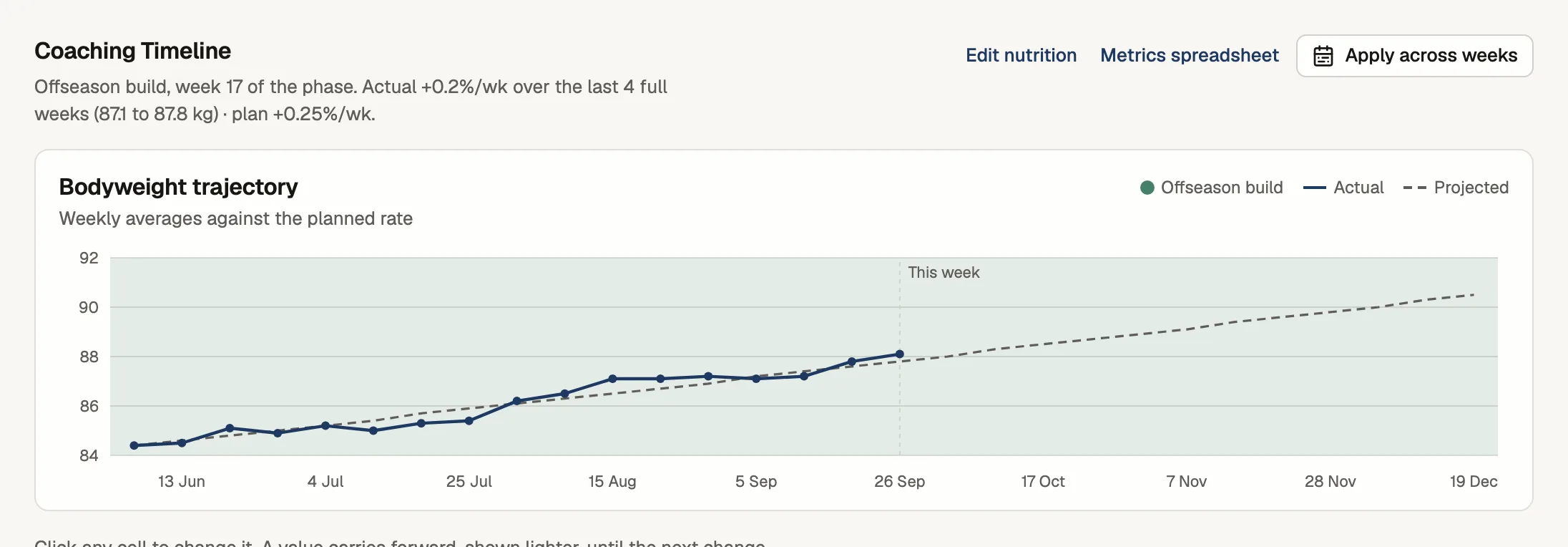
Set a phase and how fast you want them to move. The Timeline keeps one row per week, with their average weight beside where you planned it.
Where the Timeline shows up
- 1You set the plan
A phase and a weekly rate, with calories, steps and cardio for each week.
- 2They weigh in
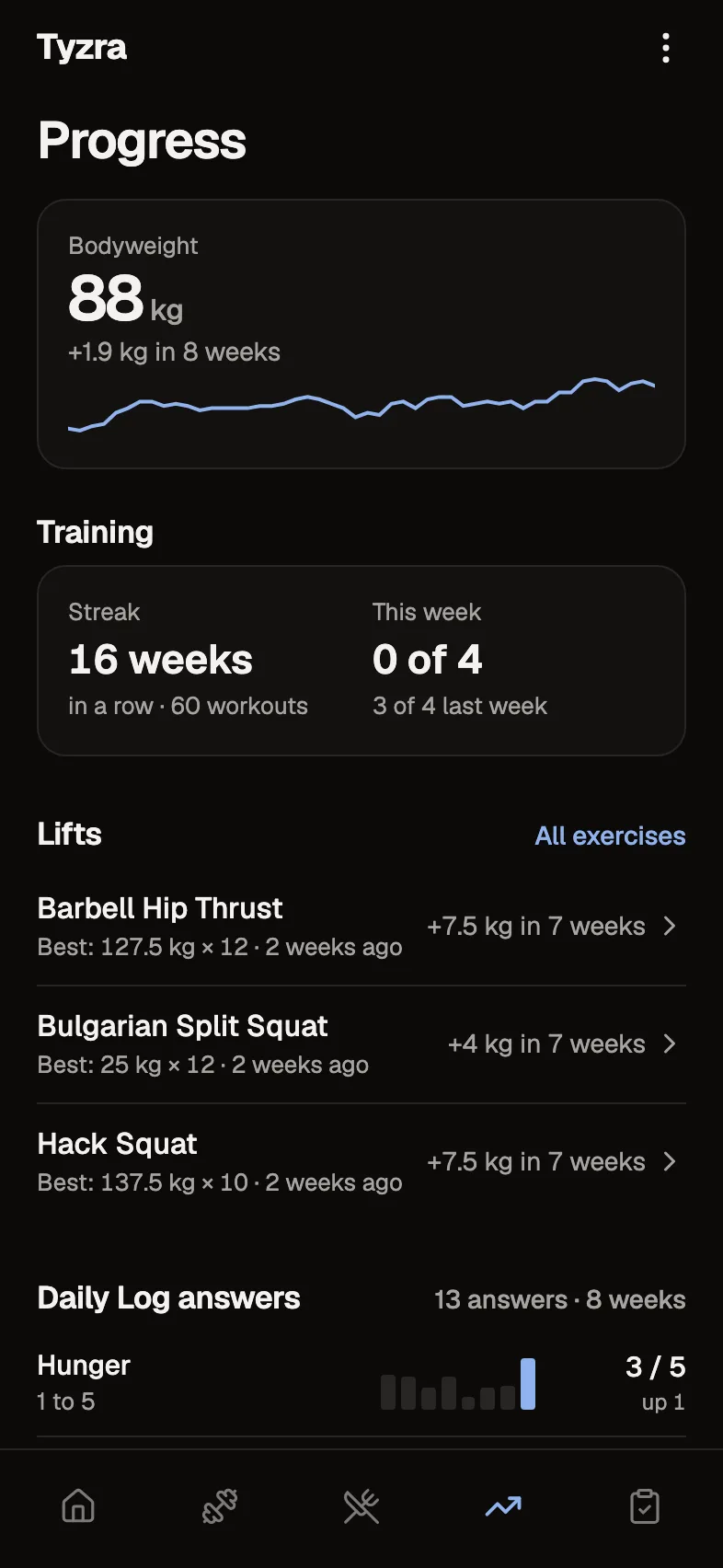
Through whichever form asks for their bodyweight, daily or with the check-in.
- 3You review the week
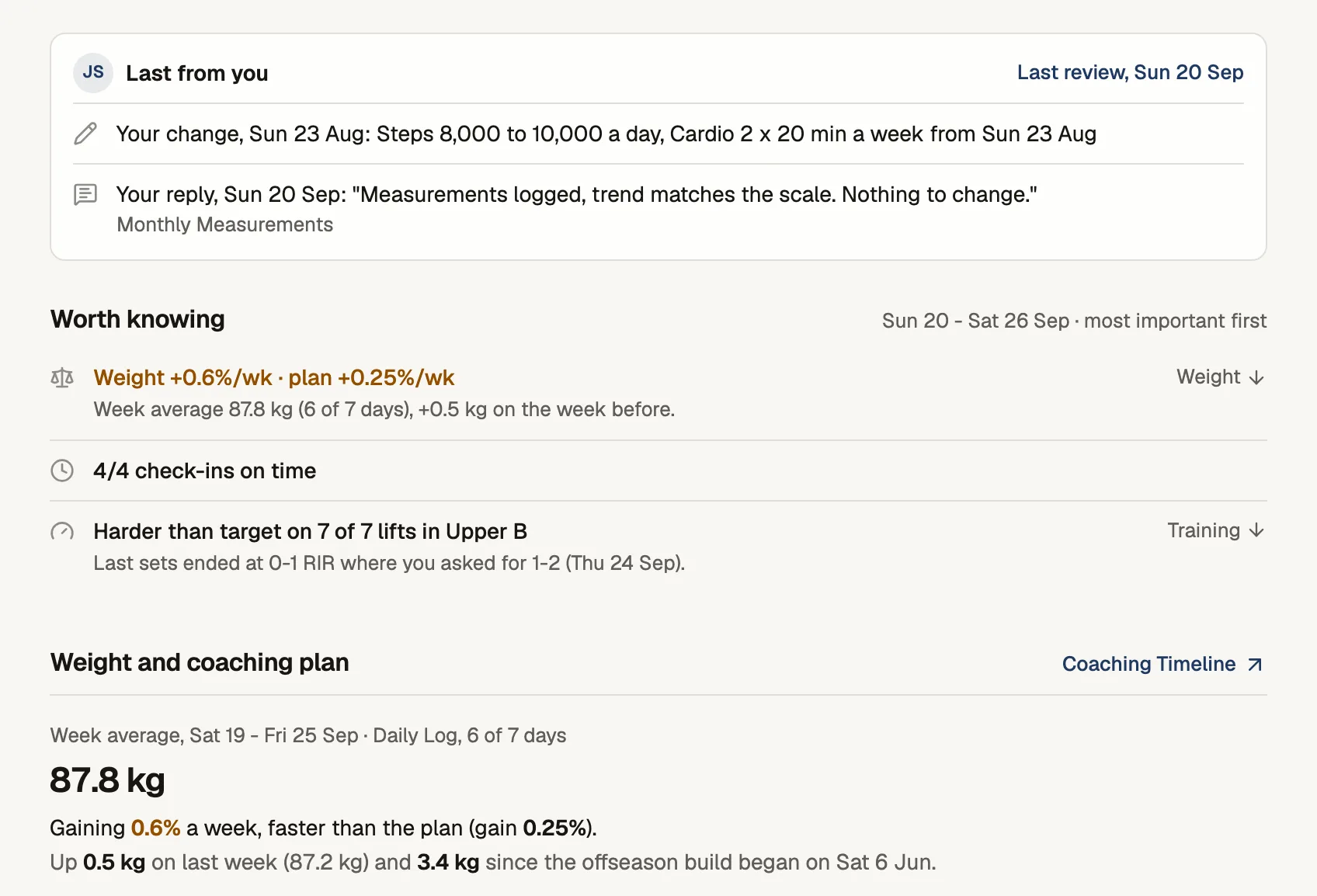
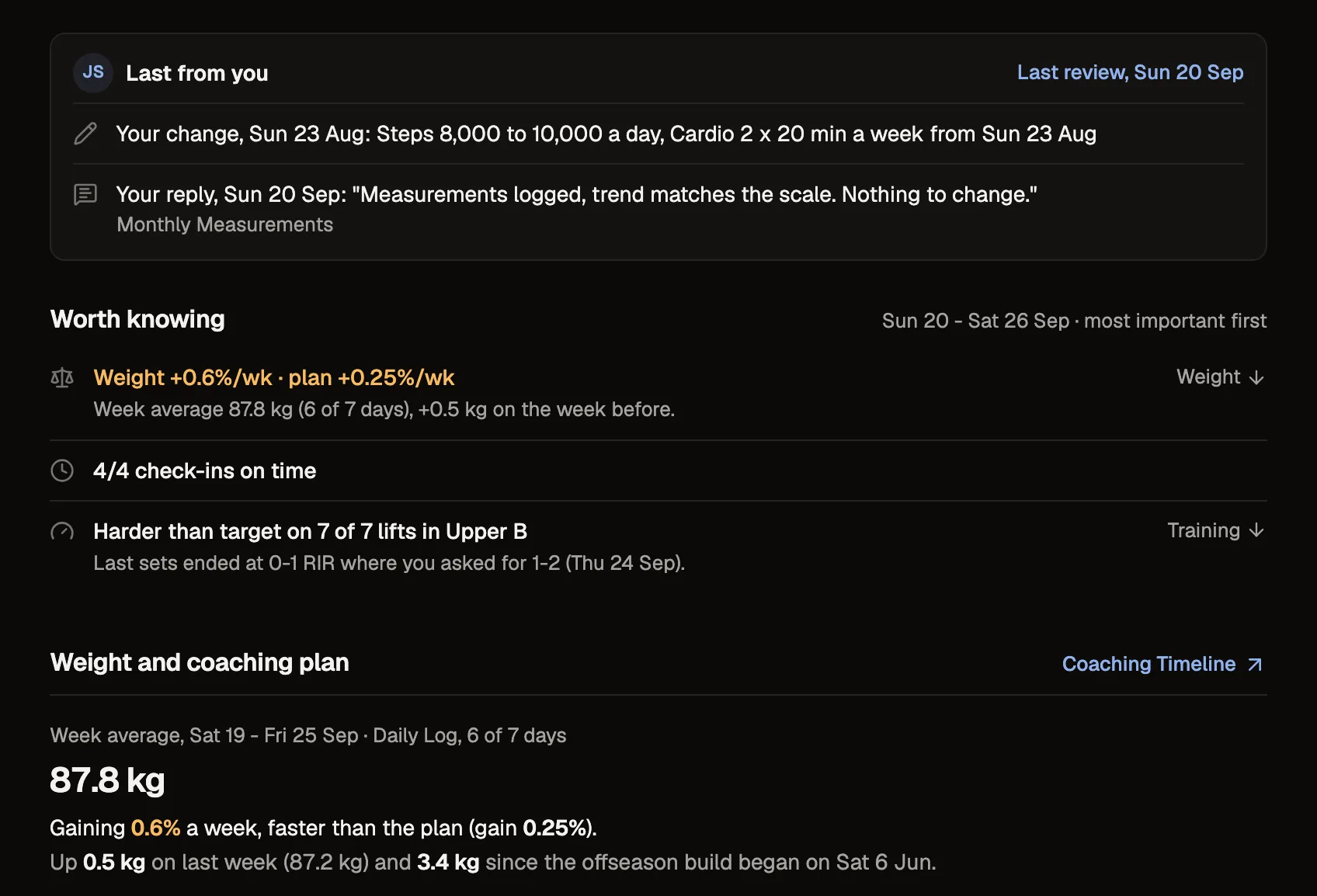
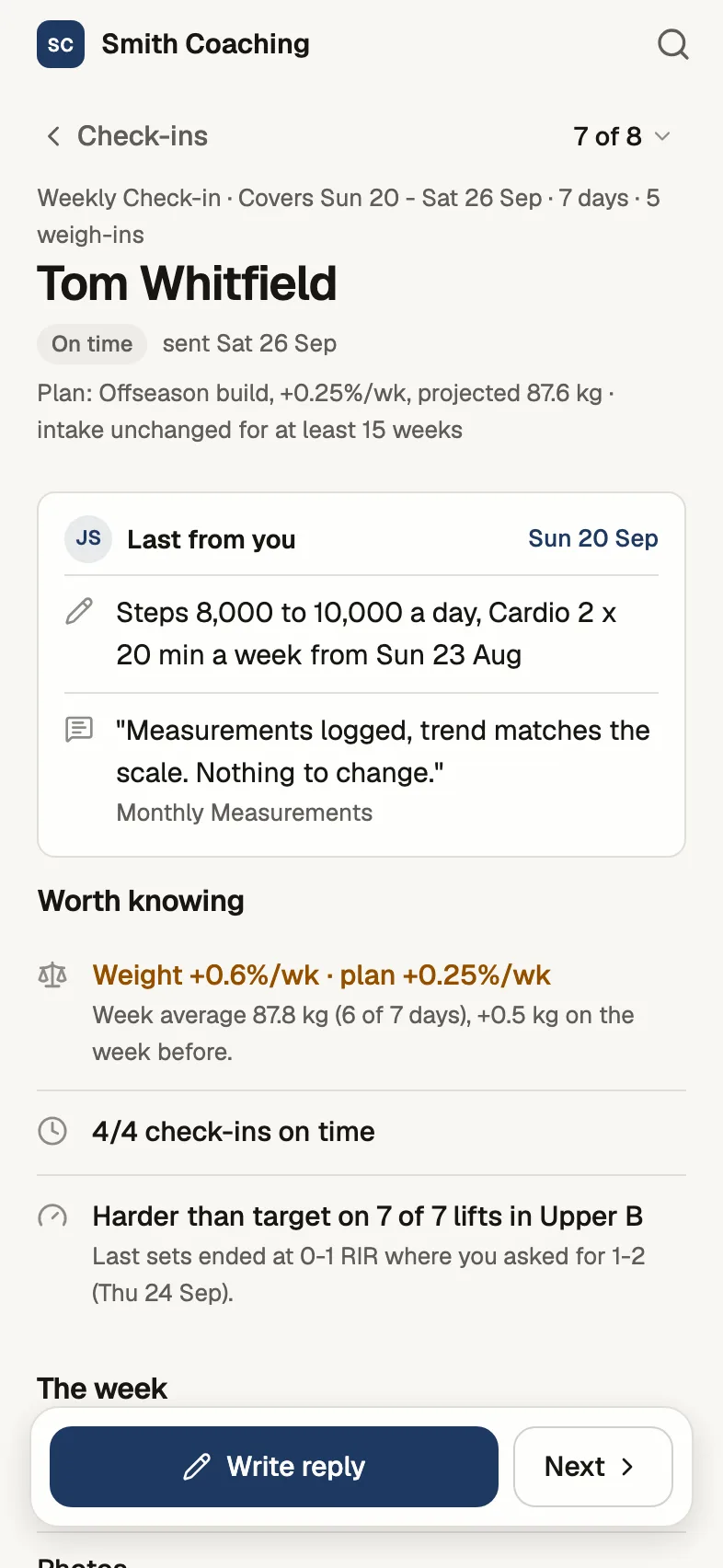
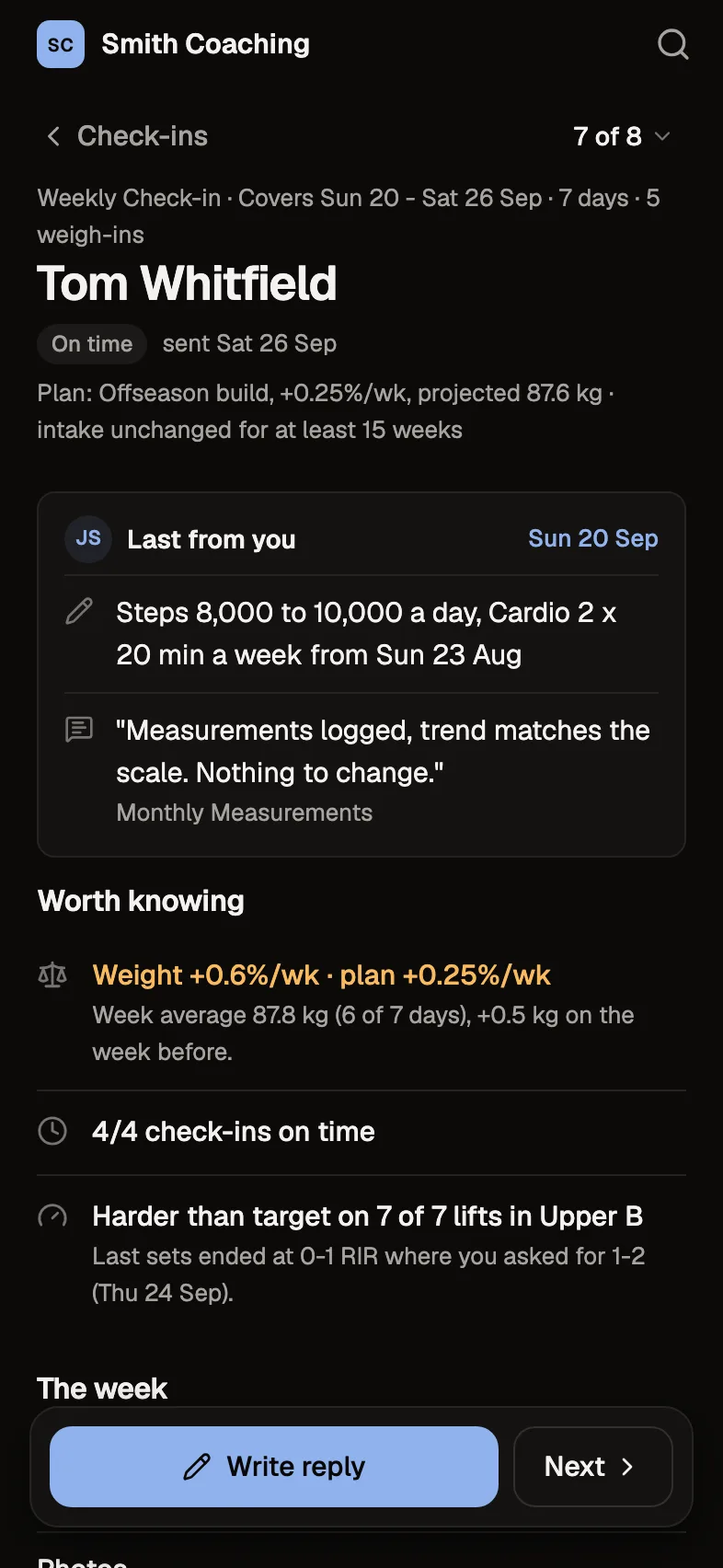
The review shows their week's average against the plan.
- 4The row fills in
Each week's average lands on its Timeline row next to the projection.
One row per week
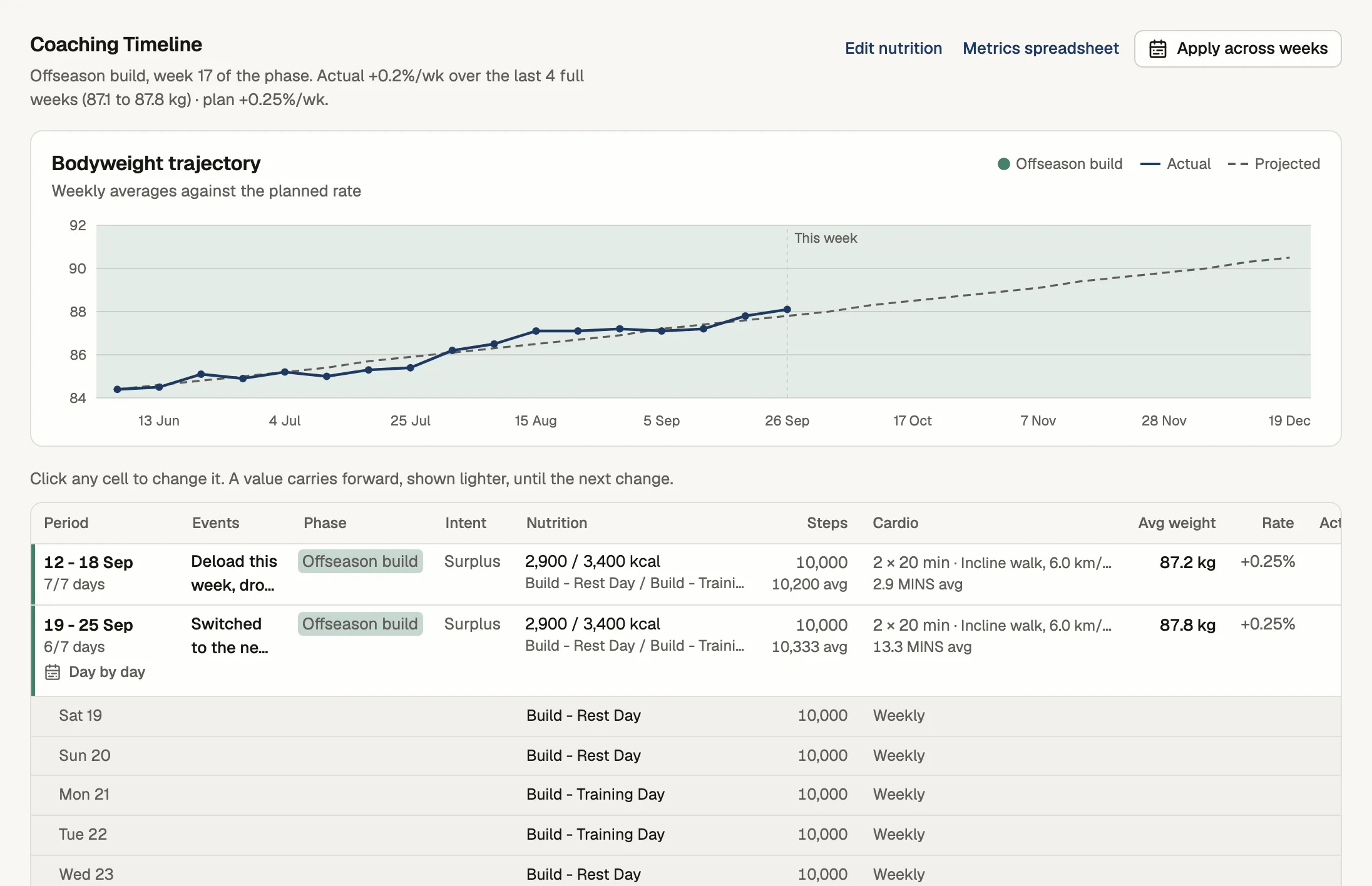
Each row has the phase, calories and macros, steps and cardio, the planned weekly rate, the week's average weight and the projected weight. Weeks start on the client's main check-in day.
Weight against the plan
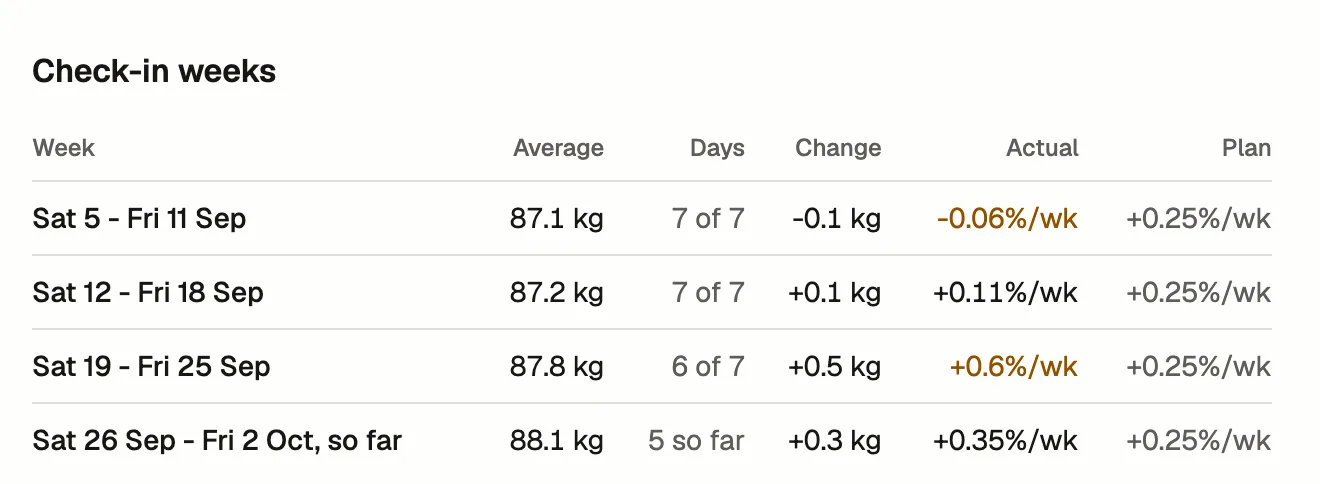
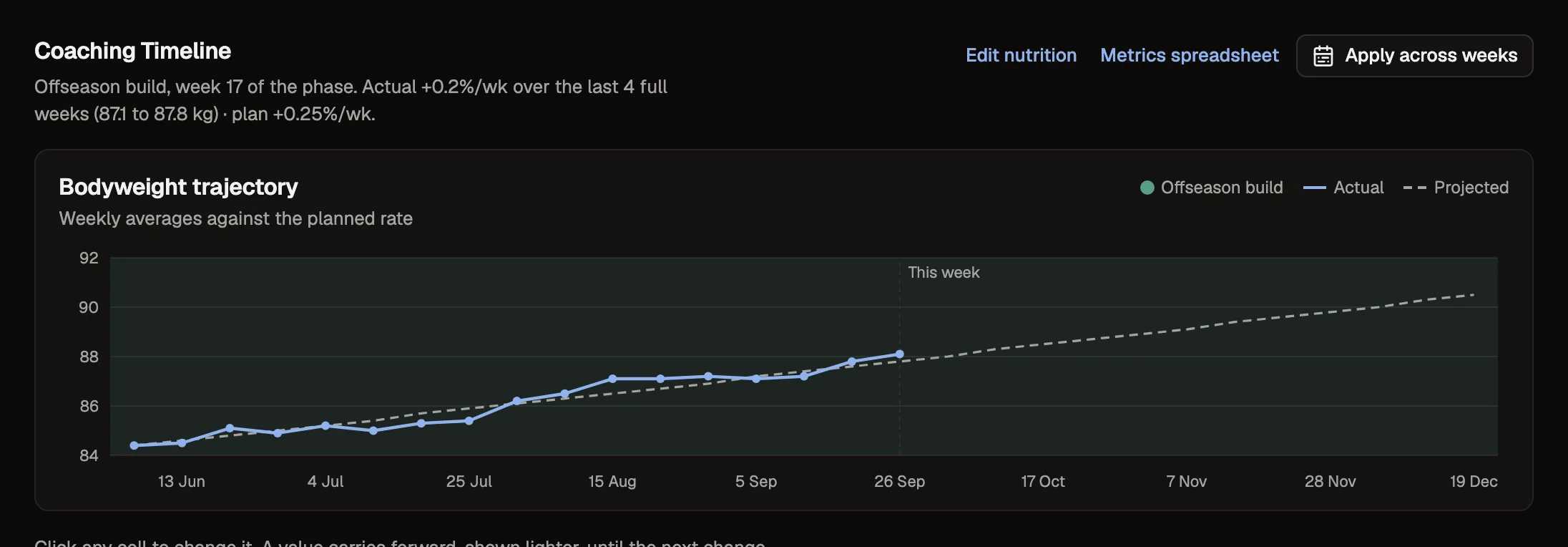
If your check-ins ask for bodyweight, Tyzra averages it for each check-in week and writes the actual rate next to the one you planned.
Phases and changes
Start a phase or add a coaching note from a given day, and the week splits where it starts. If the projection drifts from their real weight, re-sync it from that week on.
In the review
The check-in review shows that week's plan under the dates it covers, and its weight section reads the same week average as the Timeline.
The details
- Rows
- One per week, starting on the main check-in day
- Columns
- Phase, nutrition, steps, cardio, planned rate, average and projected weight
- Weight
- Averaged for each check-in week from their weigh-ins
- Re-sync
- Reset the projection to their real weight from a given week
- History
- Import past weigh-ins from a spreadsheet
Questions about coaching timeline
Where does the weight come from?
From the question on the client's forms that you mark as bodyweight, on a daily form or with the check-in.
Does it work if a client only weighs in once a week?
Yes. The week then reads that one weigh-in instead of an average.
Can I see weeks from before they joined Tyzra?
If you import their past weigh-ins from your spreadsheet, those weeks show on the Timeline too.
What if my plan and their real weight drift apart?
Re-sync the projection from a week you choose, and it restarts from their real weight that week.