FeaturesProgress photos
Progress photos
Photos come in with the check-in, in the poses you ask for. When you review, they sit next to the last check-in and the one from four weeks ago.
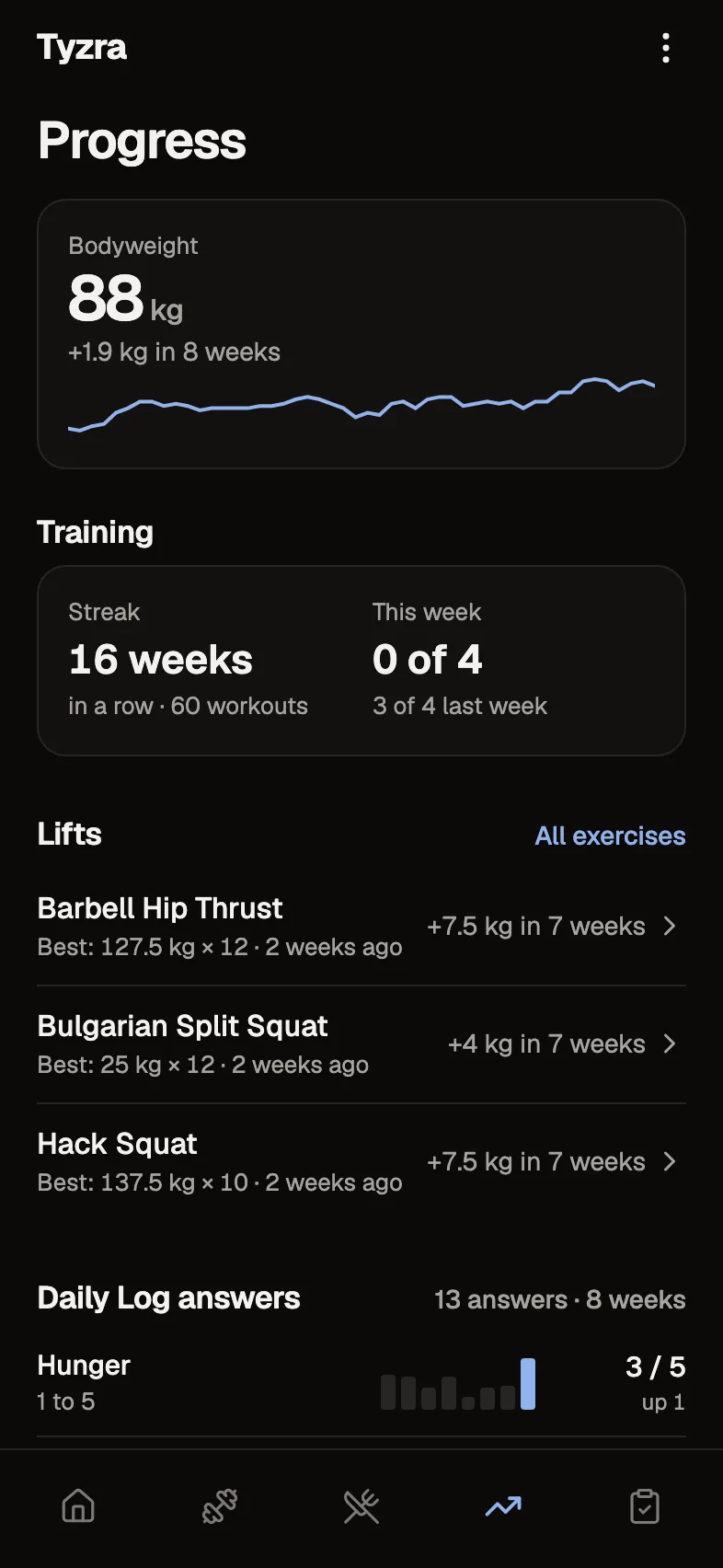
Where a photo shows up
- 1You choose the poses
Each form asks for the poses you pick, and any of them can be optional.
- 2They take them
Photos go in with the check-in, from the camera or their library.
- 3You compare
The review pairs them with the last check-in and four weeks ago.
- 4They see their own
Their Progress tab keeps their photos to look back on.
Collected with the check-in
Ask for up to 20 photos a check-in, in the poses you choose for each form. Photos are resized on the client's phone before upload, so a slow connection still gets them through.
Compared in the review
This check-in's photos sit next to the last check-in and the one from four weeks ago, pose by pose, with the time and weight between them written underneath. Open any pair full size.
Every photo, in order
Each client's photos line up by date on their Visuals tab, where you can compare any two. Old photos can come in from a workbook or a folder.
Kept private
Photos are stored privately and only shown through links that expire. Location data is removed on the phone before upload.
The details
- Photos
- Up to 20 a check-in, poses chosen per form
- Upload
- Resized on the phone, location data removed
- Comparison
- Last check-in and four weeks ago, or any two dates
- Storage
- Private, shown through expiring links
- History
- Import past photos from a workbook
Questions about progress photos
Who can see a client's photos?
Only the client and you. Photos are stored privately and shown through links that expire, so there is no public link to share.
Do clients need to resize photos first?
No. Photos are resized on their phone before upload, and location data is removed in the same step.
Can I compare against any week?
Yes. The review starts with the last check-in and four weeks ago, and the client's Visuals tab lets you pick any two.
Can I bring in photos from before they joined?
Yes. Import them from a workbook or a folder on the client's Import history page.
Try every feature free for 30 days.
No card and no client limit. After that, Free covers up to 2 clients.