GuidesGetting started
Getting started as a coach
From signup to your first client review: your account, the example client, the setup list and your week.
On this page
Create your account
Sign up at tyzra.com/signup. Every new account gets 30 days with every feature and no client limit, and no card is needed. After that you move to Free, which covers up to 2 active clients for as long as you like, unless you choose a plan: up to 10 clients is £19 a month, up to 20 is £29, up to 35 is £39, and unlimited is £49. If you coach more clients than your plan covers, only that many keep access until you choose a bigger plan; you pick who on Payments, and everyone keeps their data. When you set up your profile, we ask where you're coming from (a spreadsheet, another coaching app, WhatsApp and PDFs, in-person training, just starting out, or just having a look) and set up your first steps to match. Add your business name, logo and brand colour too: they carry through to the app your clients add to their phone.
Look around the example client
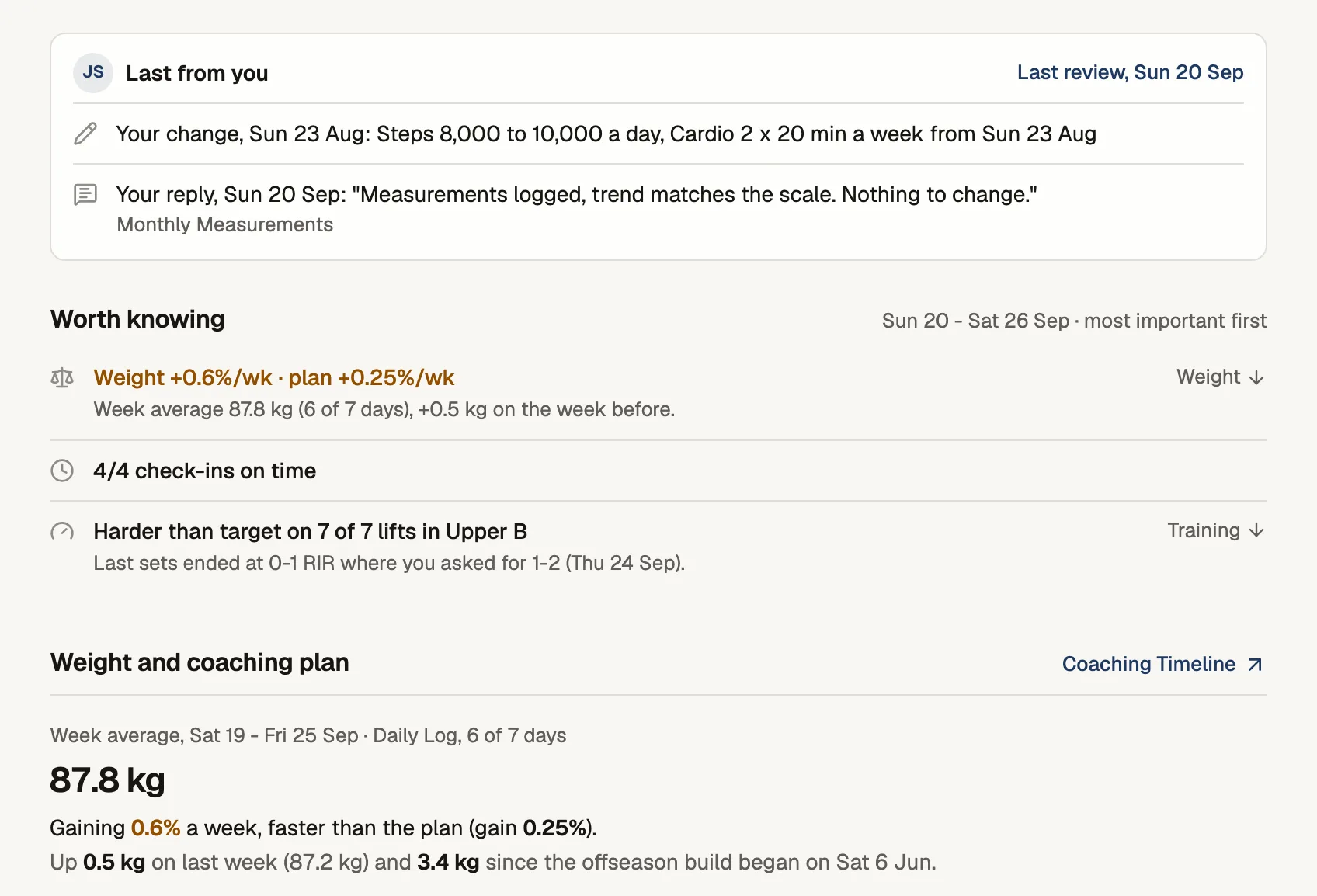
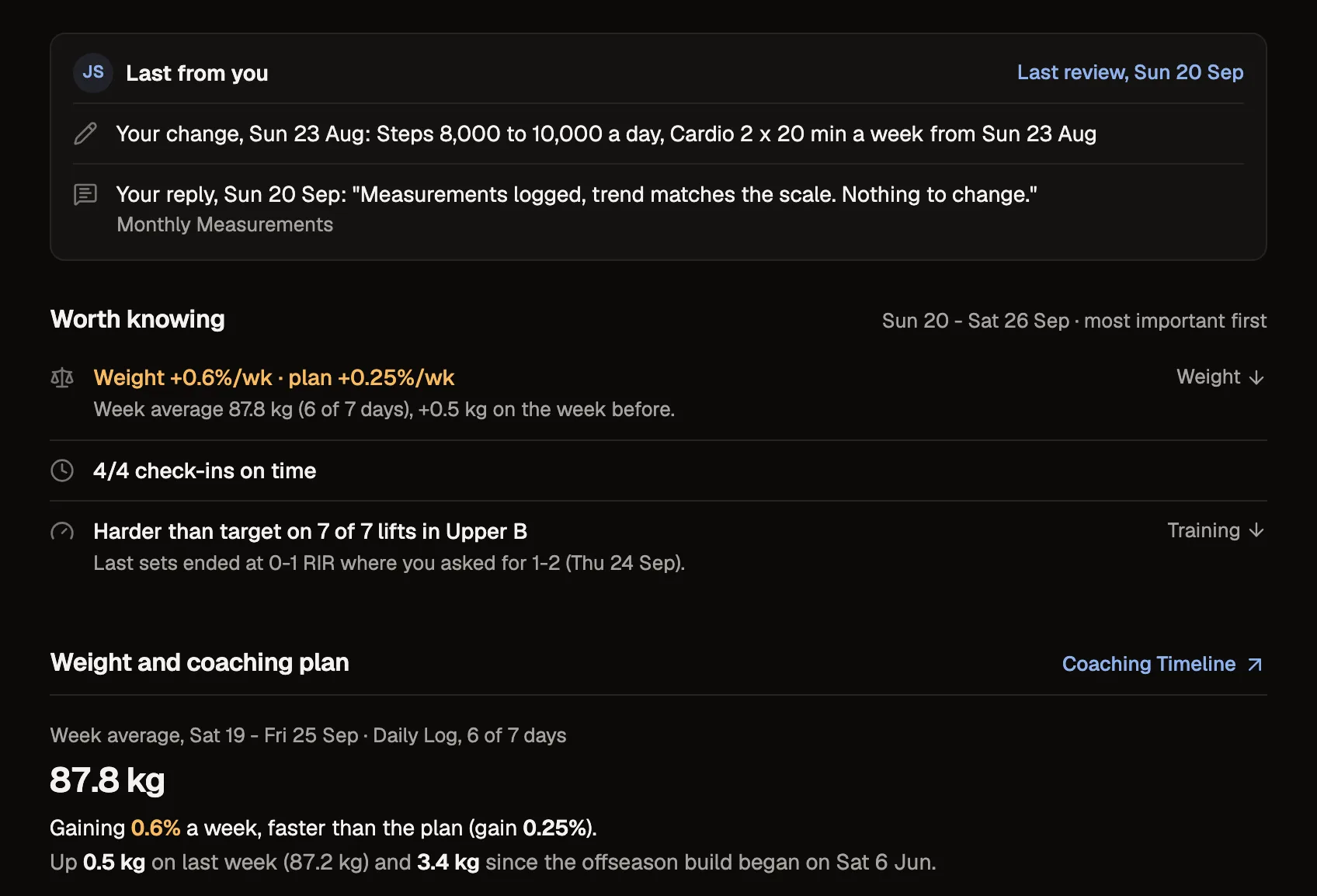
New accounts start with an example client, Alex Rivera, with a real week of training, nutrition and habit data, so nothing is empty on day one. Open Alex's check-in to see the review: their week on the left, your reply on the right. Alex doesn't count towards your plan, and you can remove the example data when you're ready.
Work through your setup list
Home shows a short setup list in the order that fits the answer you gave at signup. Coming from a spreadsheet, it starts with bringing your clients over. Coming from WhatsApp and PDFs, it looks like this:
- 1Turn your weekly message into a check-inClients fill in a form instead of a WhatsApp essay.Open in Tyzra
- 2Turn a PDF plan into a workout planClients log sets on their phone, and changes come back to you flagged.Open in Tyzra
- 3Invite your first real clientEverything you built gets attached to the invite.Open in Tyzra
- 4Review a check-inAlex already submitted one. Review it and send feedback.Open in Tyzra
- 5Meet Alex, your example clientAlex Rivera is a demo client loaded with a real week of training, nutrition, and habit data.Open in Tyzra
Each step opens the page in Tyzra where you do it.
Bring your clients' history
Moving from spreadsheets? Import each client's check-in answers and weights, workouts, food logs and progress photos. See Importing client history. If you'd rather we did it, send us the files from the Clients page.
Your week in Tyzra
Home is Your clients this week: one row per client, grouped into Ready to review, Needs a nudge, Not set up and On track. Start reviewing opens the oldest check-in first. Mark reviewed and next sends your reply and opens the next one, and your drafts are kept if you step away. You'll also get an email when each check-in arrives, with a link to its review.