GuidesCheck-ins
Reviewing check-ins
The Check-ins list, the review screen, your reply, voice replies, snippets and the optional keyboard shortcuts.
Check-ins that are waiting for you are on Check-ins, oldest first. Each row shows what's worth knowing, sessions and weight for that check-in's own period. Start reviewing opens the oldest one.
The review
The review has two columns. On the left, the evidence scrolls:
- the days the check-in covers, and the plan for that week
- your last change and your last reply
- what's worth knowing, most important first
- weight by week against the plan
- daily entries since the last check-in
- their answers, training, nutrition and habits for the period
- photos next to the last check-in and the one from four weeks ago
On the right, your reply stays in view the whole time.
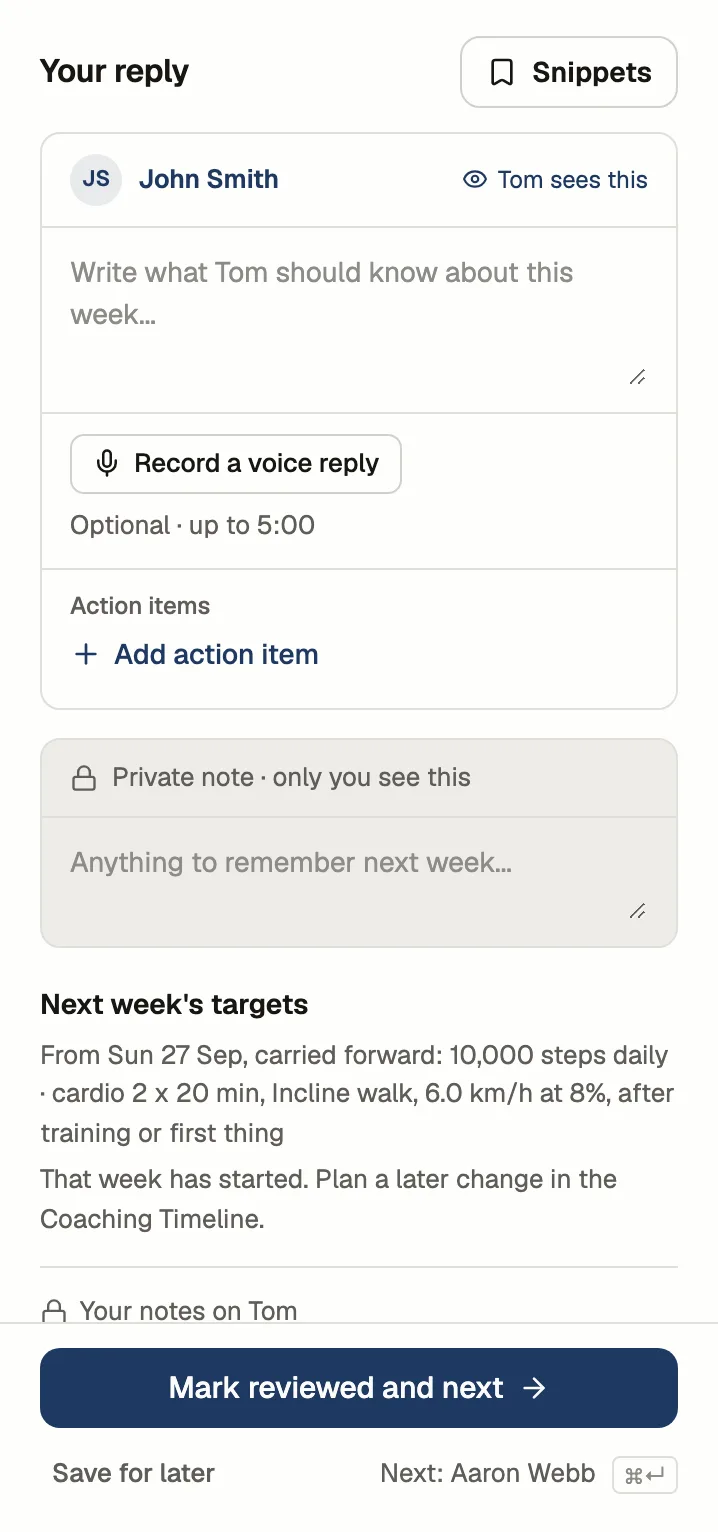
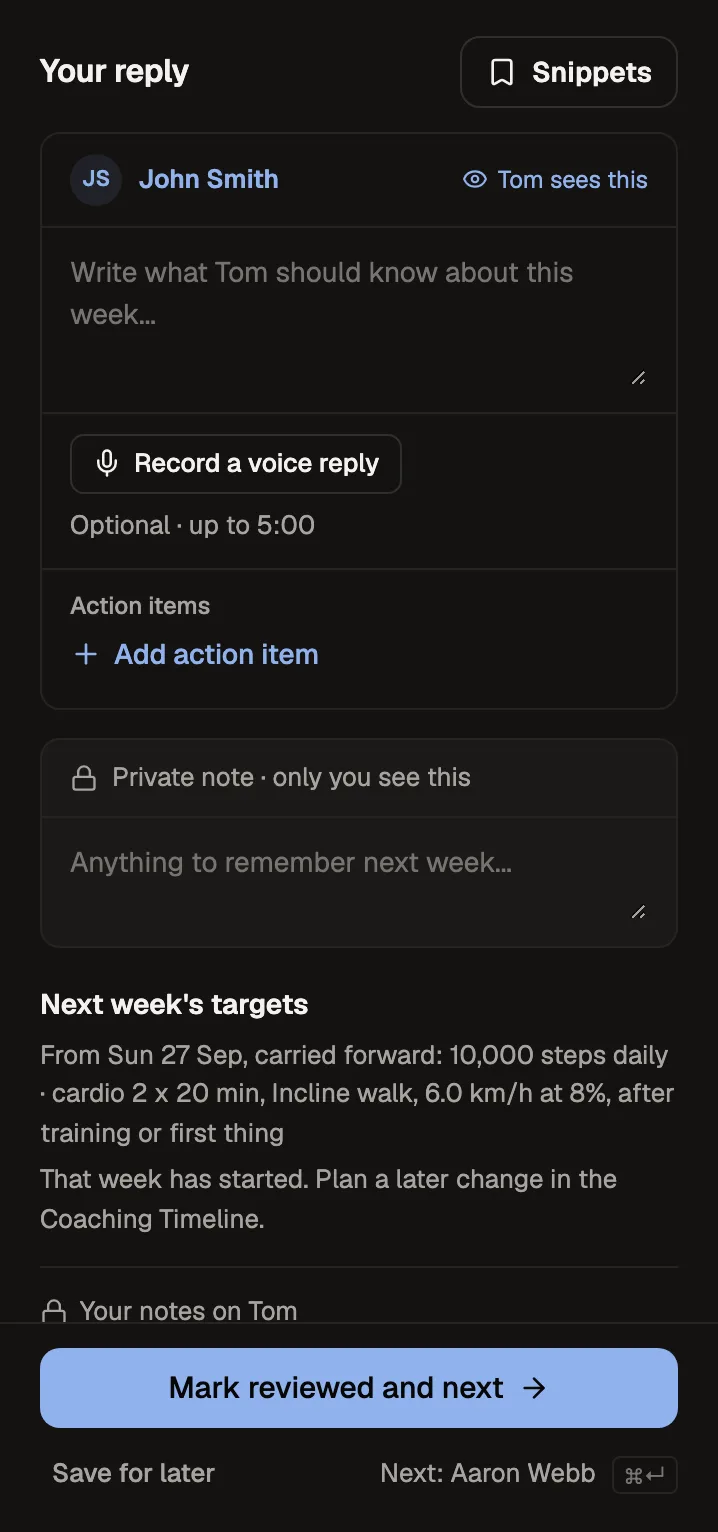
Your reply
What you write reaches the client once you mark the check-in reviewed:
- Your reply, which the client reads first
- Action items for the coming week
- An optional voice reply, up to 5 minutes
The private note is only ever shown to you.
Snippets are saved replies (up to 50) for the things you say often. Drop one in and edit it from there.
Working through the list
Mark reviewed and next sends your reply and opens the next check-in, behind a "2 of 8" stepper. Save for later keeps your draft without sending it, and drafts are kept as you move between check-ins.
Keyboard shortcuts
Every action has a button, and shortcuts are there if you want them. Press ? in the dashboard to see them all.
| Where | Keys | Action | | --- | --- | --- | | Anywhere | ⌘ K | Search | | Anywhere | G then C | Go to Check-ins | | Review | ⌘ Enter | Mark reviewed and next | | Review | ⌘ S | Save for later | | Review | J / K | Next / previous check-in |