FeaturesHabits
Habits
Give clients daily habits, or ones to do a few times a week. They tick them off on their phone, and you see the week when you review.
Where a habit shows up
- 1You assign it
Daily, or a number of times a week.
- 2They tick it off
On their Home, with a tap, a number or a time.
- 3You see the week
The review shows each habit's days for the period.
- 4You adjust
Change it, pause it, or mark it graduated.
Habits your way
Each habit is tracked as yes/no, a number with a unit, a scale or a time of day, with an optional cue for when it happens. Set it daily, or a target of 1 to 7 times a week.
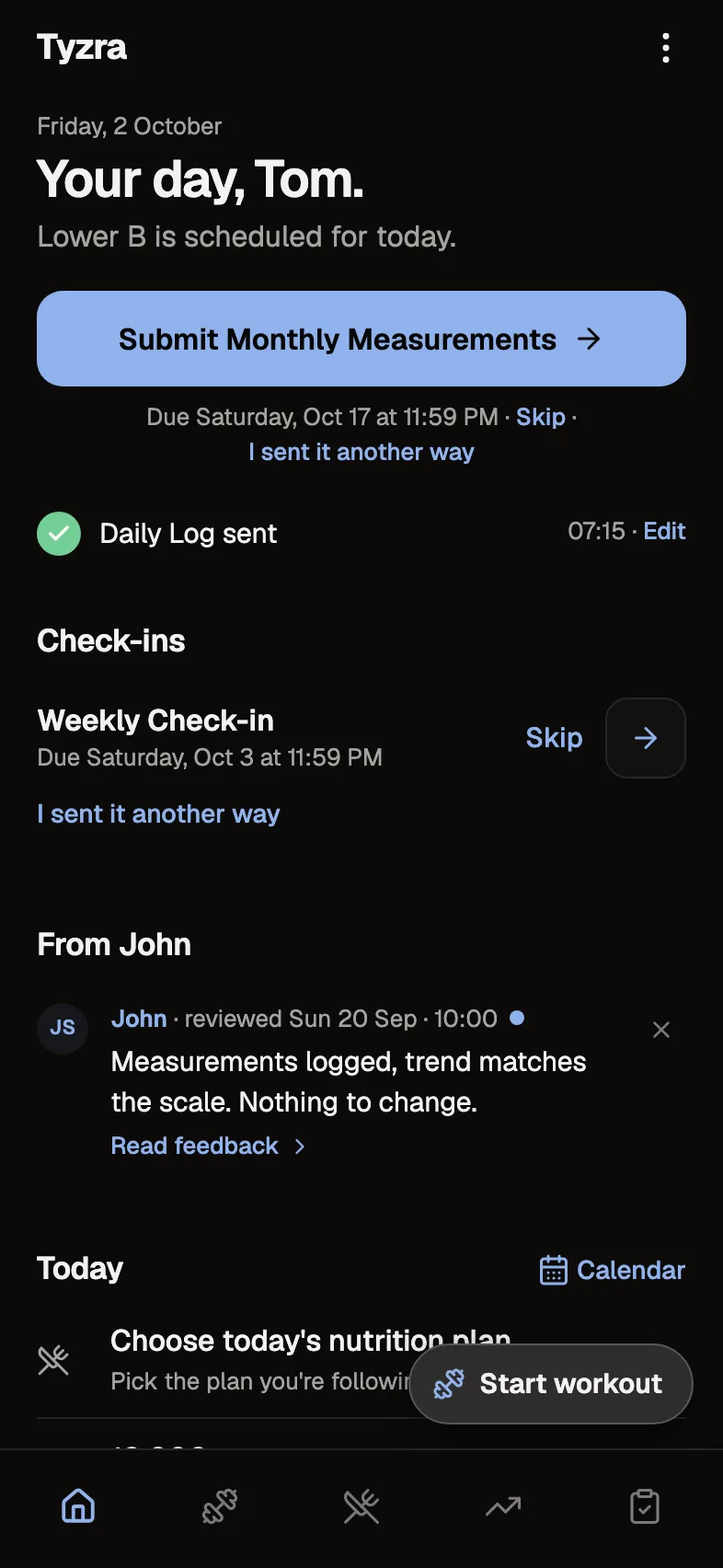
Ticked from Home
Habits sit on the client's Home for the day. Clients can add their own habits too, and you see those alongside yours.
In the review
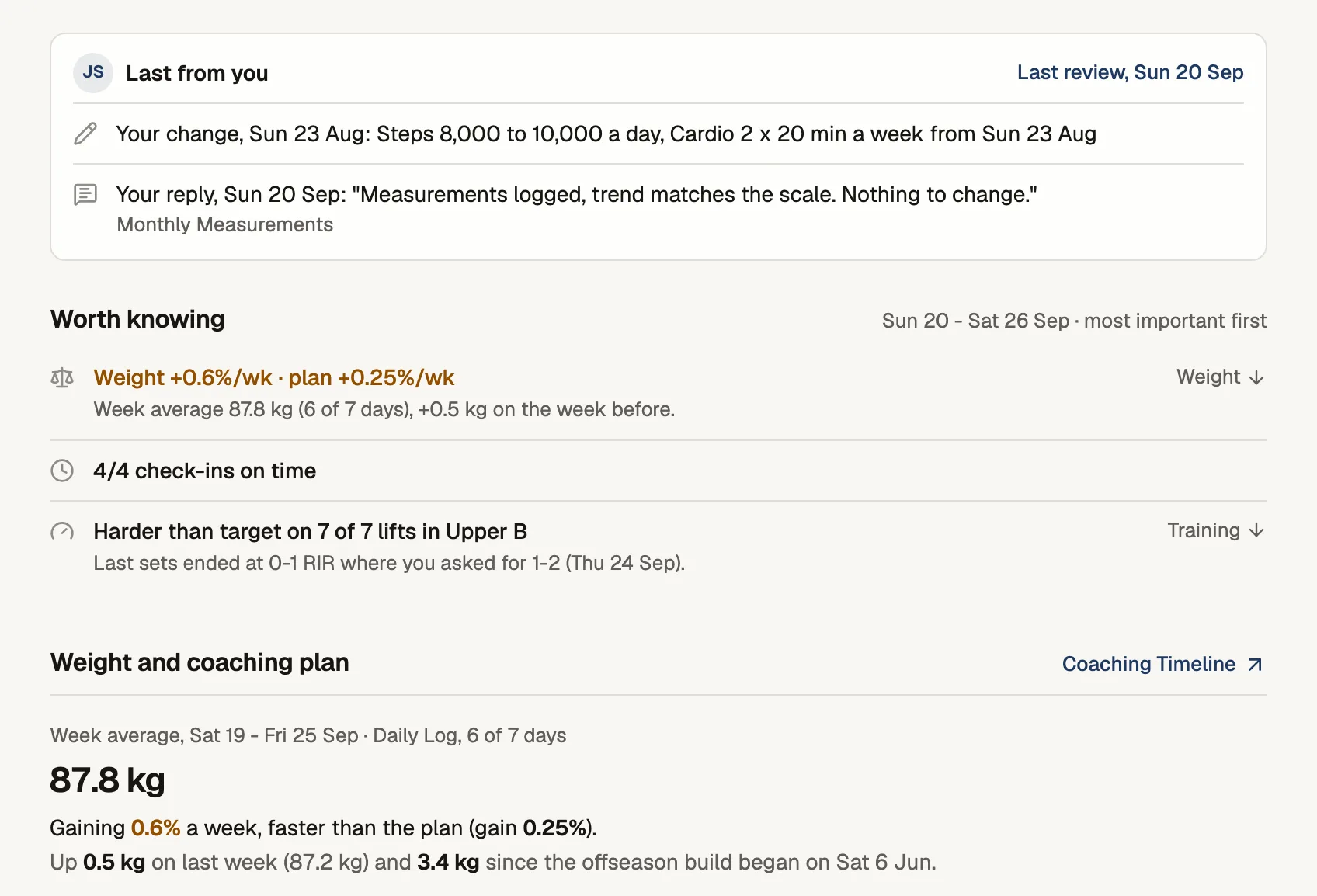
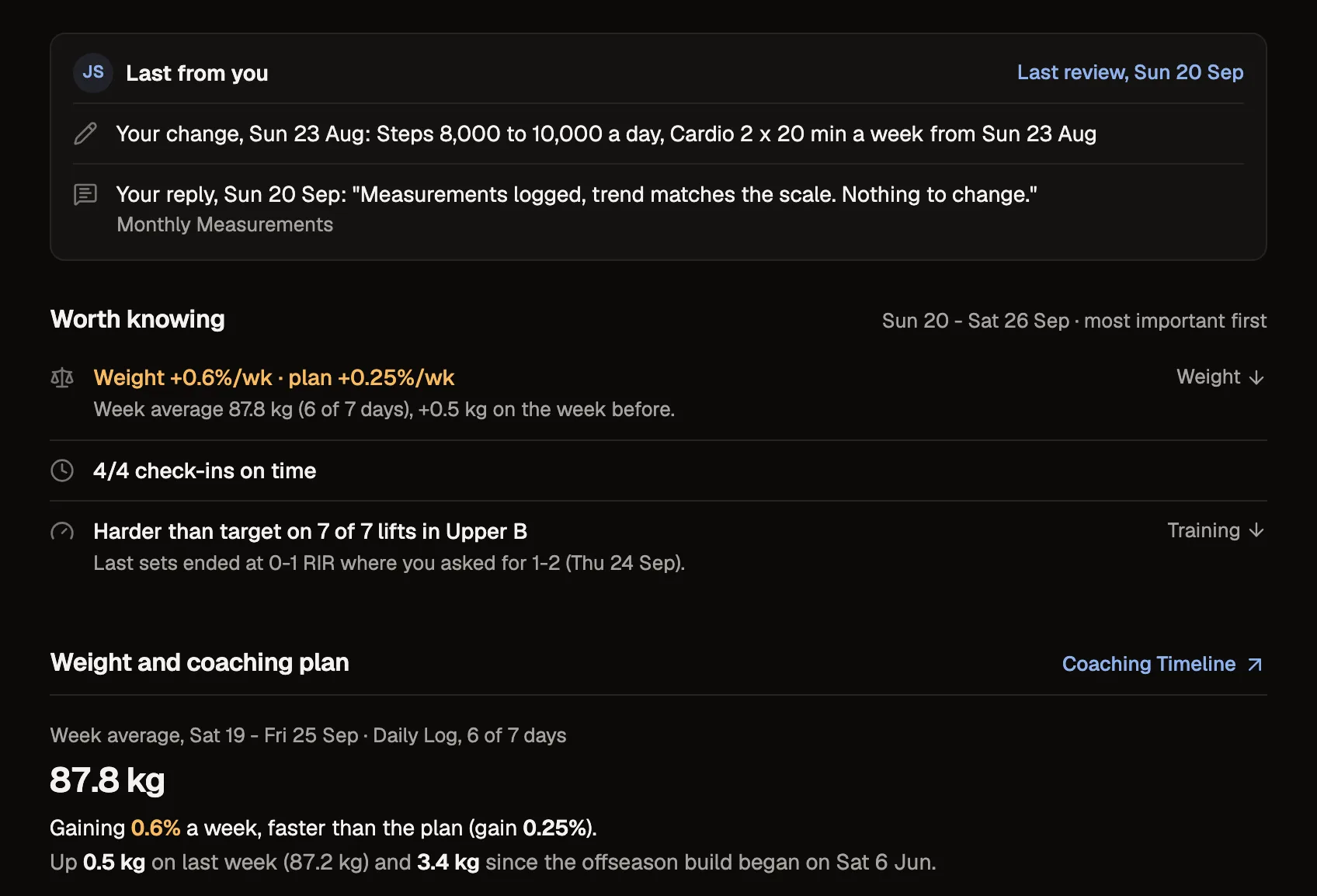
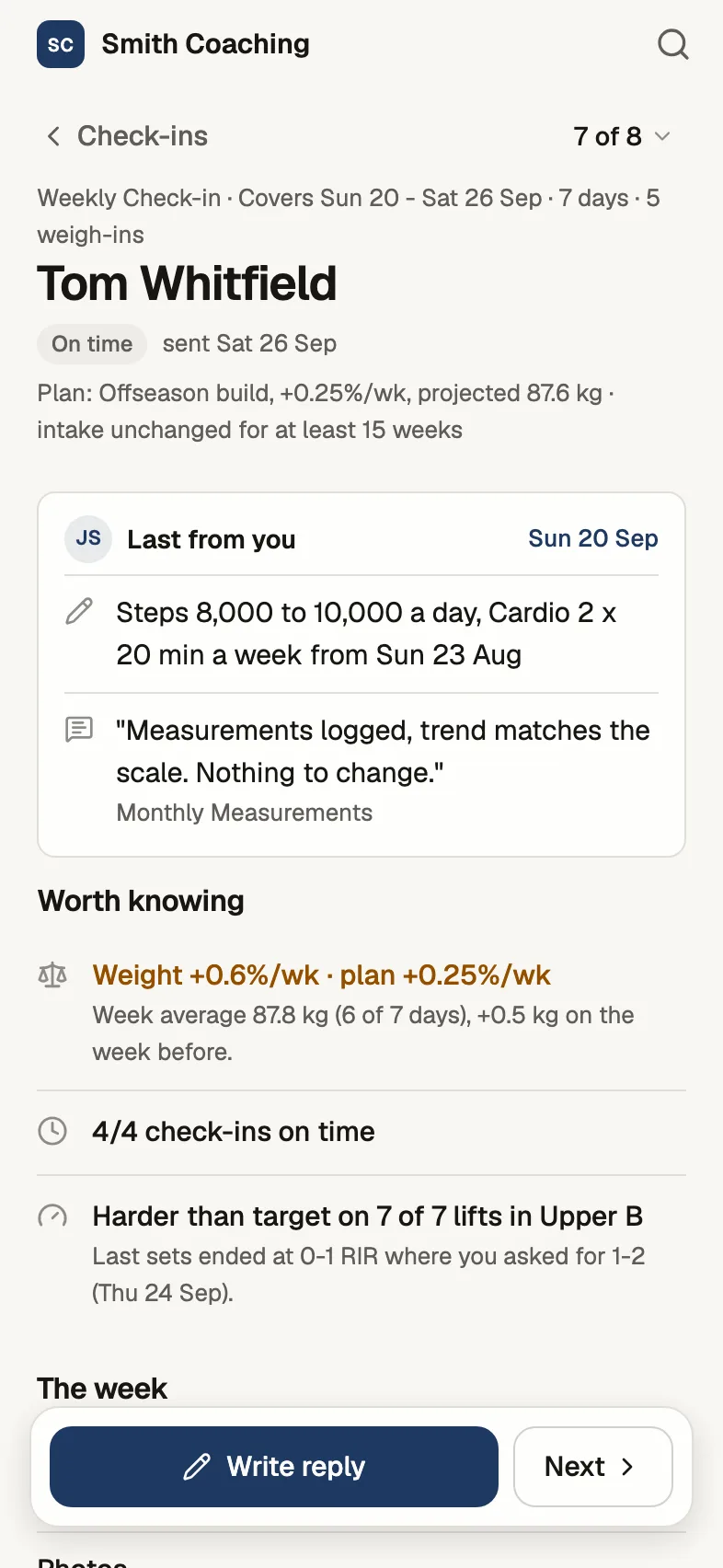
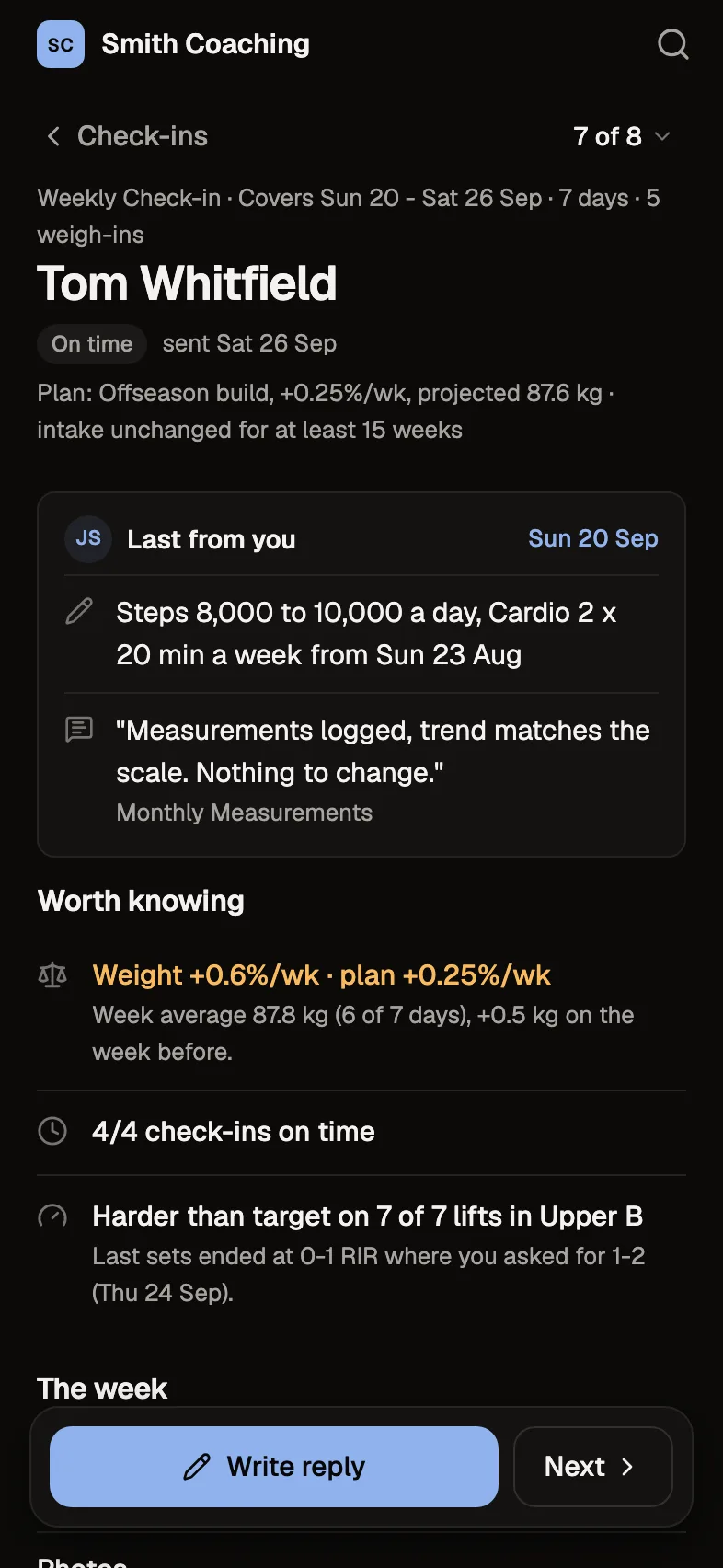
The check-in review shows each habit's days for the period it covers, next to the rest of their week.
The details
- Tracking
- Yes/no, a number with a unit, a scale, or a time
- Cadence
- Daily, or 1 to 7 times a week
- Client habits
- Clients can add their own
- Status
- Active, paused or graduated
Questions about habits
Can clients add their own habits?
Yes. Any client can add a habit, and you see it with yours.
Can I pause a habit without losing history?
Yes. Pause it or mark it graduated, and its history stays.
Can a habit be a few times a week?
Yes. Set a weekly target of 1 to 7 times.
Do habits show in the check-in review?
Yes. The review shows each habit's days for the period the check-in covers.
Try every feature free for 30 days.
No card and no client limit. After that, Free covers up to 2 clients.