FeaturesNutrition and meal plans
Nutrition
Food logs, meal plans and photo food journals, all in the check-in review.
Photo food journals for nutrition coaches
How each client records food
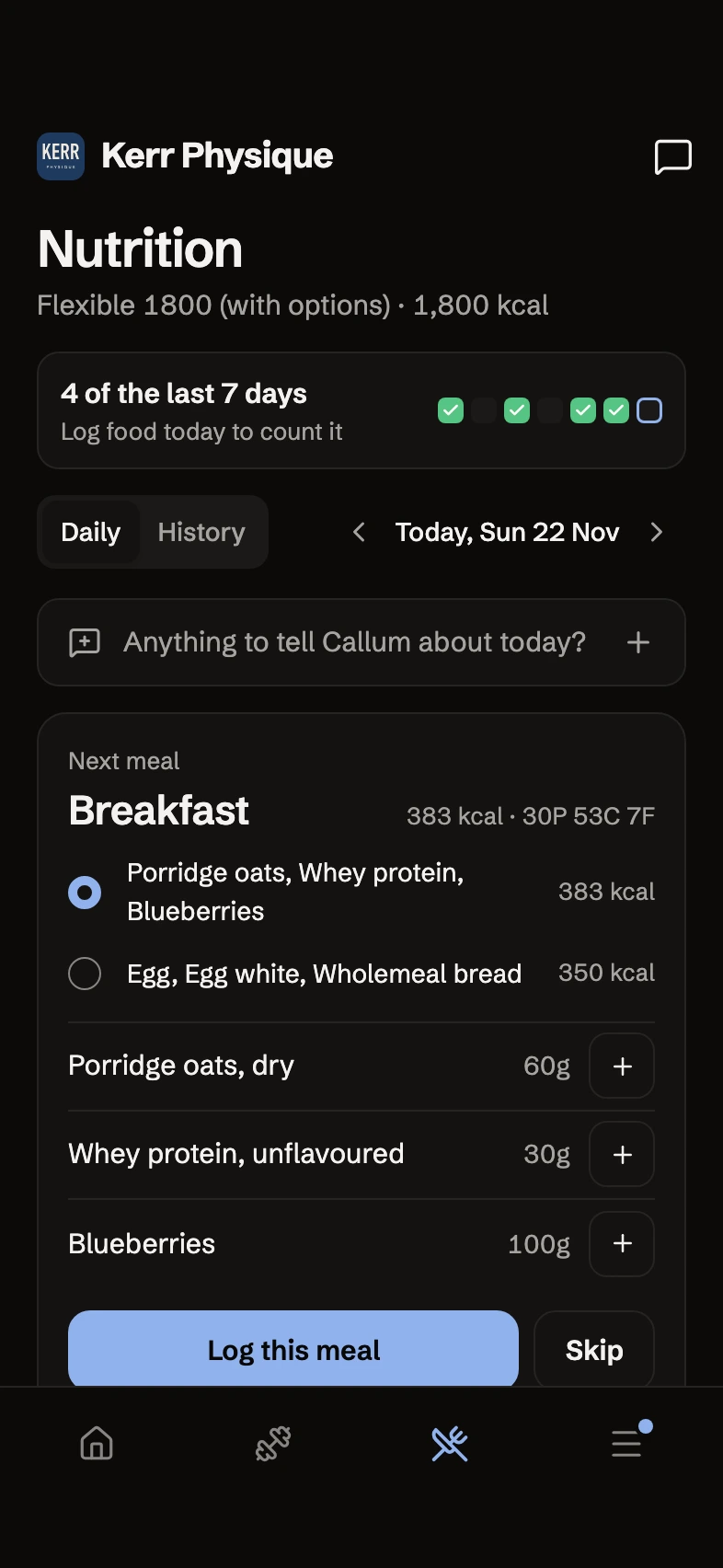
Set each client to Logs food, Ticks plan meals or Sends photos, and switch them any time.
What each setting does
Logs food: they search foods, scan barcodes or type entries, following a meal plan or only targets. Ticks plan meals: they tick off the meals in their plan and log water, with no food search. Sends photos: they photograph what they eat and see no plan or numbers. You choose on each client's Nutrition tab.
Meal plans with options
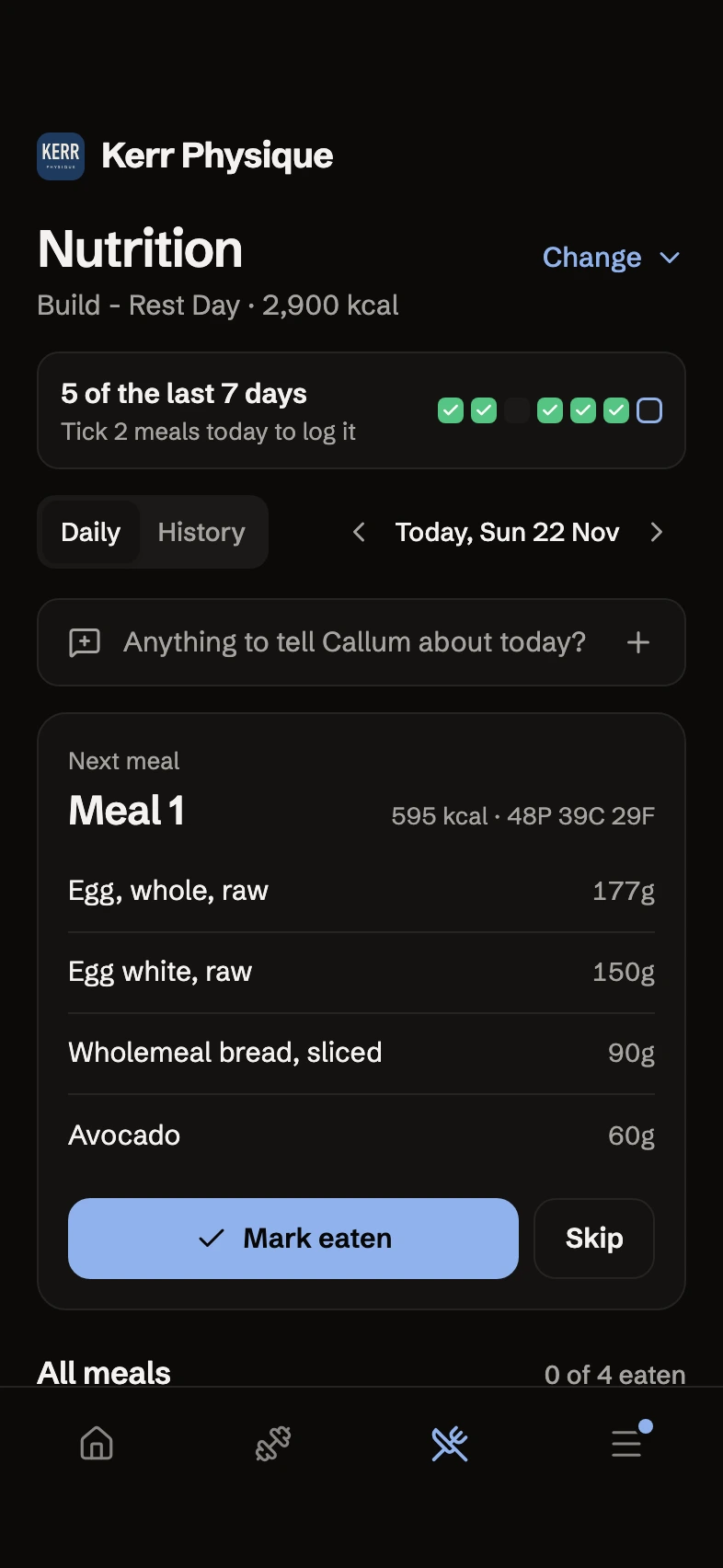
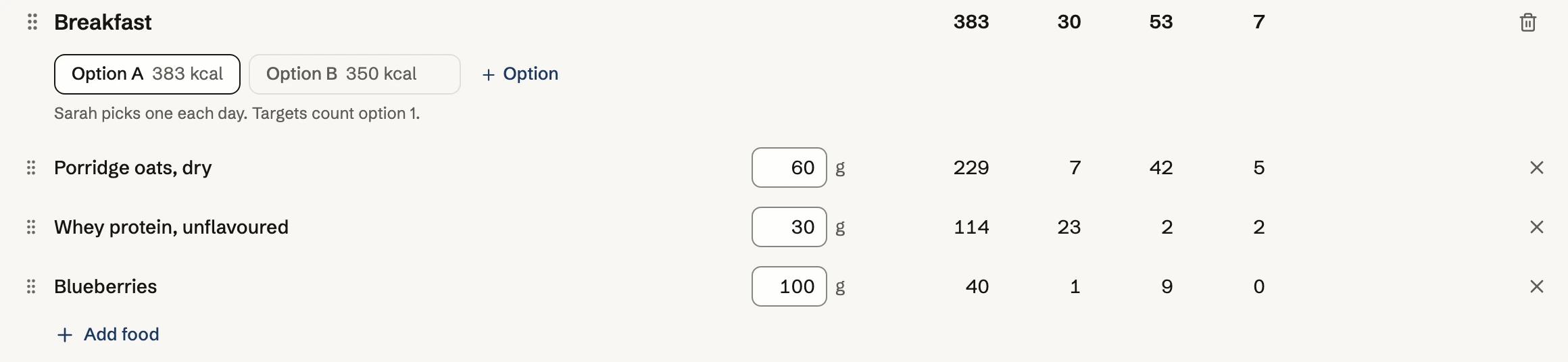
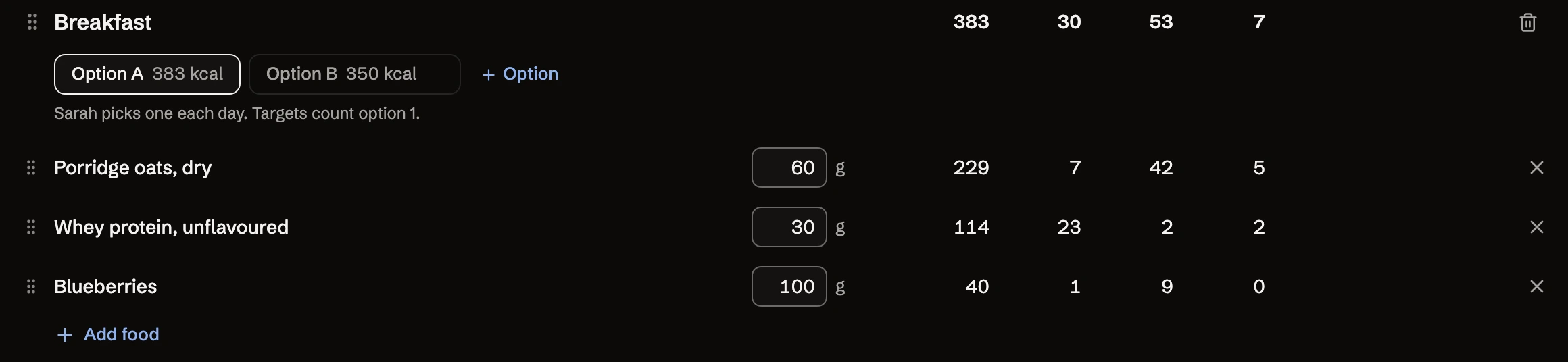
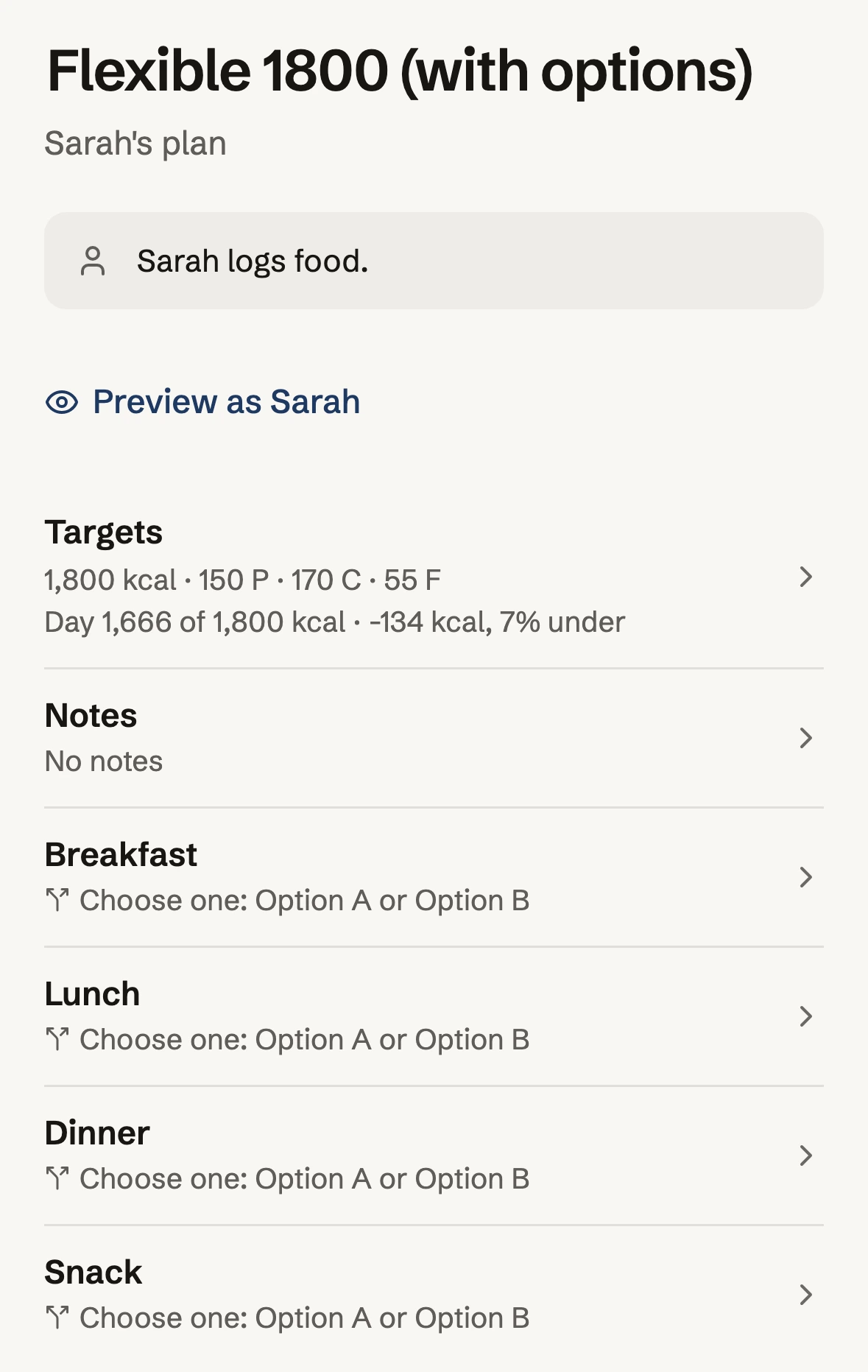
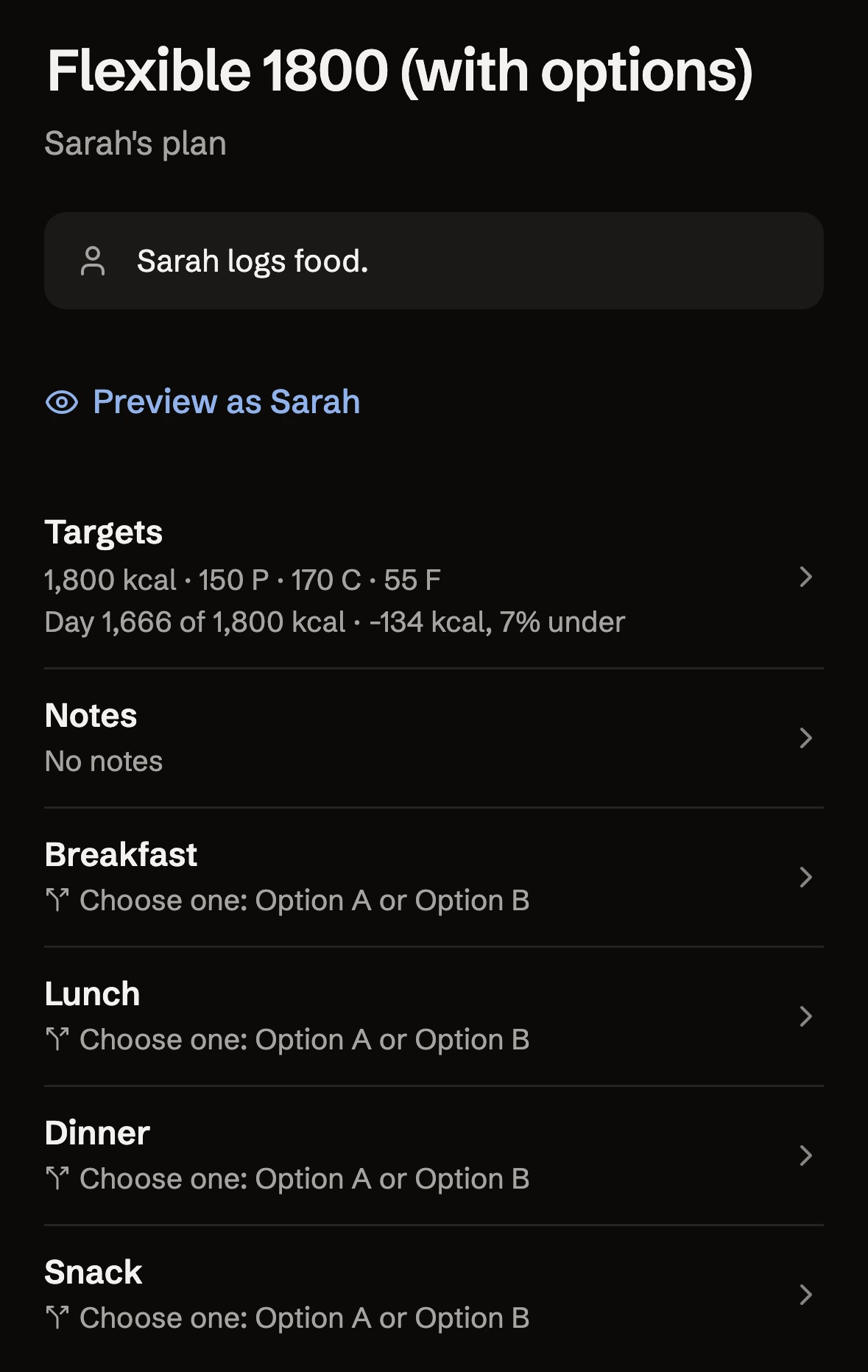
Each meal can offer up to 6 options, so a client picks the one that suits the day.
Training day and rest day meal plans
Give each kind of day its own targets, and the client's phone opens on that day's plan.
Two ways to set it up
One plan can hold several labelled days, each with its own targets. Or make a plan for each kind of day and set the weekdays it runs on, so the phone opens on that day's plan. The client can switch to another of your plans, and a day you leave open is theirs to choose.
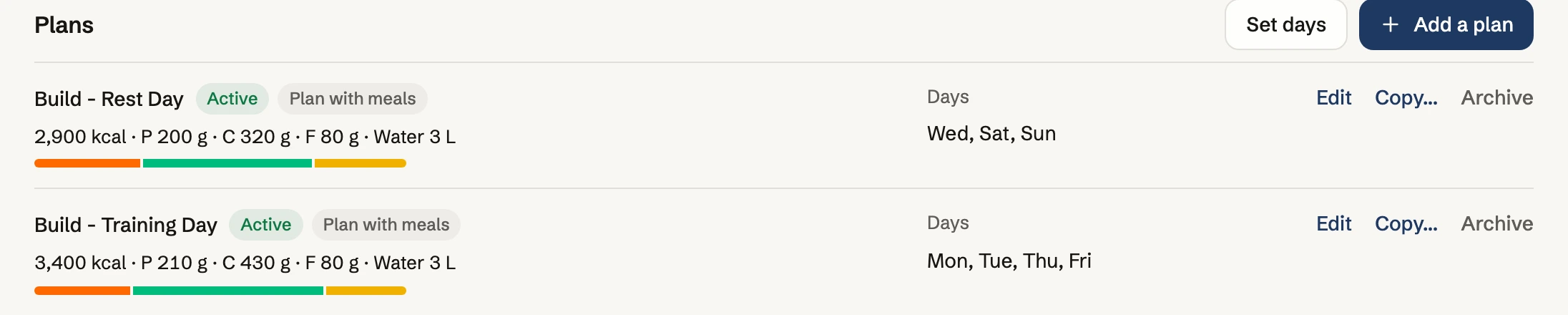
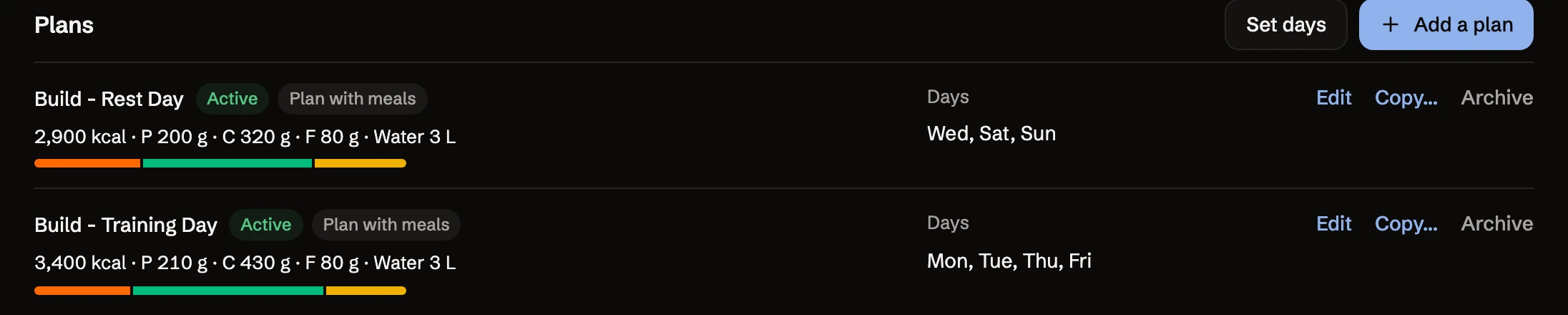
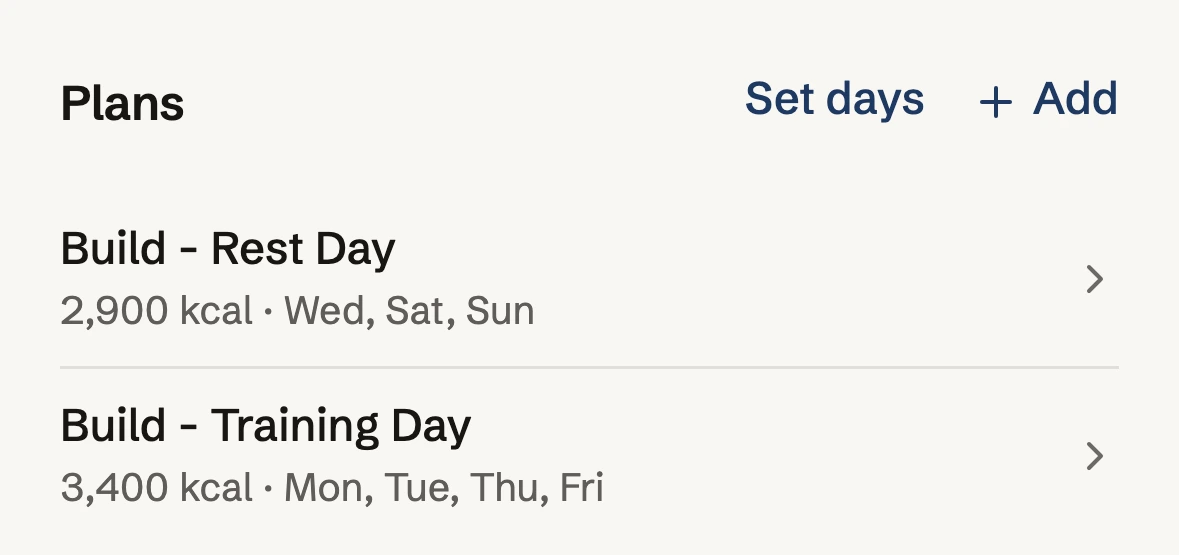
Photo food journals for nutrition coaches
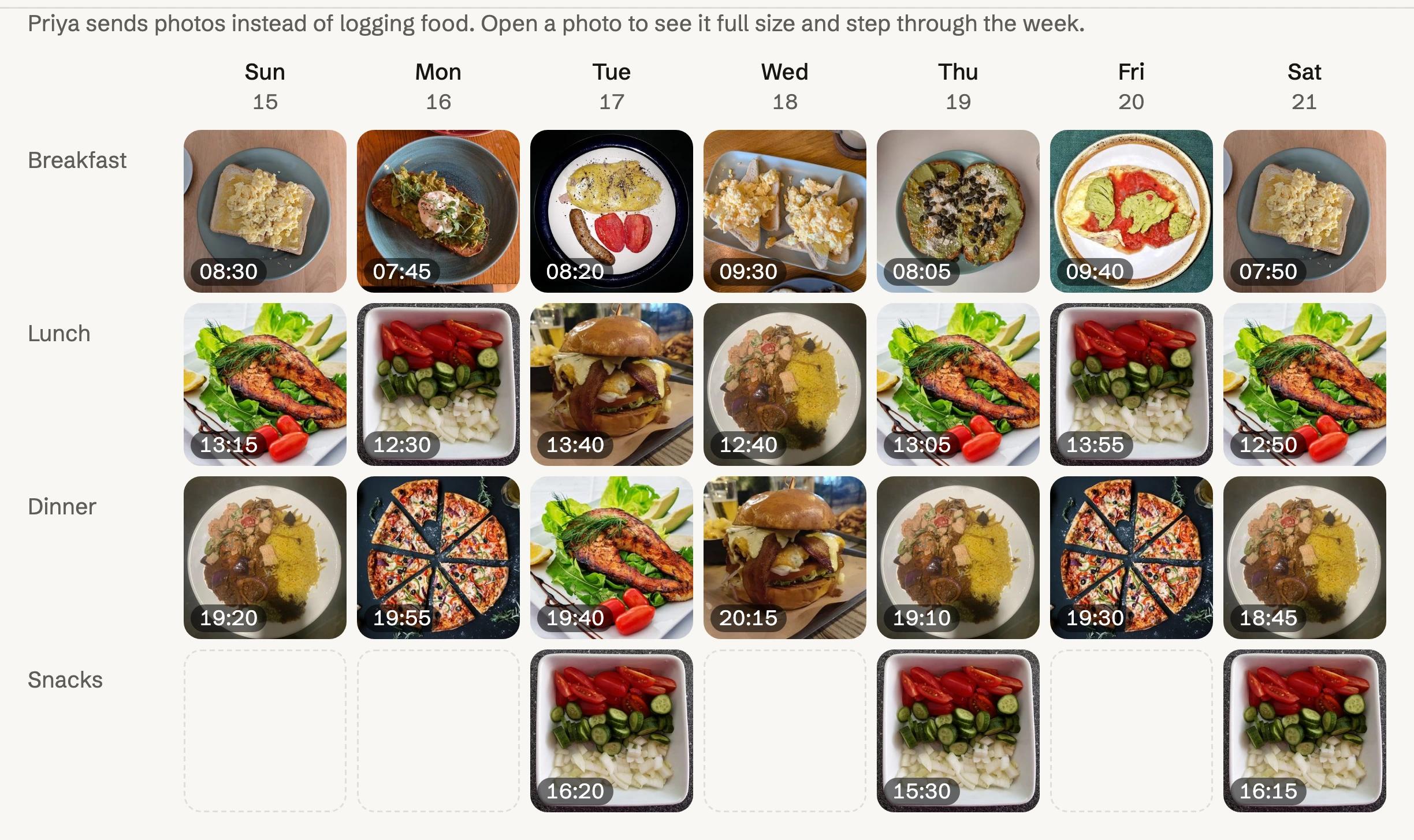
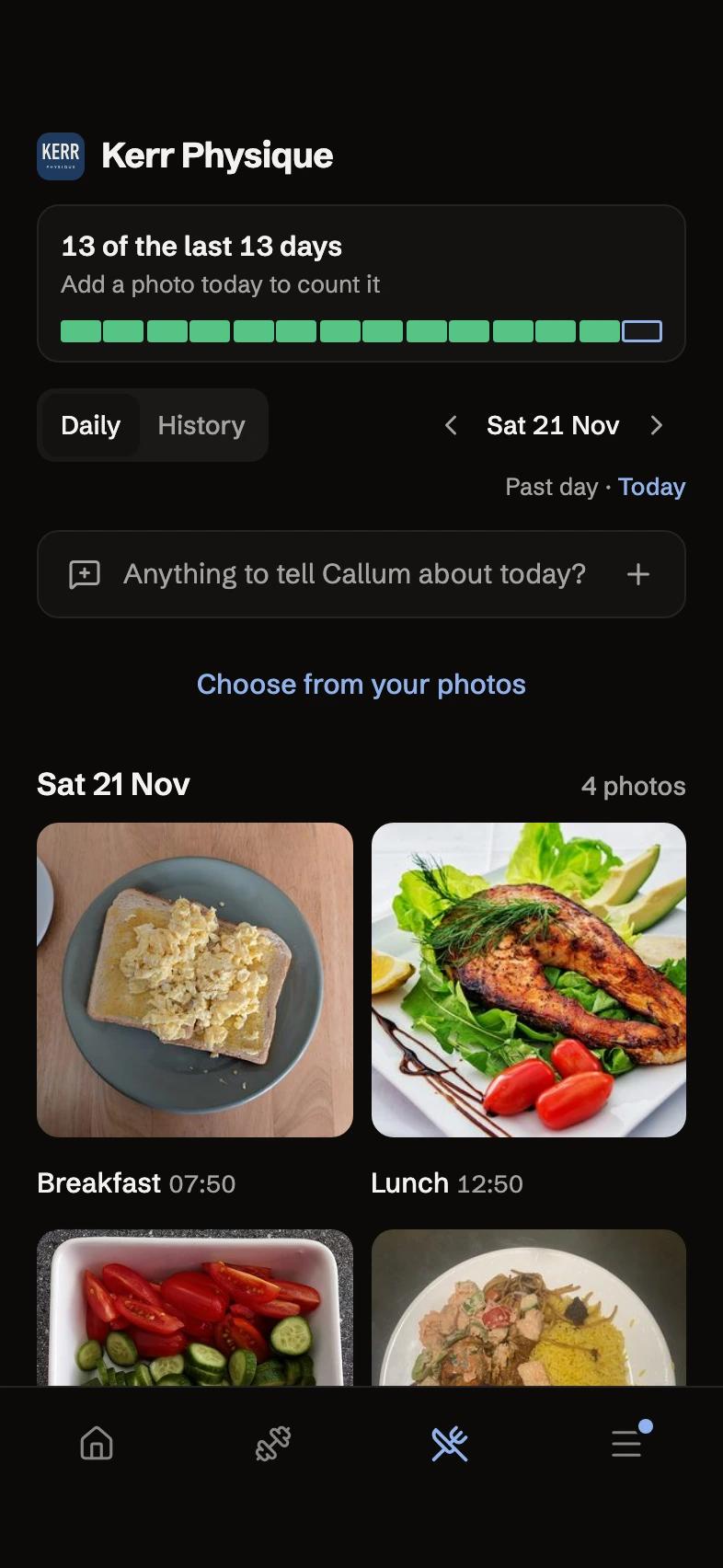
Clients who won't count calories photograph their meals, and you read the week by meal and day in the check-in review.
What the client sees, and how you reply
On Sends photos, the client's Nutrition tab shows your instructions, a button to take a photo today and each day's photos with the meal and time, and no plan, targets, totals or calorie estimates. The photo's time picks the meal, and they can change it. In the review you open any photo full size. To answer a meal, add it to your weekly reply with a line of your own, up to 10 meals a reply. There are no comments on single photos, so it never becomes a second chat. If you want numbers from a client, switch them to Logs food.
How nutrition coaching works
- 1You set it up
Choose how each client records food, and add their plans.
- 2They follow it
They log food, tick off plan meals or photograph what they eat.
- 3You see it in the review
Their logs, ticked meals or photos for the days the check-in covers.
Questions about nutrition
Do clients need MyFitnessPal or another tracking app?
No. Food search and barcode scanning are part of the client app, along with your own recipes and foods.
Can a client follow a plan without counting anything?
Yes. Set them to Ticks plan meals and they tick off the meals in the plan, with no totals or food logging.
Can clients send photos of their meals instead of logging food?
Yes. Set them to Sends photos and they see your instructions and their photos, with no plan, targets or calorie estimates. You read the week's meals in the check-in review and answer a meal in your weekly reply, with no comments on single photos.
Does Tyzra estimate calories from meal photos?
No. You read the photos yourself, and the client sees no numbers. To get numbers from a client, switch them to Logs food.
Can different days have different targets?
Yes. One plan can hold several labelled days, each with its own targets, or you can make a plan for each kind of day, such as a training day and a rest day, and set the weekdays it runs on.
Can clients swap meals on a plan?
Yes. A meal can have up to 6 options, and the client picks one.
The details
- Meal options
- Up to 6 options a meal
- Meal photos
- Up to 12 a day
- Recipes and foods
- Keep your own recipes and custom foods. Food search has them, the client's saved foods and a UK food database
- Barcodes
- Scan packaged food on the phone
- Shopping list
- Built from the meal plan for the days they pick
- Supplements
- A list per client on their Nutrition tab
- Plan changes
- Highlight a change and they see what changed when they next open Nutrition
Try every feature free for 30 days.
No card and no client limit. After that, Free covers up to 2 clients.