FeaturesCoach dashboard
Coach dashboard
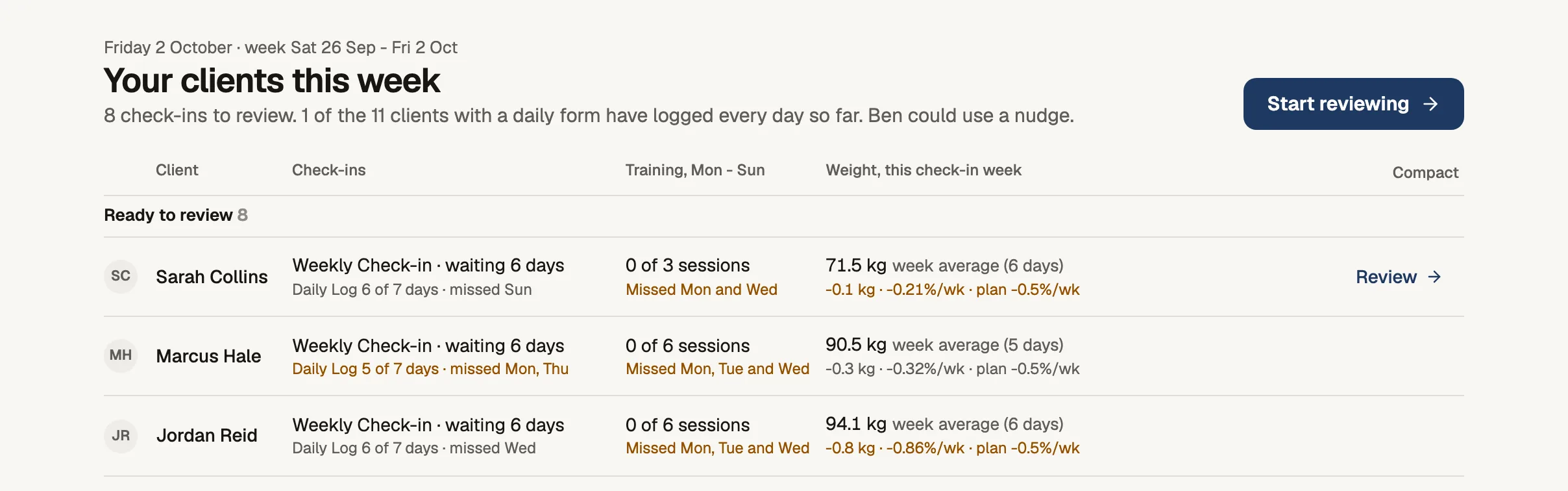
When you log in, Home shows every client in one list, grouped by what they need from you this week.
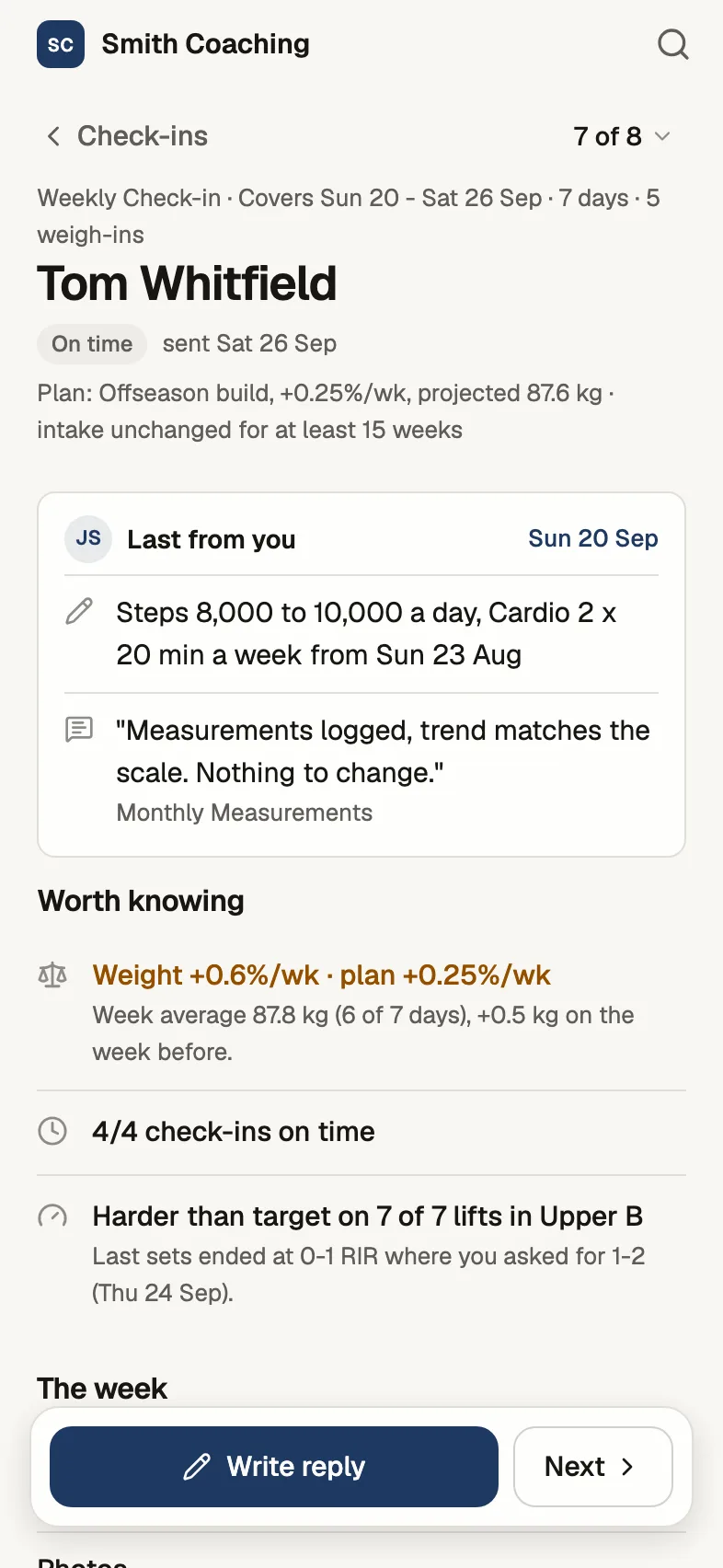
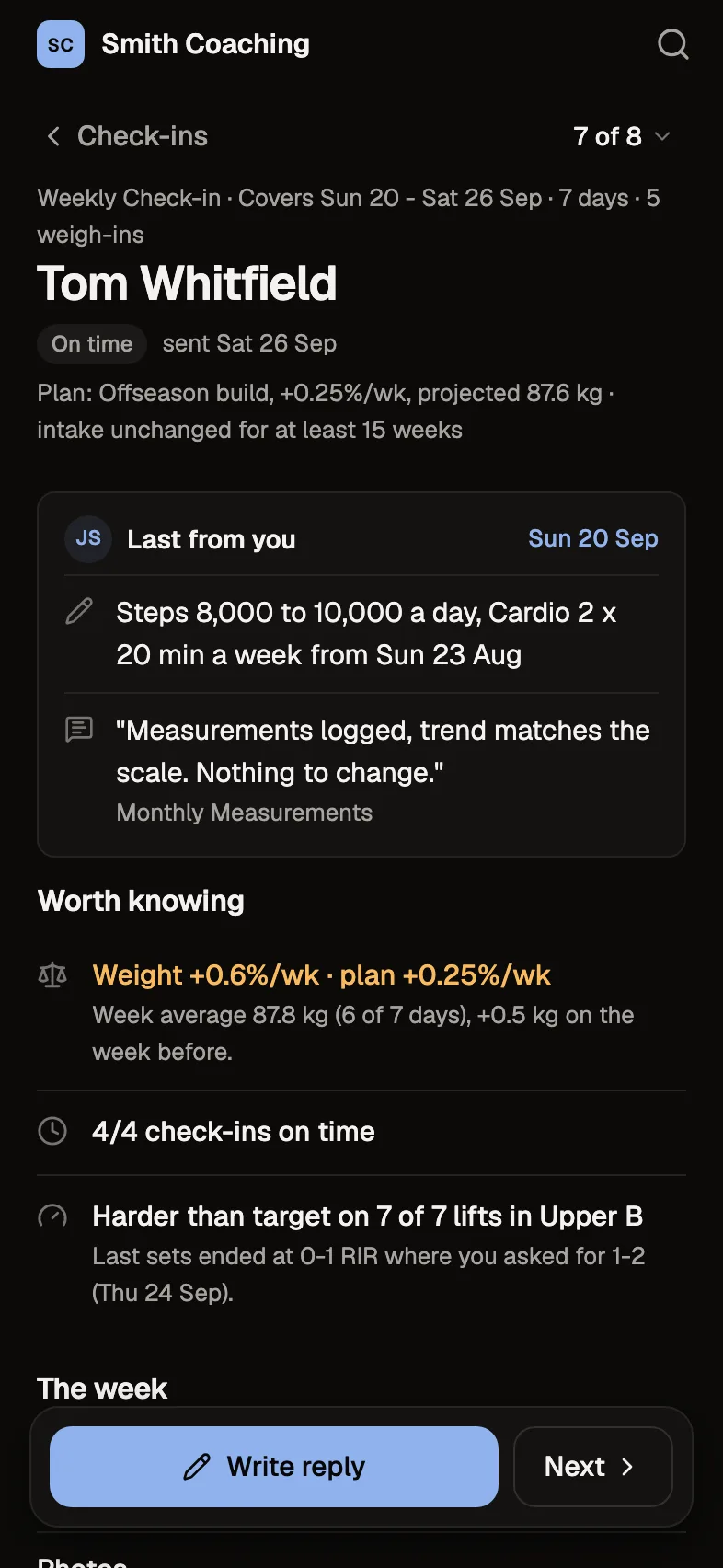
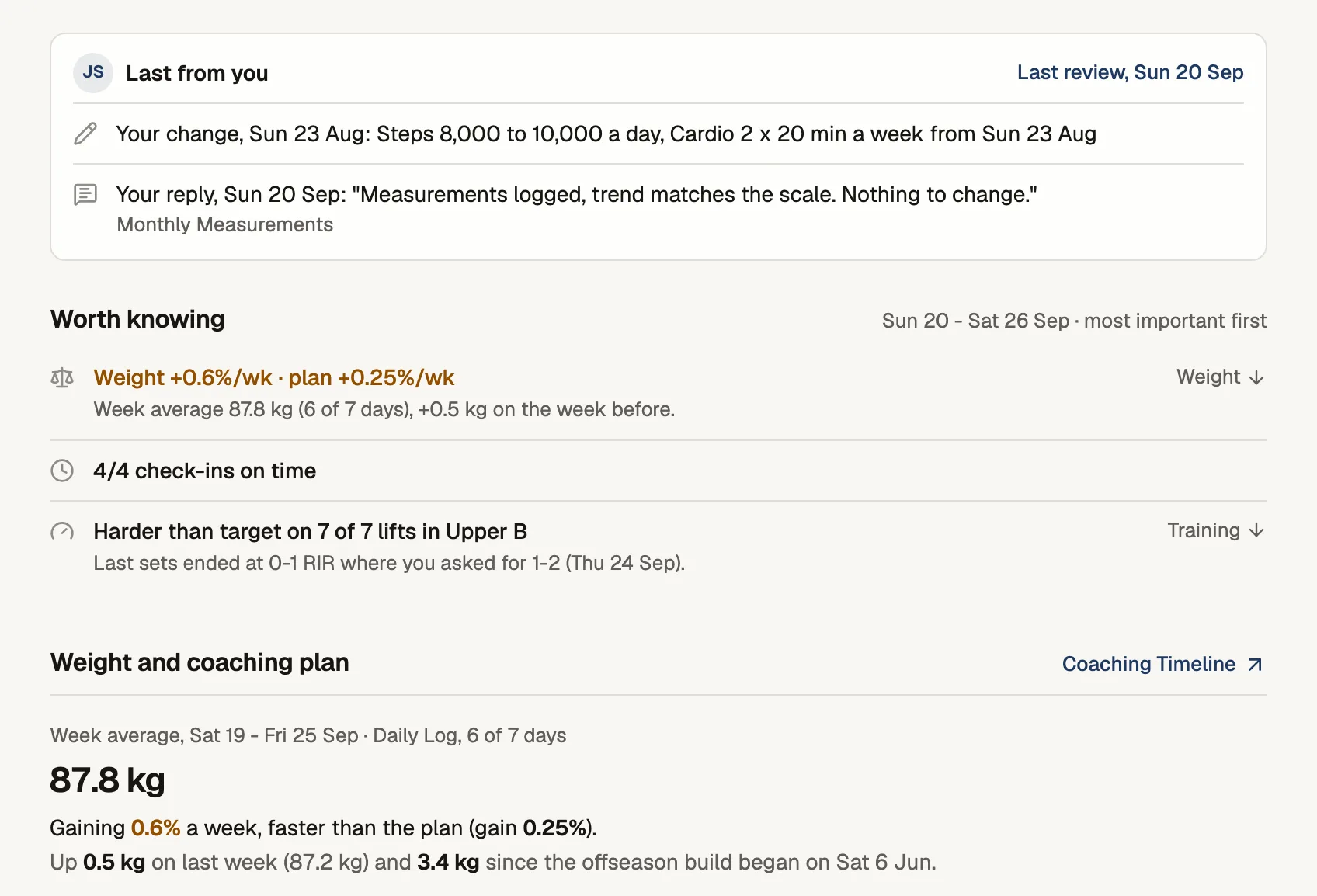
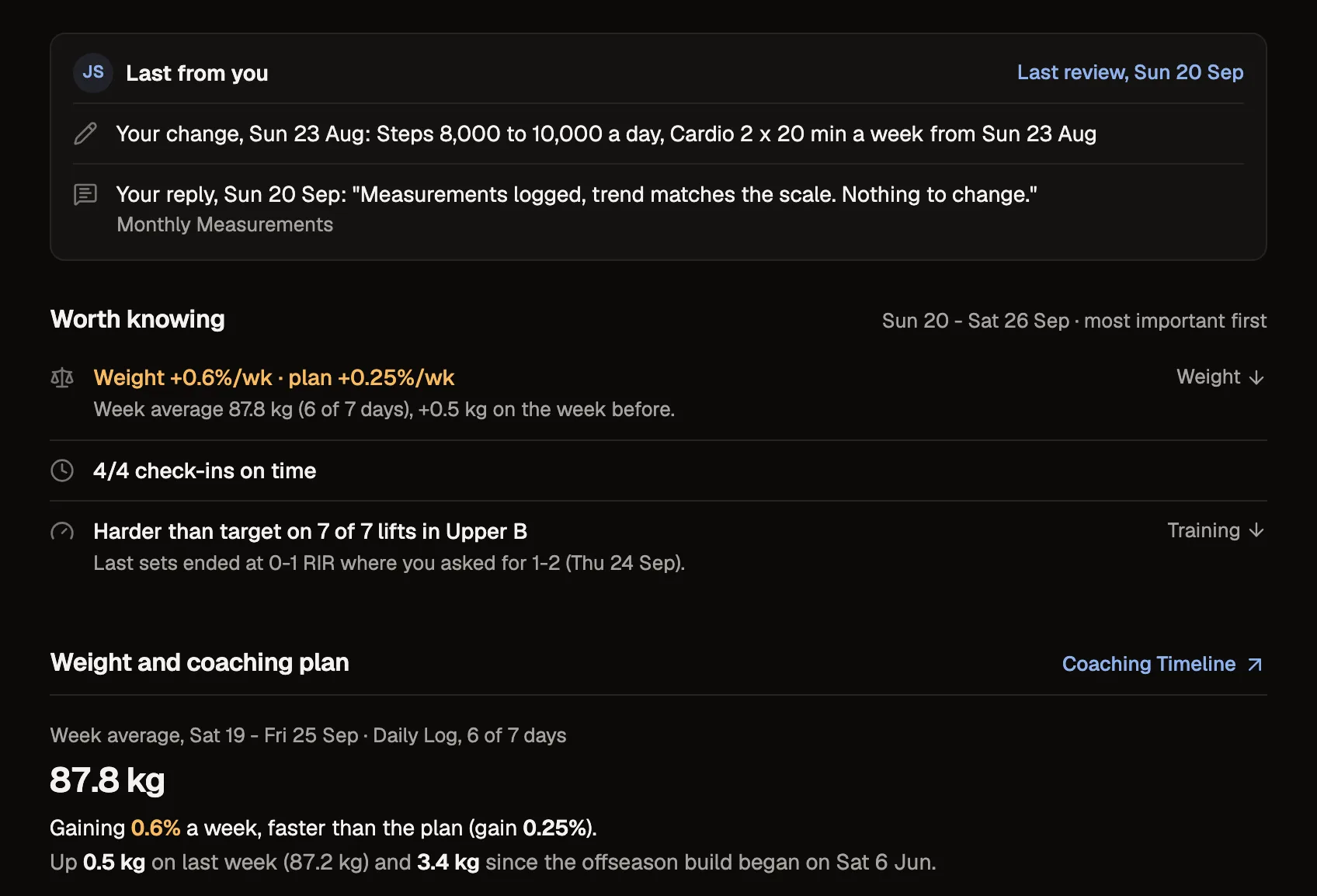
Tom's check-in, as you review it on your phone
Where Home fits
- 1You log in
Home lists every client, grouped by what they need.
- 2You start reviewing
The oldest check-in opens first.
- 3You work through them
"Mark reviewed and next" opens the next one.
- 4You nudge the rest
Clients who are late or not set up sit in their own groups.
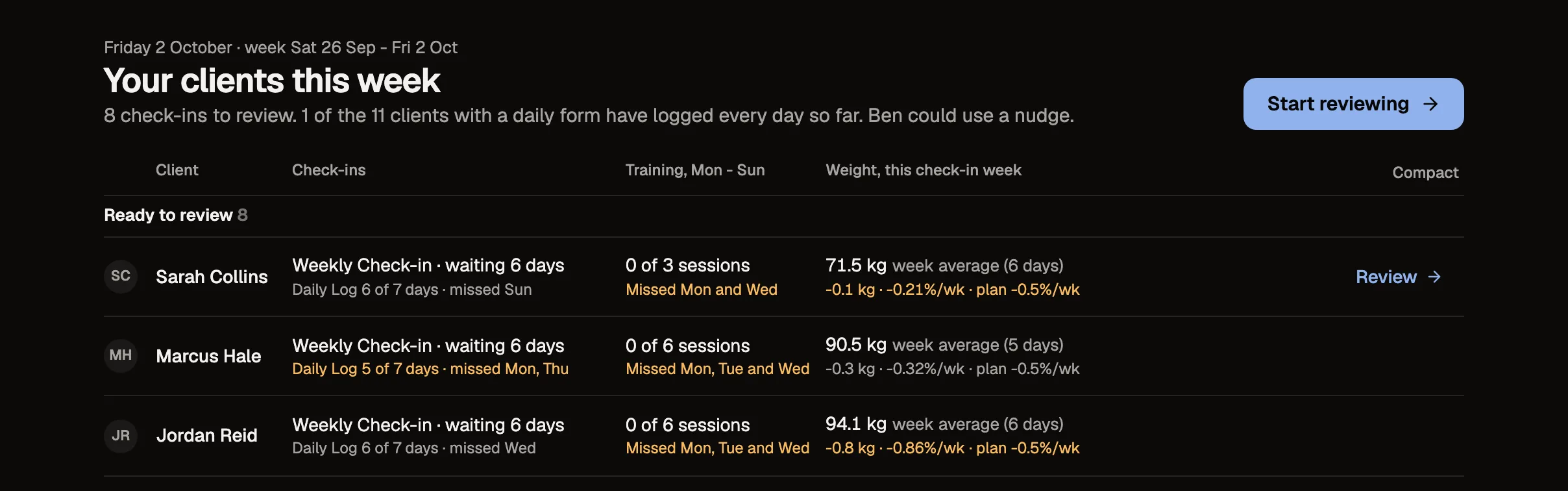
Your clients this week
One row per client, grouped into Ready to review, Needs a nudge, Not set up and On track. Each row names the client's own forms, counts their daily form in days, and shows their training and weight for the week.
Check-ins, oldest first
The Check-ins list shows each check-in with what's worth knowing, sessions and weight for its own period. Start reviewing opens the oldest one.
Check-in emails
When a client sends a check-in, you get an email naming them and the form, with a button that opens the review. You can turn your emails off in Settings. Clients get their reminder on the day a check-in is due.
On your phone too
On a phone the dashboard has its own layout, so you can read a check-in, reply and mark it reviewed away from your desk.
The details
- Groups
- Ready to review, Needs a nudge, Not set up, On track
- Check-ins
- Oldest first, each with its own period
- Emails
- One when each check-in arrives
- Search
- Clients and plans, from any page
- Phone
- Read, reply and mark reviewed
Questions about coach dashboard
Will I get an email for every check-in?
Yes, one when each check-in arrives, with a link to its review. Daily logs don't send one. You can turn your emails off in Settings.
Does it work on my phone?
Yes. The dashboard has a phone layout for reading check-ins, replying and marking them reviewed.
Can more than one coach share an account?
Not today. Each account is one coach with their own clients.
Can I search from any page?
Yes. Search finds clients and plans from anywhere in the dashboard.
Try every feature free for 30 days.
No card and no client limit. After that, Free covers up to 2 clients.